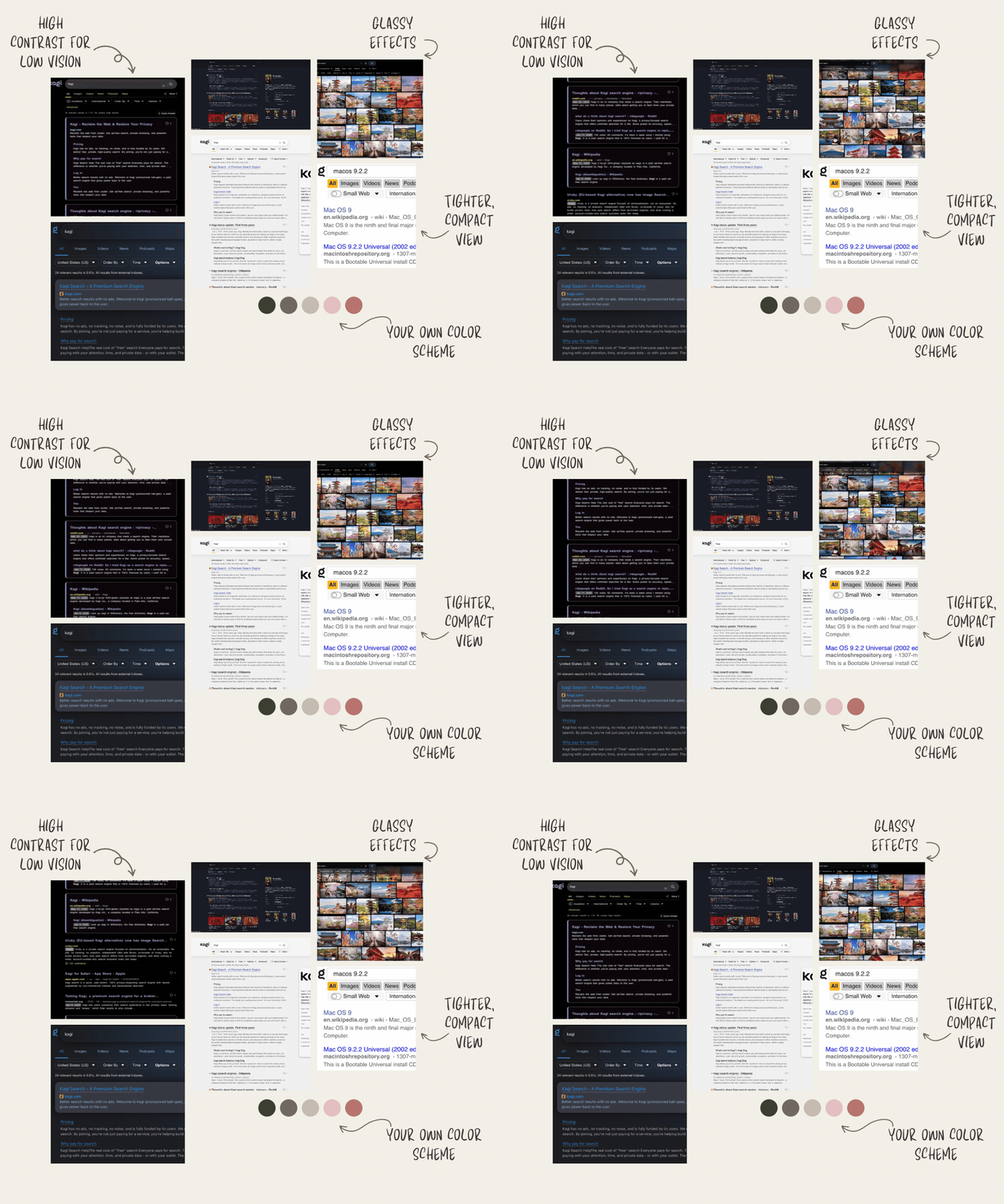
Bringing search widgets up to speed
We’re starting a broader effort to improve our search widgets! First up: sports scores and dice rolling.
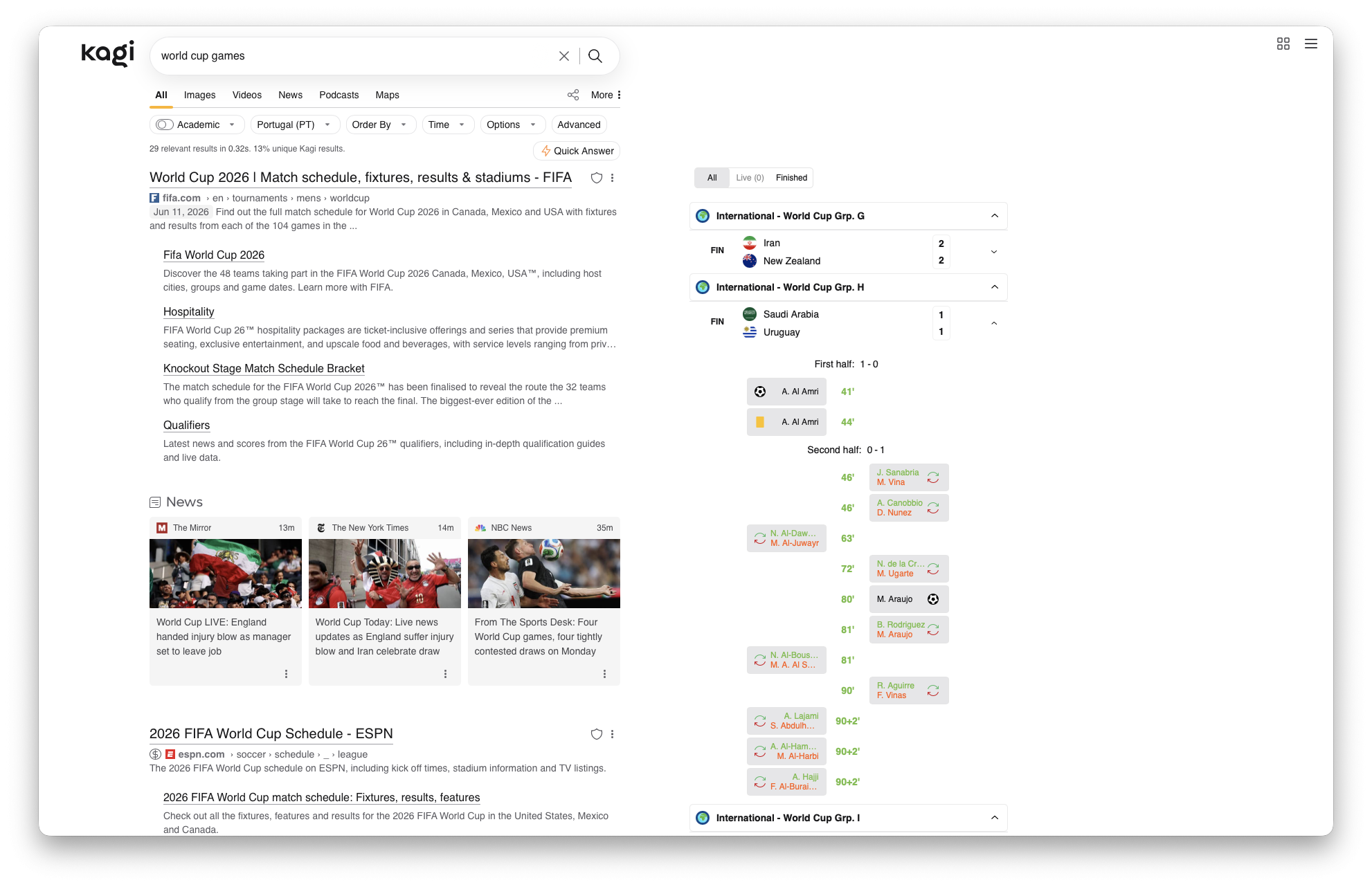
Sports scores now show up in a sidebar next to search results, so you can quickly check upcoming games, live scores, and recent results, just in time for the World Cup.
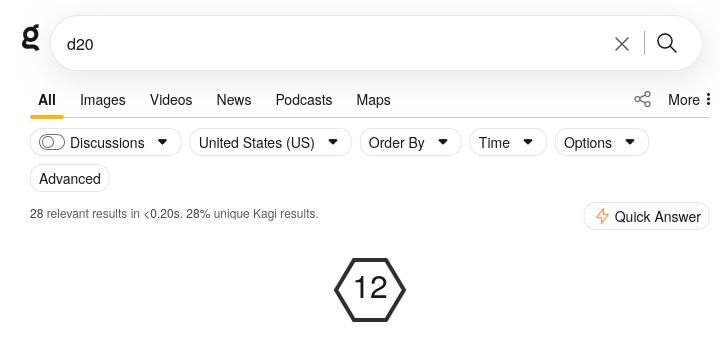
And we’ve also added dice rolling support for all you gamers out there, in case you ever need to roll a d20, 2d4 + 2, or perhaps even 8d6.
The new Kagi Assistant is here
Over the last few weeks, we’ve been rolling out a new Kagi Assistant experience. Most of you are already using it, and today we’re officially retiring the old assistant.
This is more than a visual refresh, we rebuilt the Assistant experience around a new layout, smoother web and mobile use, and a lot of UX improvements that add up quickly.
And just as importantly, this gives us the foundation we need for the next set of Assistant improvements we’ve been working towards.
Note: there is one notable change - folders have replaced tags. This means each thread can now belong to only one folder. We appreciate this is a downgrade for users who relied on multiple tags per thread, and we don’t want to handwave that away. We made this tradeoff because folders give Assistant a simpler, more predictable organisation model, and because multi tag usage was relatively low: about 20% of active accounts used tags at all, and appx 4% had any thread with more than one tag.
Still, for those affected, we understand this change may be frustrating. Thank you for bearing with us as we build towards a stronger Assistant experience!
Kagi Translate update
We've paused free access to Kagi Translate while we sort out running costs, so you'll need to be signed in to use it. If you have an active subscription, Translate still works. Sign in on translate.kagi.com or in the mobile apps. We share more details on this decision in this blog post.
Other improvements and bug fixes
Kagi Search
- NEW: Extraction now keeps links from the original document, to enable deeper crawling flows.
- NEW: Related searches is now part of the API responses, with more metadata than the v0 version where applicable.
- NEW: Per-key cost tracking is now enabled. You can select a key in the usage page to see the specific key cost attached. (Cost tracking only available from when we deployed, historic data is not present.)
- Fix: Extraction is now faster and more reliable.
- Fix: Personalization rule types are now correctly validated with the doc types.
- Fix: Various other internal improvements for a more stable experience.
Kagi Assistant
- Regression: new assistant scrolls to bottom when inference completes #10648 @spiffytech
- The new Assistant does not let me edit the output from the model. #10670 @Fernold
- Japanese IME: Enter key submits message instead of confirming composition #10707 @n22z9y28vh
- New system prompt causing regressions esp. in no-search mode, and ignores /system_prompt_overwrite #10684 @igakagi
- New assistant doesn't respect
prefers-reduced-motion #10711 @magiruuvelvet
- New Kagi Assistant does not remember sidebar on refresh #10727 @emptyjar
- New Assistant: Undo File Type Restrictions #10721 @AzuraFilth
- Assistant converts CSV uploads into markdown #10647 @fxgn
- Specific code snippet returns 403 Forbidden error #10689 @Fusl
- Assistant Not Searching Web or Citing Sources Despite Web Sarch Toggle Enabled #10657 @cmart
- Kagi Assistant Does Not Reliably Read Larger Documents/Attached Files #10516 @aeiro
- Assistant can't reach github files #10697 @Numerlor
- Assistant does not scroll on output #10742 @emptyjar
- References do not export, Markdown or JSON. #10741 @relaxos_palaiologos
- Images inside Kagi Assistant responses do not appear #10296 @MustafaD
- Assistant sidebar does not stay closed when resizing the window #10762 @emptyjar
- Pressing 'Enter' key should confirm deletion dialog in Kagi Assistant #10793 @kray
- Enter key does not submit message on iPadOS #10708 @n22z9y28vh
- New assistant models from Anthropic, such as Claude Fable 5, refuse to work. #10812 @FranziKay
- New Assistant hides lines, when it clearly has the space #10710 @7aad94e9
- The new UI for Assistant is worse in every measurable way #10720 @mspgrunt
- Settings -> Appearance -> Save : Not working in Orion Private mode #10724 @markkrueg
- Customizable keyboard shortcuts (Assistant/General) #6650 @bert
- Kagi Assistent new UI is too small #6142 @HRA42
- Pasting text that exceeds x characters should automatically attach it as a text file #6739 @Coops
- Dynamic Chat Window Scaling for Widescreen Users #6379 @unruffled5088
Kagi Translate
- Text cannot be copied anymore from Word and text from a PDF has hard returns behind every line #10476 @JaninevdK
- “curled quotes” instead of "straight quotes" #7011 @FranziKay
- Kagi Translate extension wrongly detects certain monitor as 'mobile' #10693 @Roon
Post of the week
This week's featured social media mention:

Featured Kagi tip 💡
Here's a guide on how to make Kagi truly yours with custom CSS. Tweak colors, fonts, and layout, hide elements you don't need, or apply a community theme for a search experience that looks exactly how you want.