Kagi Assistant
Introducing Quick and Research assistants
Today, we are officially introducing Kagi Research assistants (previously known as "KI"). Read our full announcement here.
Their main strength is research: identifying what to search for, executing multiple simultaneous searches (in different languages, if needed), and synthesizing the findings into high-quality answers.
Simply choose whether to prioritise speed or depth:
- Quick optimises for speed, providing direct and concise answers.
- Research focuses on depth and diversity, conducting exhaustive analysis for thorough results. Research is available to Ultimate subscribers only.
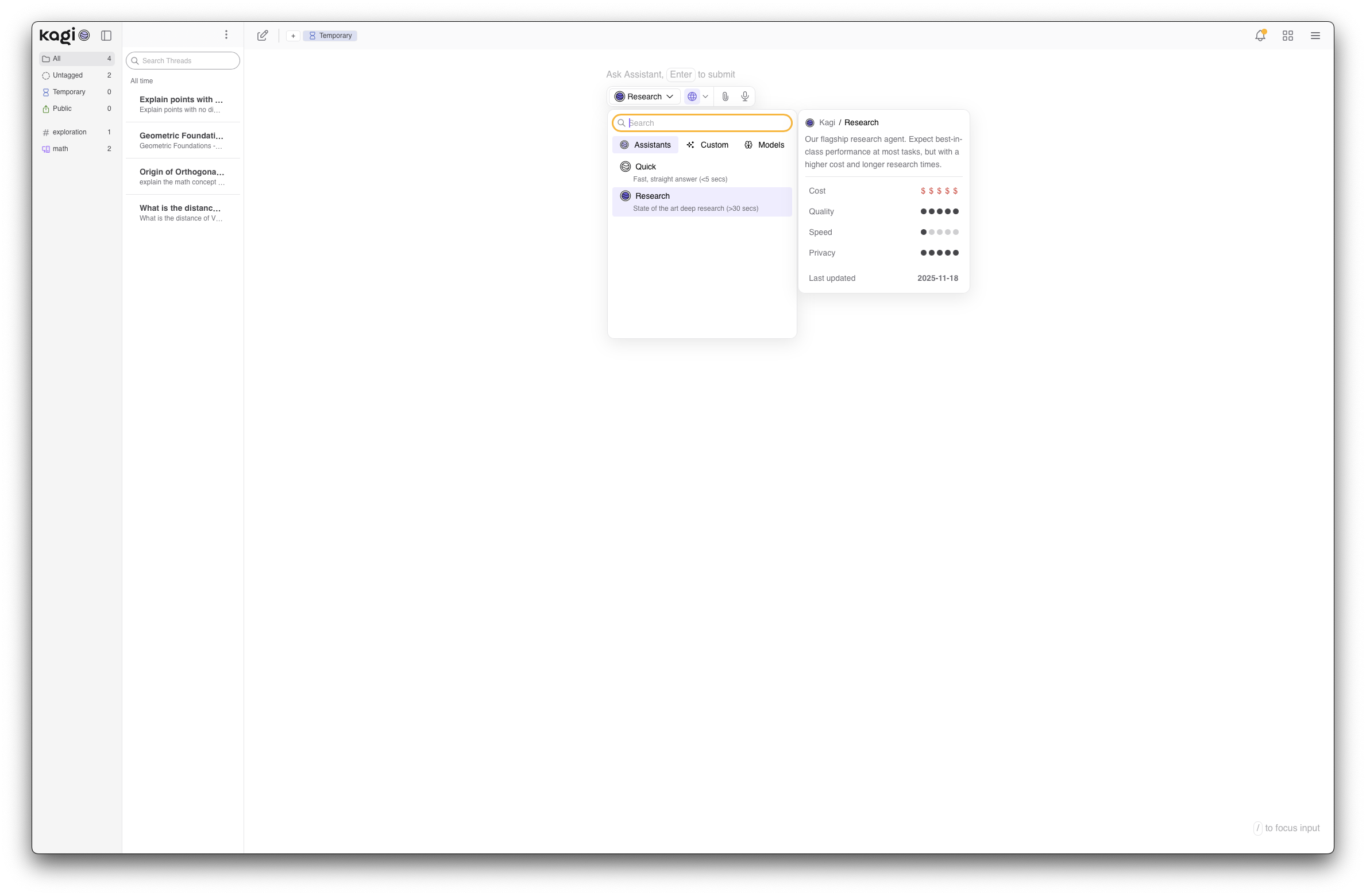
To achieve this, they employ different base models for specific tasks. We continuously benchmark top-performing models and select the best one for each job, so you don't have to.
And on top of web search, we’ve added new behavioural layers and a wider toolset, including Python execution and image generation for higher-quality answers. These capabilities go beyond what was already possible in Kagi Assistant using a base model with web search. See our documentation for the full details.
Finally, a huge thank you to everyone in our Discord for beta testing this with us and providing tons of feedback along the way! 🙏
Note:
- With this change, we set the Quick assistant as the default mode in Kagi Assistant. You can always adjust this in your Assistant Settings.
- Additionally, we plan to migrate the
q bang, currently used for Quick Answer, to trigger an Assistant thread targeting the Quick assistant.
LLMs are bullshitters. But that doesn't mean they're not useful
Yesterday, we published an opinion essay exploring the useful yet disruptive nature of LLMs. Give it a read and let us know what you think https://blog.kagi.com/llms
Colour code your Assistant tags
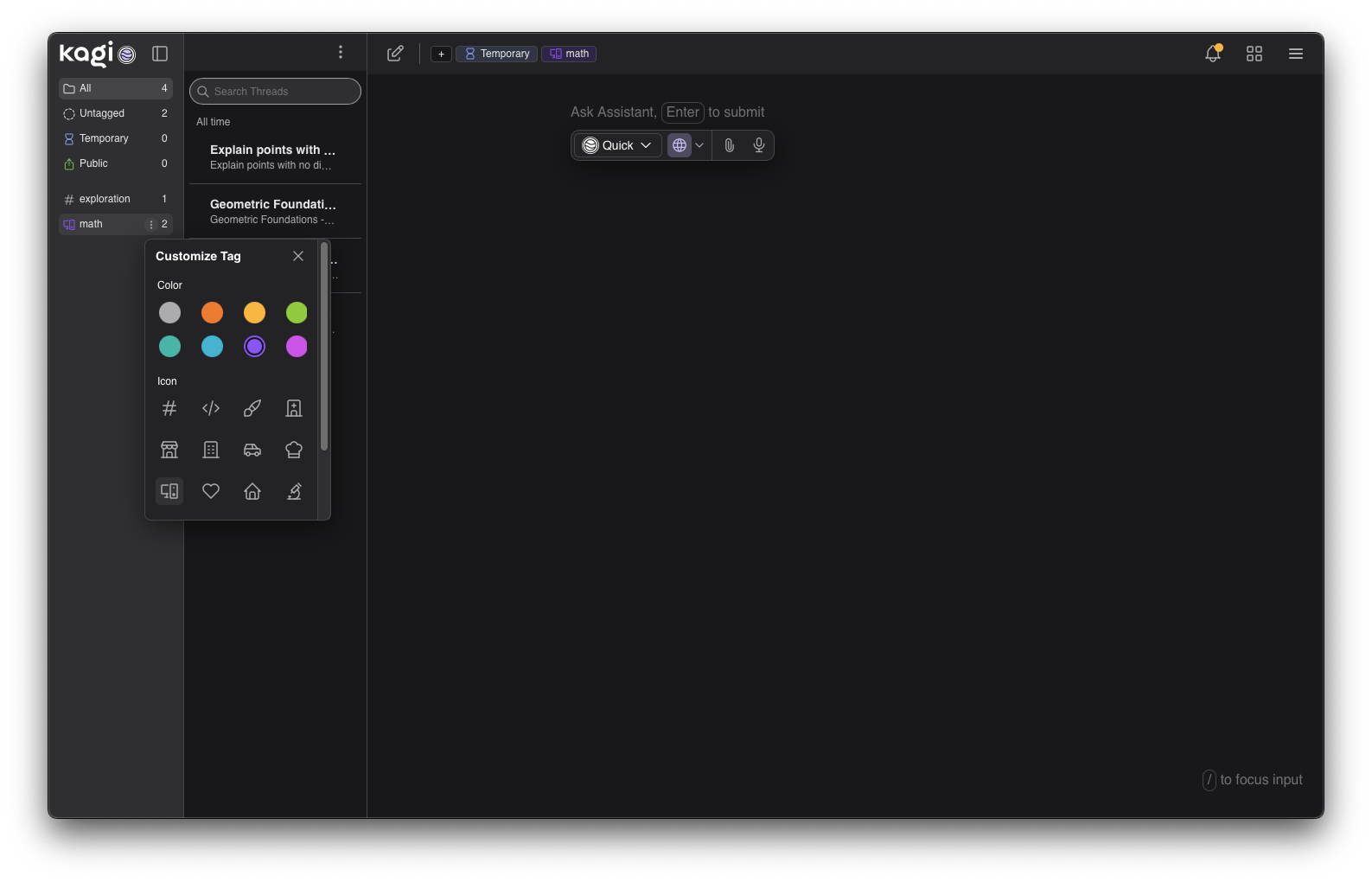
Now you can assign icons and colours to your tags. Spot important threads instantly.
Other improvements and bug fixes
- Retired a handful of models. As part of a regular process, we occasionally review and retire models that are not used by Kagi customers and have been superseded by better, newer models. Saying bon voyage to:
gpt-oss-20b, gpt-4-1-nano, gpt-4-1-mini, gpt-4-1, o4-mini, o3, grok-code-fast, mistral-large, deepseek-r1, and hermes-4-405b. In the future we will forecast these changes with more advanced notice.
- Various untranslated Kagi Assistant texts #5328 @MonoMatrix
- Kagi Assistant - work on relationship between Custom Assistant and Model in the UI #8327 @RobOK
- Show more info in dialog when using Kagi Assistants #8335 @Thibaultmol
- Case-agnostic alphabetical sorting for assistant tags #8967 @lolroger
Kagi Search
SlopStop Update
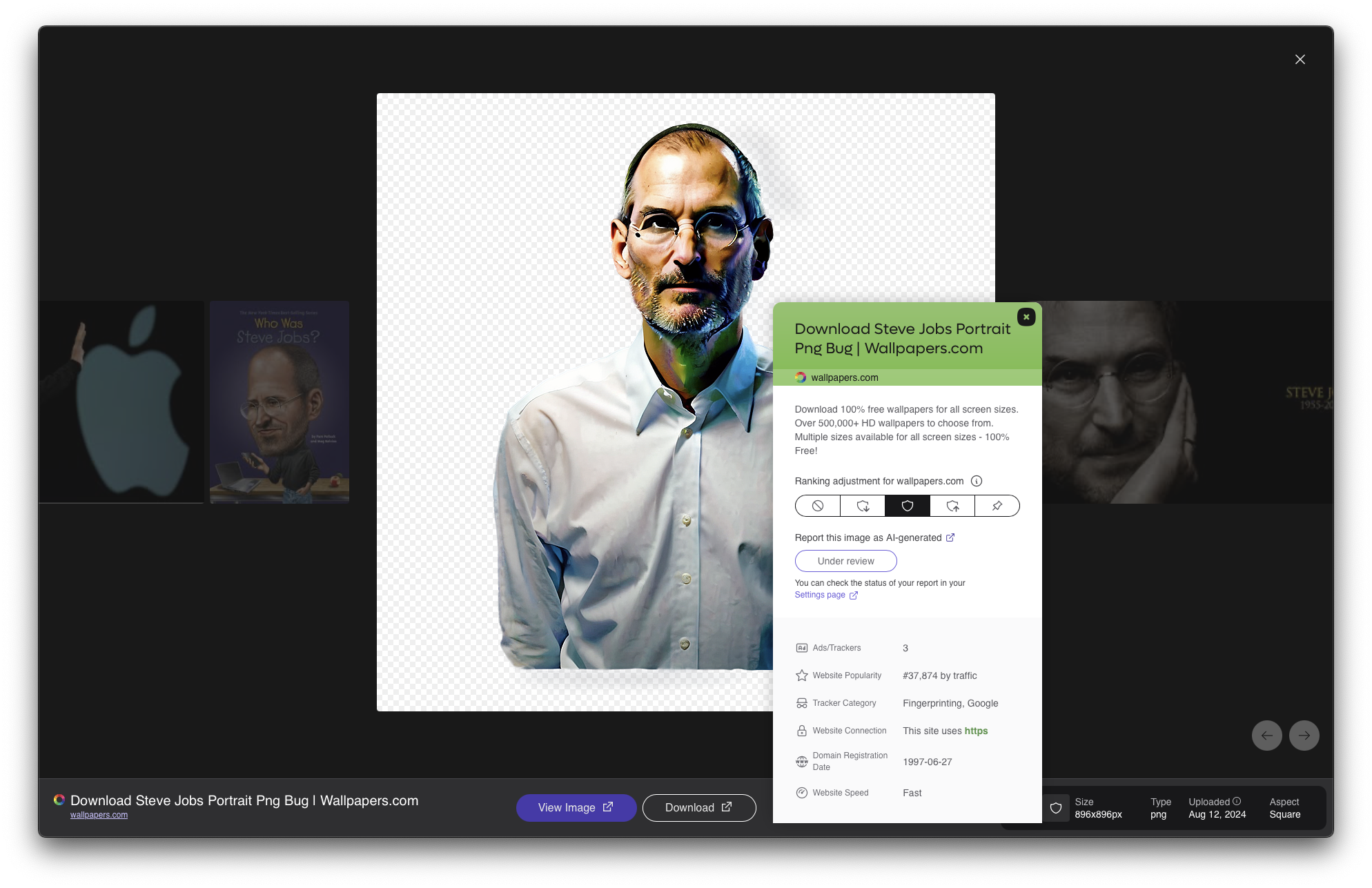
Last week we kicked off our SlopStop initiative. Since then, the community has submitted over 3,000 reports! Our team is reviewing this data to refine our evaluation pipeline, with improvements expected to go live next week
Please continue reporting AI slop in your search results.
- Paywalled news sites are now signaled on
/news. 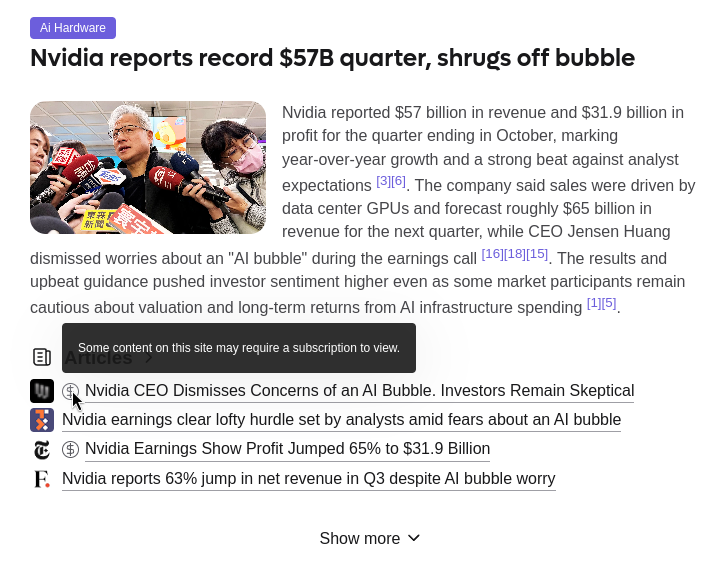
- The new AI slop report breaks the layout when translated #8923 @tux0r
- Programming lens doesn't work #8310 @Khyta
- Timer not removed when search is changed #8780 @acut3
- No reference list for quick answer with privacy pass #8917 @Jesal
- Reverse image search for recent image works on Google but not Kagi #8380 @leftium
- You can report the same website as AI generated multiple times #8911 @pma_snek
- Family invite page for some accounts has garbage html #8943 @Temm
- Quick Answer 'Show More' doesn't save state #8902 @Anonymous12
- Quick Answer autocomplete suggestion opens non-search tabs, should go to search #8941 @Thibaultmol
Kagi Translate
Post of the week
Here is this week's featured social media mention:
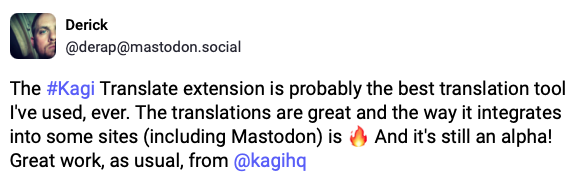
Haven't tried the Kagi Translate extension yet? Check it out!
