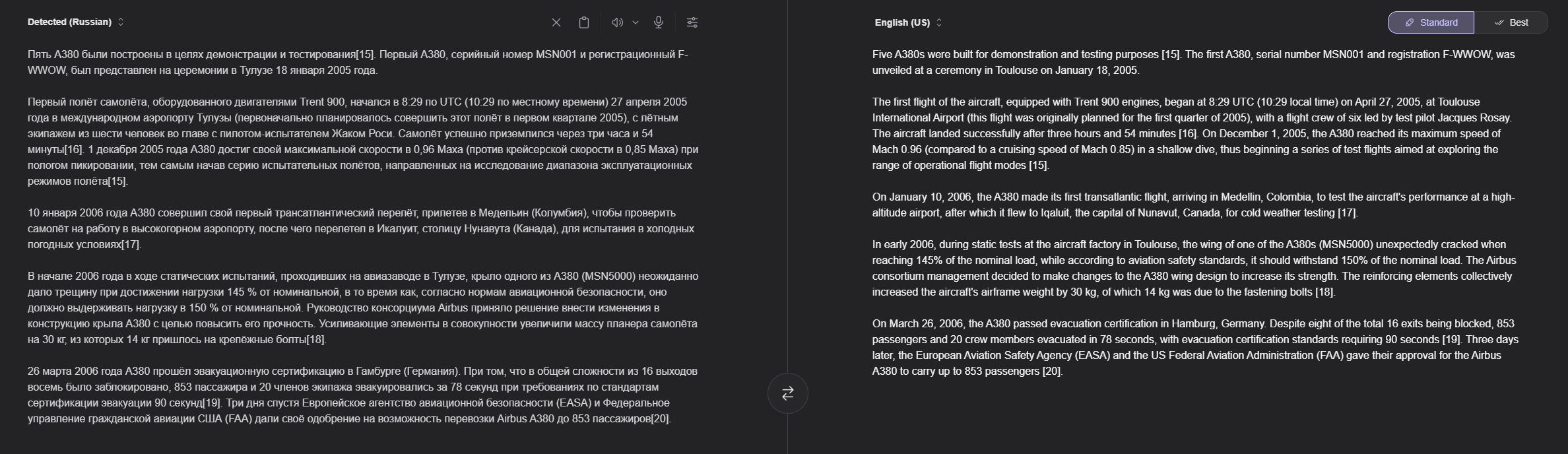
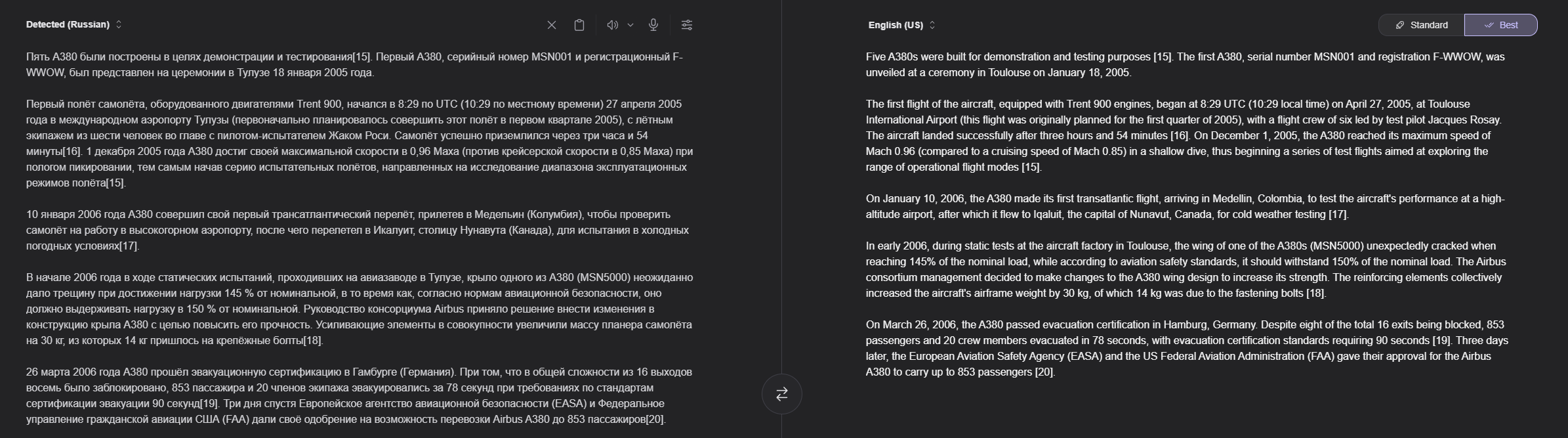
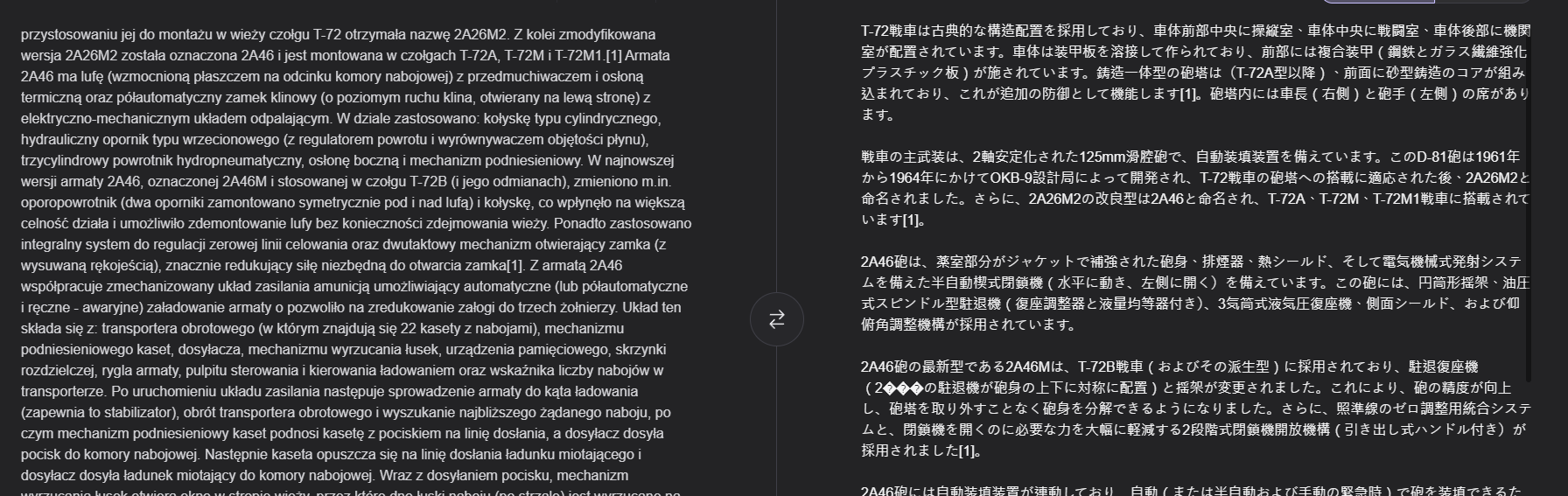
I think that currently the KAGI translator is one of the best translators and proofreaders available in the market today.
But I would like to make some requests:
TRANSLATOR
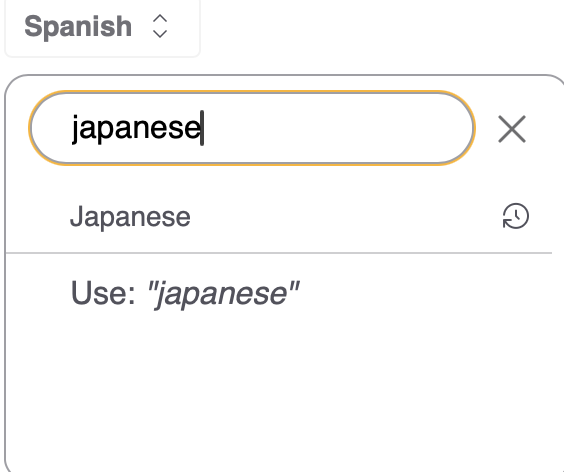
It would be interesting to distinguish between "Spanish from Spain" (or "European Spanish") and "Latin American Spanish."
Although they are extremely similar languages: much of the vocabulary and especially expressions are specific to each country and can cause a lot of confusion.
This lack of distinction makes reverse translation difficult, which allows verification of errors or misinterpretation of expressions during the first translation. This allows searching for these analogisms through other means.
The same applies to US English and UK English
PROOFREADER:
Although the proofreader is very good (I compare it with Antidote (Druide), the best for French and English to date), I dare to propose some modifications:
In a correction tool, the important part is the visualization of corrections. In Kagi, the left part, half of the screen, is dedicated to the original text, taking up too much space at the expense of the right part, the correction part, the important part.
Additionally, this part dedicated to translation is separated into two: the corrected text above and the correction suggestions below, further complicating visualization.
Even on a 20" screen, it's difficult to appreciate errors highlighted in green or pink. Especially with punctuation when dealing with something as small as a comma (,) or a period (.).
In the correction suggestions section, you can only see the explanation if you hover over the error line, and you cannot copy (neither the correction nor the explanation)
PROPOSAL
1- Perhaps it would be interesting to consider decreasing the size of the left column (original text) and expanding the right one (Corrections). And create a new column for suggestions [Corrections, Style, Repetition] where the explanation is also indicated without having to appear in a pop-up window.
2- It would be good if, when placing the cursor on one of the corrections, its location is shown in the correction text and vice versa. This would save a lot of search time.
3- The same for repetitions. When you place the cursor, it indicates where they are in the correction text, for example in yellow highlighting.
4- Errors in the correction text are not clearly visible; they should be underlined in red, in addition to being highlighted in green or pink. For a comma (,) or a period (.), the entire previous word could be red underlined.

Note: Sometimes there are more items marked in the correction text than in the corrections box and vice versa. This makes the task much more difficult and wastes a lot of time.
Note: Sometimes there are more markings in the correction text than in the corrections box and vice versa. This makes the task much more difficult and wastes a lot of time.
5- Possibility to copy the corrections and their explanations for subsequent verifications or to make a correction report.
6- The corrected text does not always respect the basic format of the original text and places all paragraphs together.
7- It would be interesting to add some “Correction settings”, as in translation, especially with the “Context” parameter with which the previous point (6-) can be solved.
8- And while we're at it, why not “Standardd” and “Best” options, so that the correction is faster or more thorough.
Thank you for listening to me!!