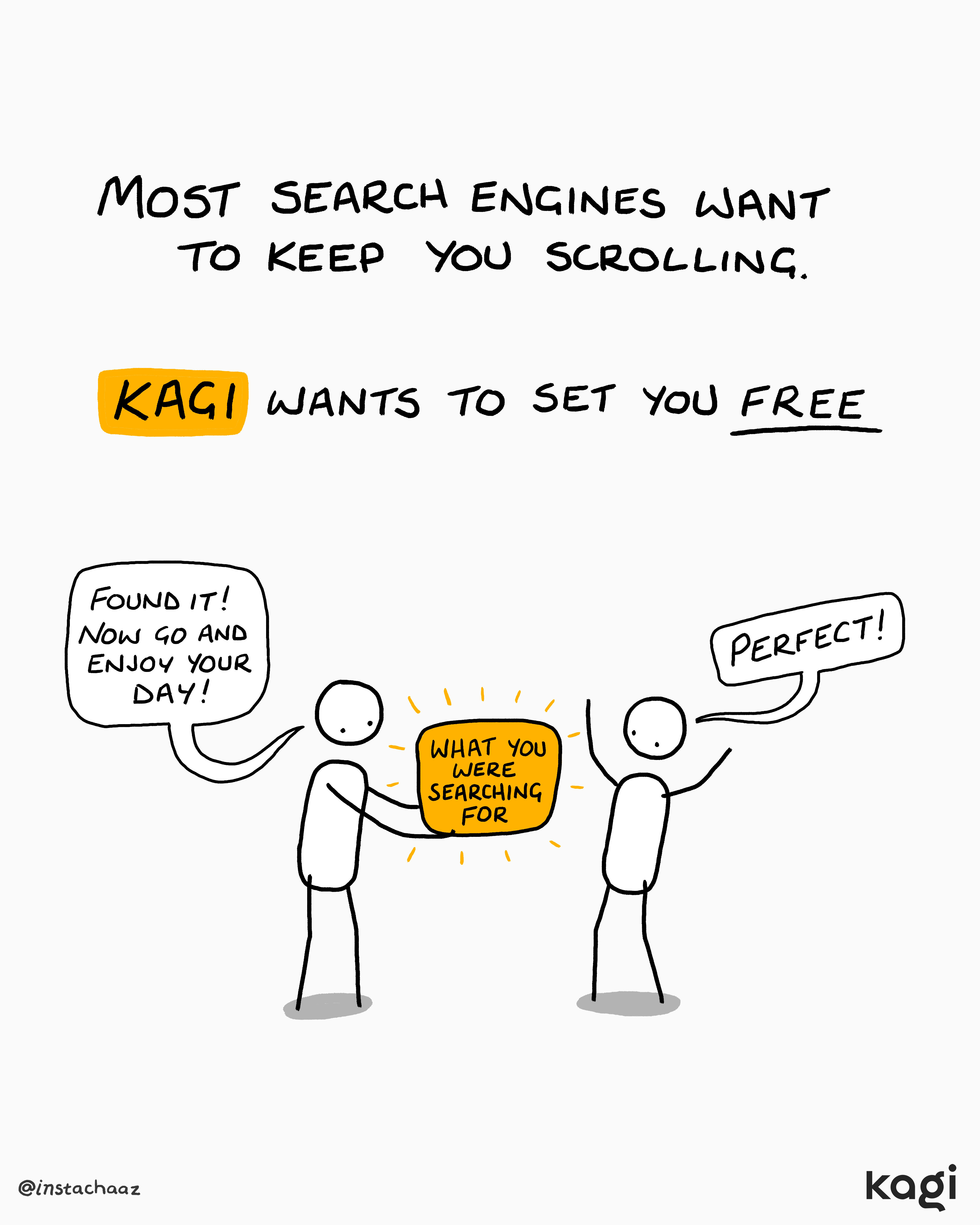
Kagi APIs: the same search technology that powers Kagi is opening up to developers
Starting next week, we’ll begin onboarding developers to the Kagi API dashboard. Access will roll out first to people who joined the API waitlist or contacted Kagi support.
With the new Search API developers can bring Kagi Search into their own apps, tools, and AI systems. Here's an early look:
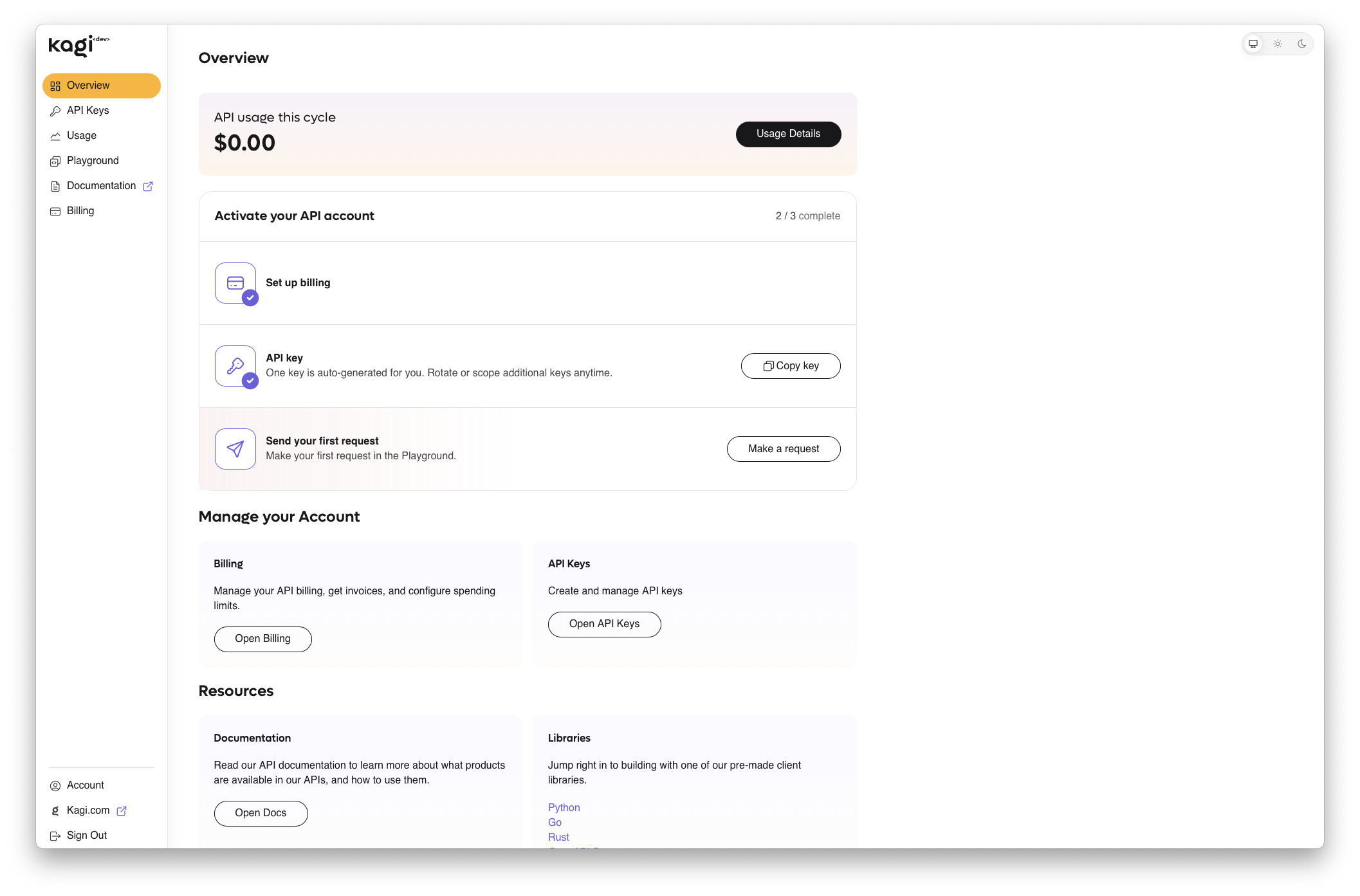
If you'd like to join this early preview of the Kagi API, please fill out this form. We'll reach out next week!
Kagi Search
New landing
We updated our landing page to bring awareness to Kagi's wider ecosystem beyond search. Check it out!
This is the first of many steps toward helping more people discover everything Kagi has to offer.
- IP address and subnet search to bring up the Wolfram Alpha answer #10147 @dronics
- Wrong Kagi Knowledge result for Mother's Day search #7086 @dreifach
- "1 lakh crore" returns confusing results #9050 @holdenr
- Custom assistant without internet access results in error #9876 @Thibaultmol
- "Sign up for free" link on Pricing page not working #10314 @Hanbyeol
- Disable Search Grouping in News Tab #10254 @dvdnet89
- Auto suggest gives results which trigger bangs improperly #5346 @LadyStrawberries
- Reverse image search returns primarily Russian and Russian-translated results #9111 @Jake-Moss
- Runway (the AI video generation company) got erased from search result #10369 @yanda
- Quick, direct access to "Set Kagi as default Search" instructions on your landing page (or close by). #6646 @ragnar
- Web search image preview does not match the actual image searches. Also the image results are not relevant at all. #10367 @StealthGirl
- Better UX for date calculator widget. #10282 @leftium
- Redirect to first result bang no longer working if preceded by a space #10385 @znmto
Img data leaking into search results #10355 @Keli- Free search quota never expires #10403 @afestein
- Ranking adjustment doesn't do anything when JavaScript is disabled. #10425 @SkyDotBit
- Advanced Search modal and scrollbar behavior #4509 @dix
Kagi Assistant
- We increased the Assistant's file upload size limit to 30 MB #8872 @mrzv
- Degradation of file analysis functionality in Kagi Assistant #10290 @v3max
- Umlauts are sometimes not displayed in the Quick Assistant #9289 @Kel
- Universal summarizer "Continue in Assistant" button fails: "We are sorry, this input is not supported. (Invalid Input)" #10368 @Self-Perfection
Kagi News
- Kagi News -> timeline ambigious #8525 @yeri
- Story corrections, both from user reports and our own continuous fact-checking. When something turns out to be wrong, we fix it and show a small correction notice on the story, with the changed sentence highlighted on your next visit.
- Stories can pull in related coverage from other categories, so a single big story can span Science, World, and Tech when it makes sense.
- Cleaner prose in hard-news categories: fewer filler phrases, less editorializing, more neutral writing.
- Snappier all around: faster initial load, much faster story search, and browser back/forward now restores the page instead of reloading it.
- Custom category order syncs reliably across devices now. Fixed several cases where reorders were lost or overwritten.
- Category tabs use proper ARIA semantics for assistive tech.
Kagi Translate
- Keyboard shortcuts in Kagi Translate #10306 @mb
- Poor text formatting of image translations on Kagi Translate app #10016 @San
- Pinyin absent for alternative translations #10340 @phuertay
- Add Seto and Võro to Kagi Translate #10324 @mb
- Correct file extensions when saving translations #10311 @mb
- Add Montenegrin as an option in Translate #10230 @mb
- Pasting text in Translate app is hard #10047 @marty
- Pasted text from books or PDFs is auto-formatted: broken mid-sentence line breaks, hyphenation across lines, and stray whitespace get cleaned up. An undo toast lets you revert if you wanted the original.
- Auto-language switch now shows a toast with undo, and skips ambiguous cases like uncertain, mixed, or mid-typing input.
- Pin any language to the top of your list, including custom or non-standard ones.
- Romanization shown beneath alternative translations into Japanese, Chinese, Korean, Arabic, Russian, and other non-Latin scripts.
- Link previews (Open Graph) for translated text now show the actual translation when shared on social media, instead of a generic logo. The /extension page also got its own dedicated preview.
- New languages: Seto, Võro, Montenegrin, and Badini Kurdish (with both Arabic and Latin Hawar scripts).
- Formal Ukrainian now correctly capitalizes Ви and Ваш.
- Downloaded translations get the right file extension based on the detected content format.
Post of the week

Follow us and tag us in your comments, we love hearing from you.
Kagi is growing
The team is expanding, and we're looking for talented people who want to help build a better web alongside us. We're hiring for multiple roles, including:
Product Designer (UI/UX): Take strategic ownership of end-to-end design across Kagi's product ecosystem. Apply here.
An Education Partnerships Lead: If you believe the most important thing technology can do for students is teach them how to think for themselves, we'd like to talk. Apply here.
A Senior Platform Engineer: If you have strong opinions about API contracts, auth correctness, and migrating user data without losing anyone's trust, we'd like to talk. Apply here.
We also have openings for a Senior Search Engineer, Senior Platform Engineer, Senior Full-Stack Developer (Kagi Labs), and an AI Specialist. See the full list of openings here.
Kagi tip of the week 💡
Between AI-image filters, clickbait controls, reverse lookup, and source filters, there's a lot of power hiding behind the Images and Videos tabs. Here's how to get the most out of them.
Kagi art
Less scrolling, more living.