Steps to reproduce:
- Open Kagi Translate
- Type "IBAN?" as the text to translate
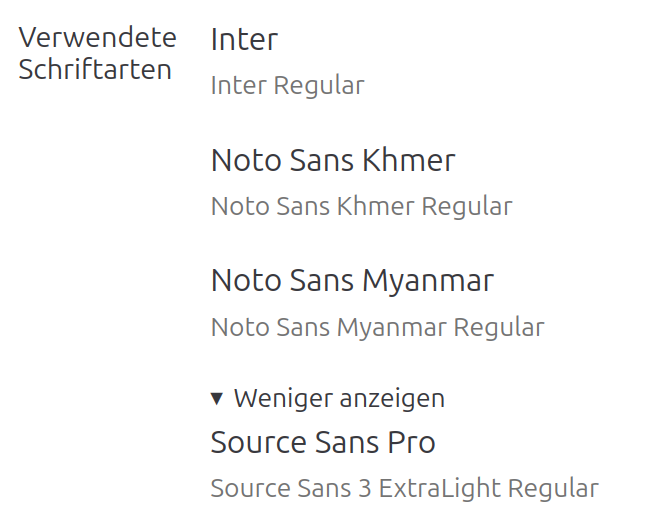
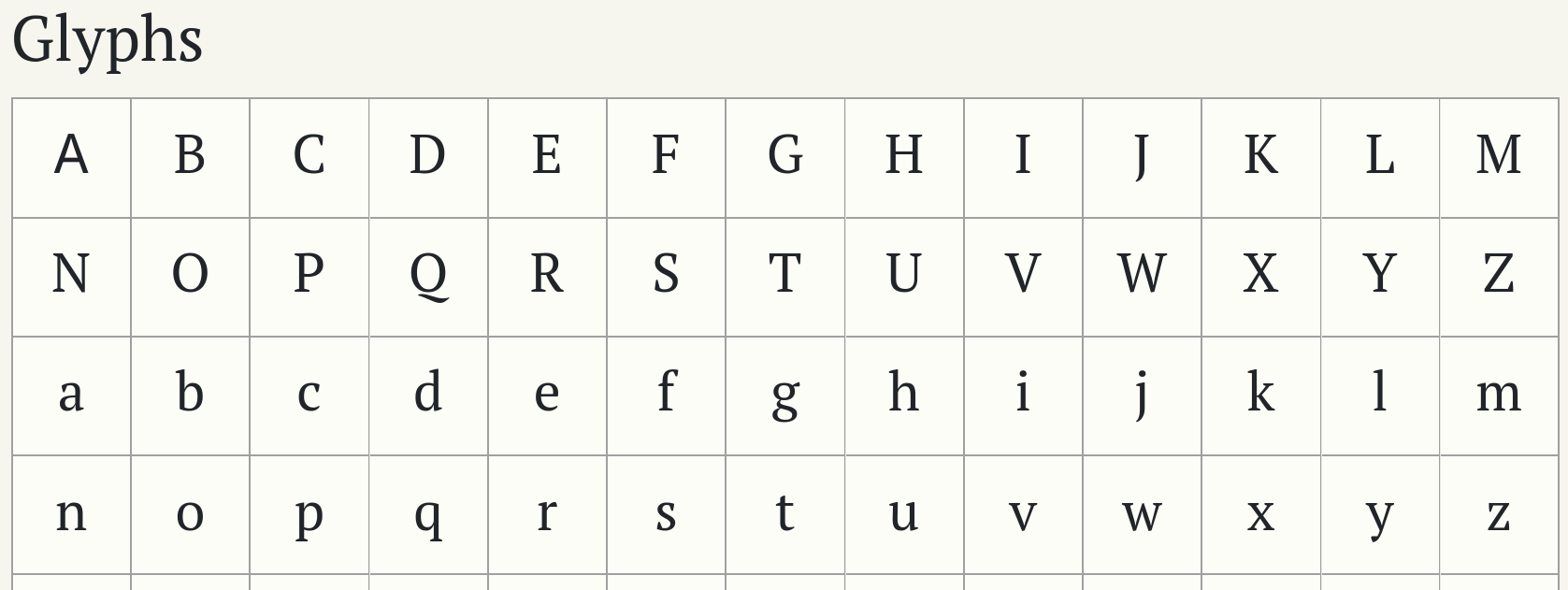
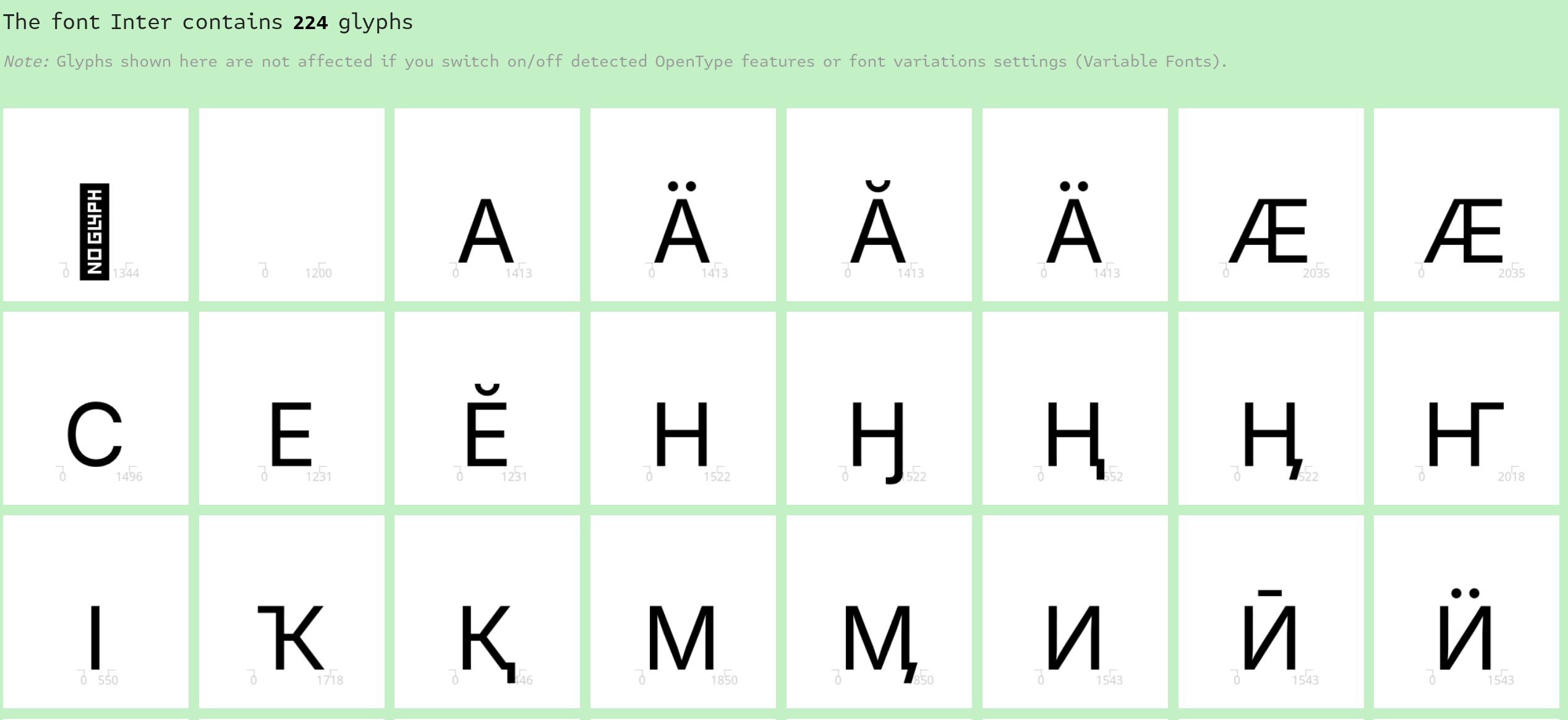
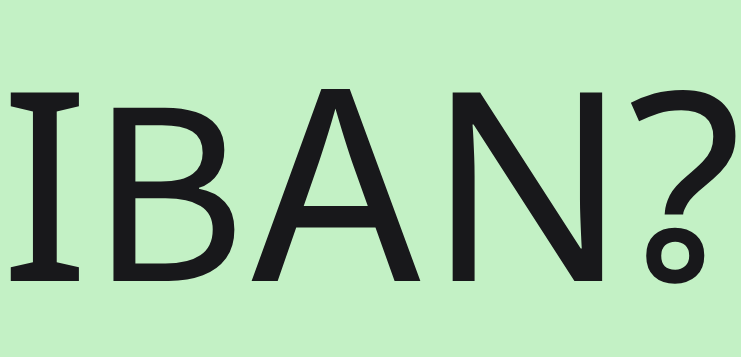
Actual: 4 different typefaces are used, resulting in the different sizes and styles of characters
Here’s the text with increased size:
Here’s a part of developer tools indicating 4 fonts being used for this element:
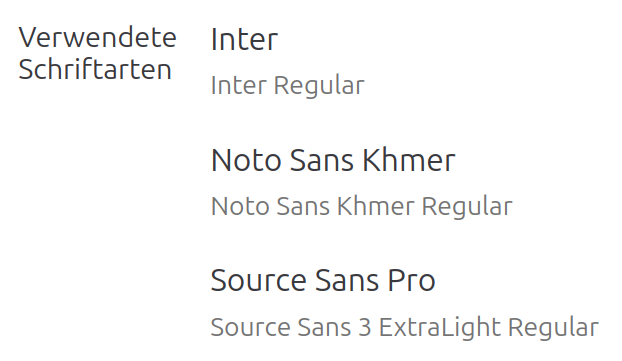
I see this problem both on Chrome and Firefox, both on Windows and Linux.
Expected: a single typeface is used to render these 5 characters, they have consistent style