Summary:
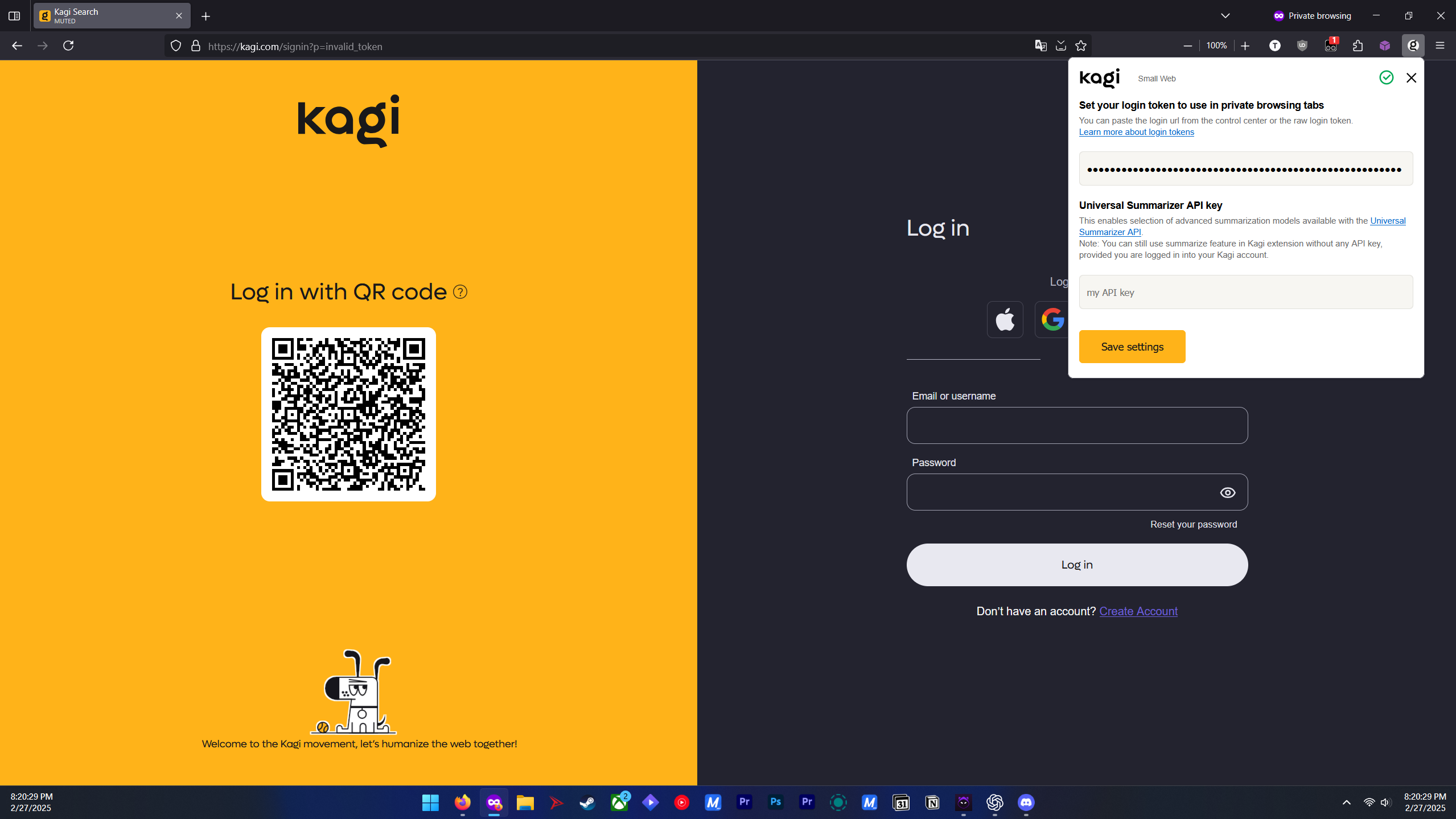
Having both the Kagi Search for Firefox extension and the Kagi Privacy Pass extension enabled in Firefox causes private browsing windows to fail in recognizing the login token set in the Kagi search extension. Instead of returning search results, Kagi redirects to the sign-in page.
Steps to Reproduce:
- Install both the Kagi Search and Kagi Privacy Pass extensions in Firefox.
- Log into Kagi in a standard browsing window, ensuring the login token is stored.
- Open a private browsing window and attempt to use Kagi search.
- Observe that Kagi redirects to the sign-in page instead of showing search results.
- Restart Firefox completely and try again—issue persists.
- Disable the Privacy Pass extension and retry private browsing; in some cases, the issue persists even with Privacy Pass disabled.
- Uninstall Privacy Pass, restart the browser, and test again—search starts working in private browsing.
Observed Behavior:
With both extensions installed, private browsing windows fail to use the login token, requiring users to sign in again.
Disabling Privacy Pass does not immediately resolve the issue.
Uninstalling Privacy Pass and restarting Firefox allows private browsing to work properly again.
Environment Details:
Browser: Mozilla Firefox (latest update)
Extensions Involved:
Kagi Search for Firefox
Kagi Privacy Pass
Mode: Private browsing
Issue onset: Within the last 48 hours for multiple users (ever since the Feb. 27th changelog release)
Additional Notes:
If users disable Privacy Pass but do not uninstall it, the issue may persist.
Uninstalling Privacy Pass and restarting Firefox seems to fully resolve the problem.
This issue has been reproduced by multiple users independently within the Discord ('stonewess' and 'overhash'.
Secondary Suggestion: Add an 'Extensions' topic for bug-reports
Expected Behavior:
Kagi should recognize the login token in private browsing windows and allow seamless searching without prompting for re-authentication.
