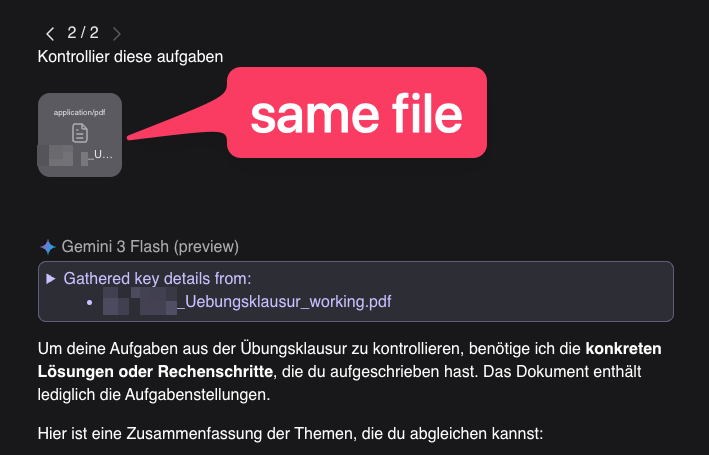
When providing a PDF file to Kagi Assistant, it appears to only generate a high-level summary of the file rather than parsing the actual content. When uploading a PDF containing selectable text and handwritten math solutions, the assistant fails to read the specific details. Instead of reviewing the solutions as requested, it outputs a summary of the document's general topic and asks the user to manually provide the detailed steps.
Steps to replicate:
- Open Kagi Assistant.
- Upload a PDF that includes both selectable text and handwritten notes (e.g., a solved worksheet).
- Prompt the assistant to evaluate or correct the solutions in the document.
- The assistant will fail to read the specific content, provide a basic summary of the document, and prompt you to supply the actual text.
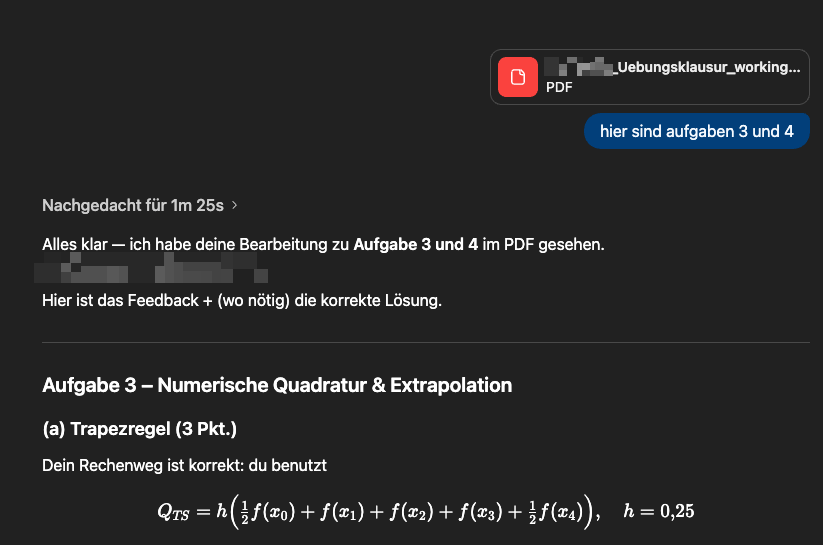
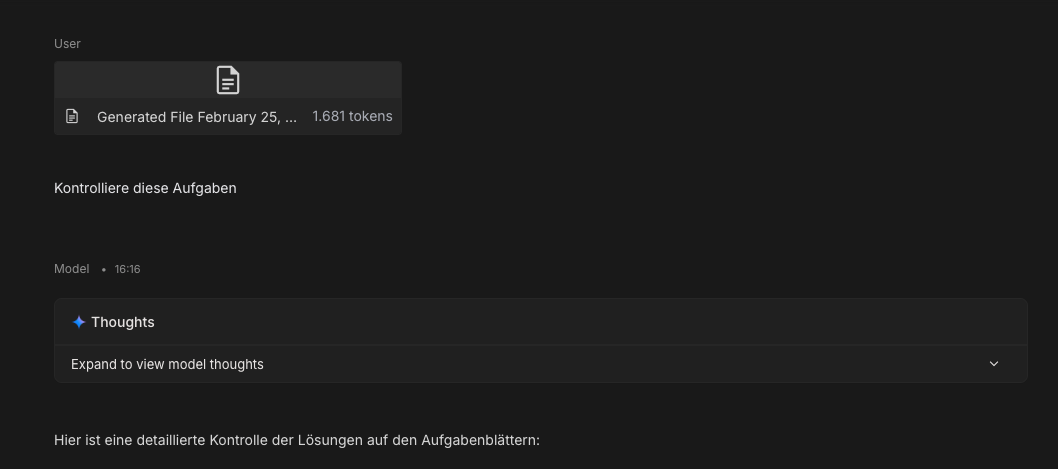
The assistant should pass the full file contents to the underlying model so it can read and process both selectable text and handwritten notes. When uploading the exact same PDF directly to Google AI Studio, ChatGPT, or the native Gemini app, the models successfully read the handwritten steps and provide targeted feedback on the solutions. Kagi Assistant should replicate this behavior and allow the selected LLM to fully analyze the document's contents, rather than defaulting to a generic summary mechanism.
What happens and comparisons against chatgpt/ai studio)