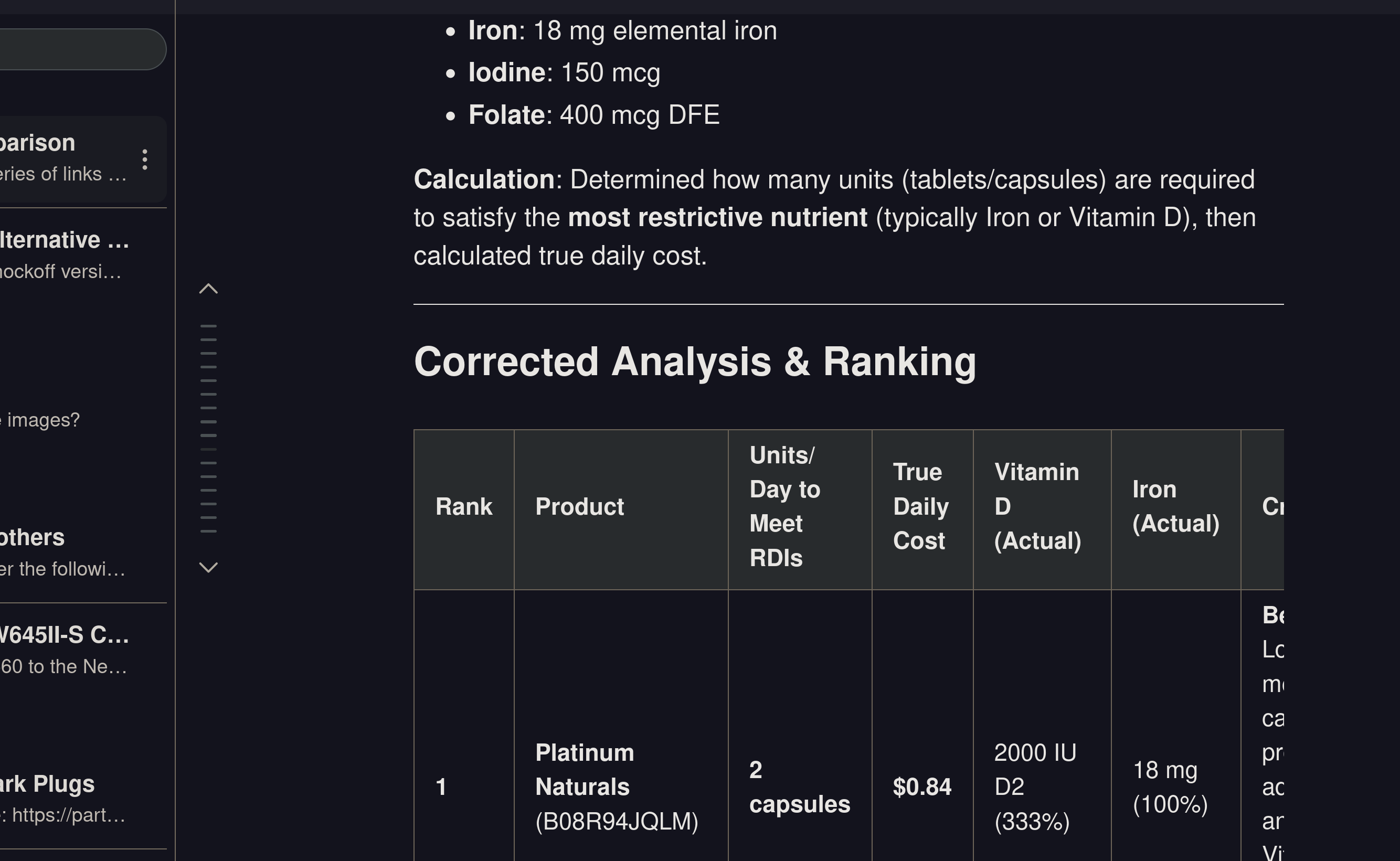
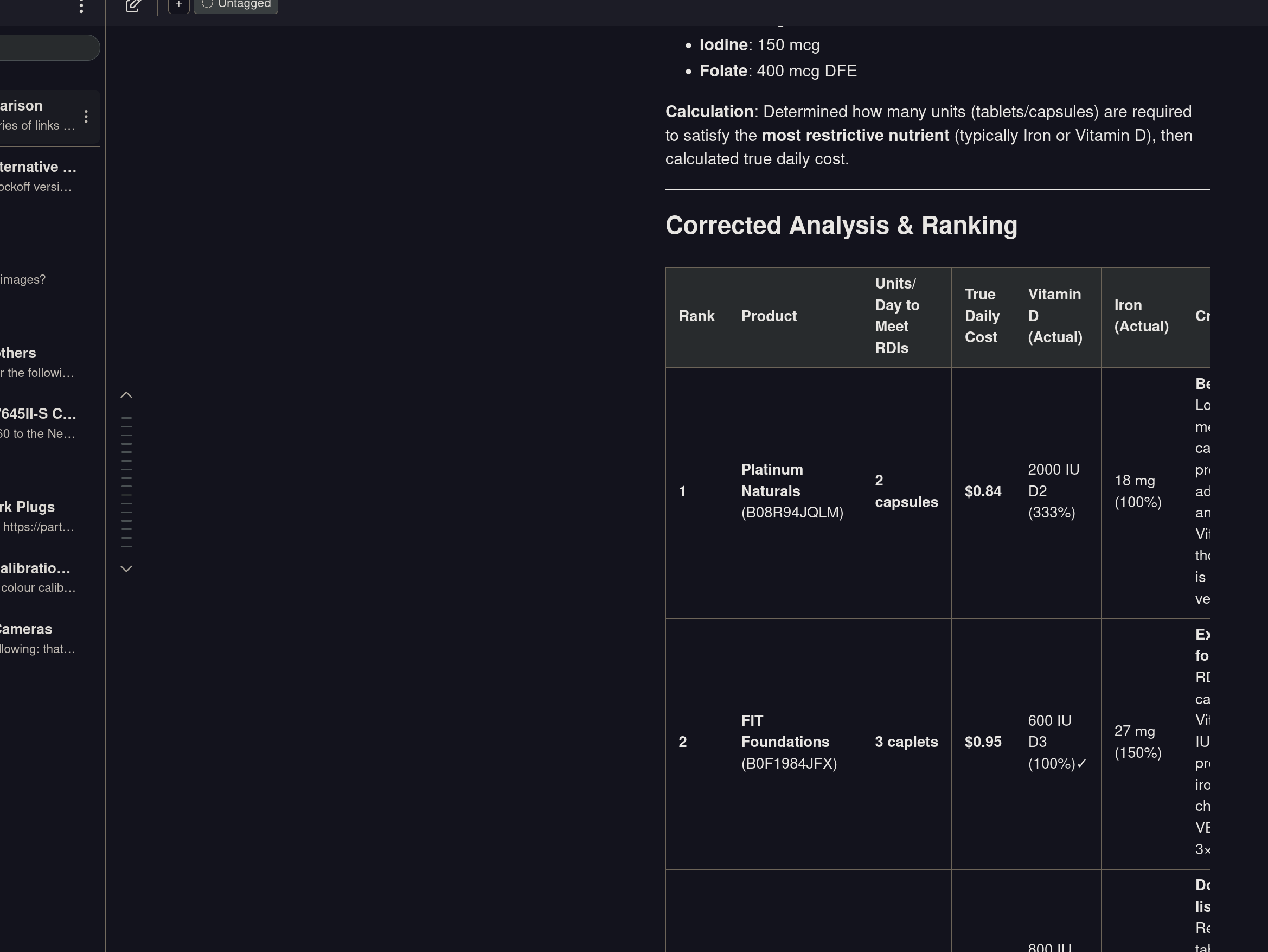
I couldn't find that this has been brought up before but I might be wrong and I apologize if so. I use the Assistant primarily in a browser that is somewhat zoomed out - 80% in this case. The browser is zoomed out because the OS is zoomed in to 200% due to my eyesight. However, the Assistant occasionally creates charts for me that go off the available screen real estate, and trying to zoom out further also zooms out the Assistant rather than creating more room for text.
The request in this case would either be to dynamically size the Assistant's usable real estate to the browser window (as the sidebar does correctly) or allow the user to adjust text size/frame size manually.
Please see the attached images for further clarification of current behaviour:
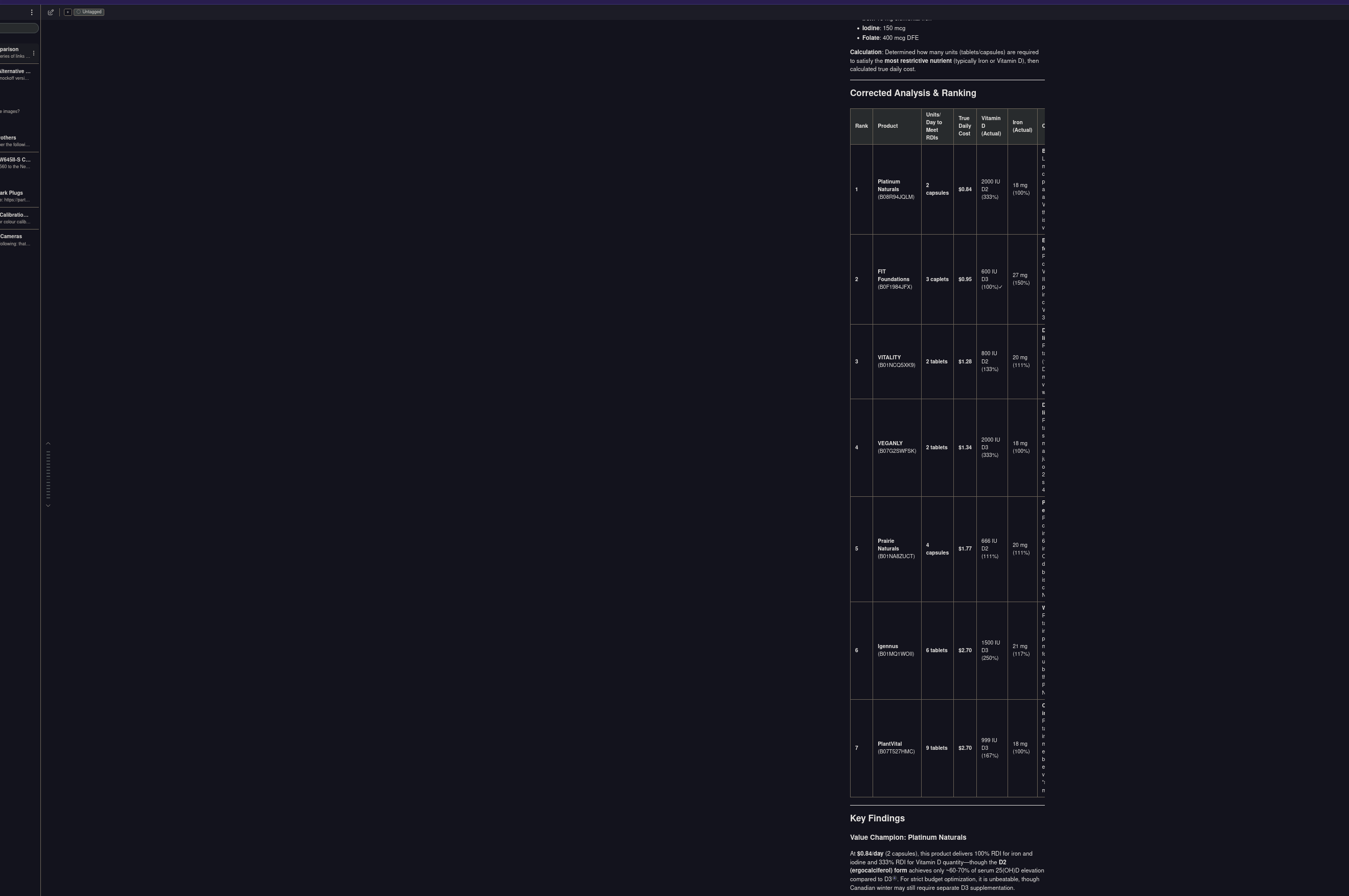
One of these solutions (dynamic resizing is probably best) would allow users to correctly size the Assistant for their display and zoom level. This would allow users to zoom out and make larger charts and tables visible (and potentially other types of content) and it would also allow the Assistant to take full advantage of the screen real estate being offered to it.
