I've been using Kagi for a bit, went to do an image search today and was copy/pasting some images to a document. After an unintended button combo (no idea what it was, somewhere in the lower left of the keyboard copy/paste shortcut keys, assuming I did in fact cause it and that my button pressing isn't just coincidence) all of the image results started to only show in two columns, instead of across the full window.
I'm on a desktop computer, running Windows 11 pro, issue originally occurred on Chrome, but it's doing the same thing on Firefox as well so I don't think it's browser related?
It would seem like it's trying to display the image results as if I were on a mobile device?
Sometimes the same search criteria will only display one way, sometimes redoing the search will change it momentarily back to full width.
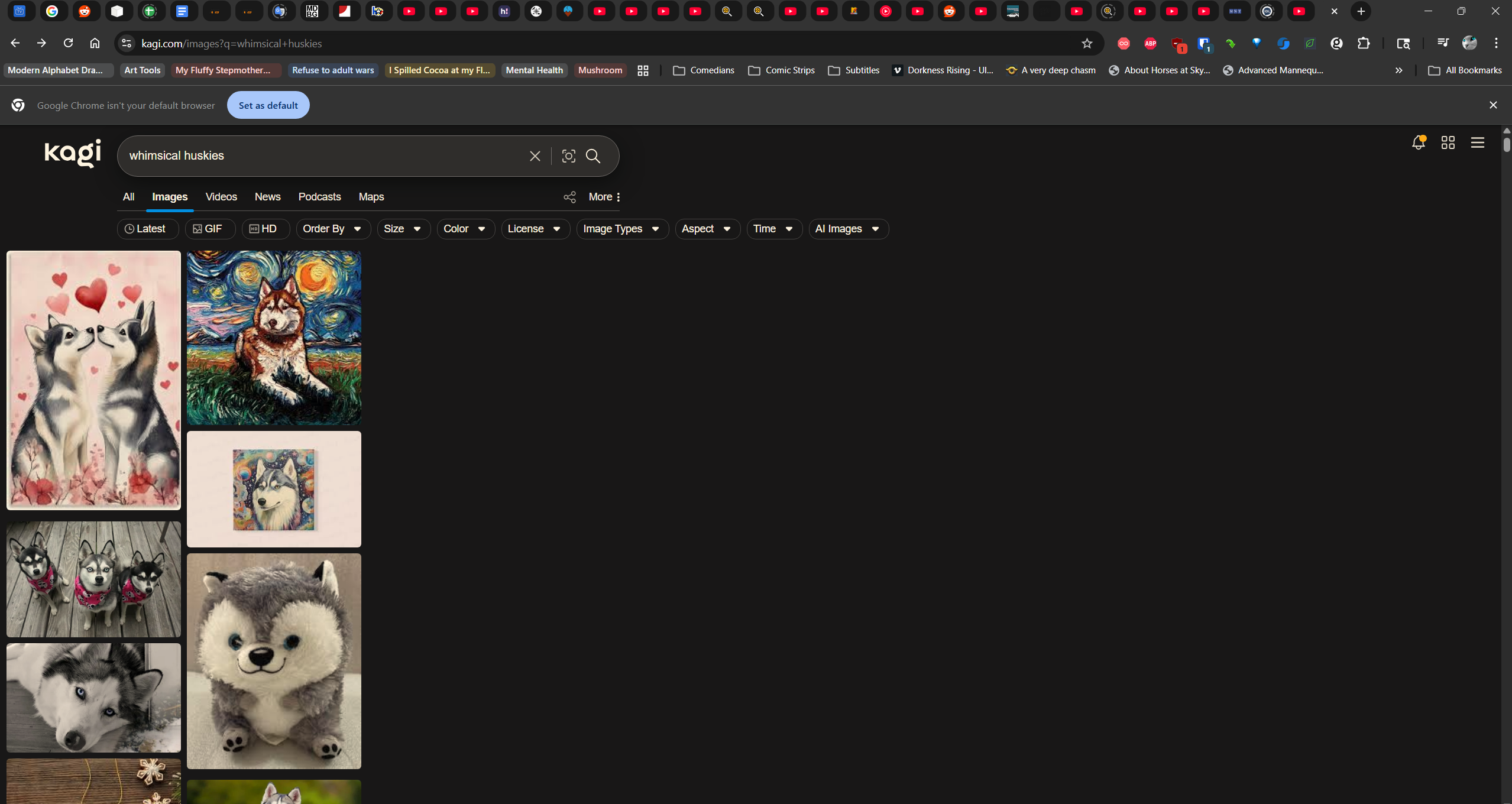
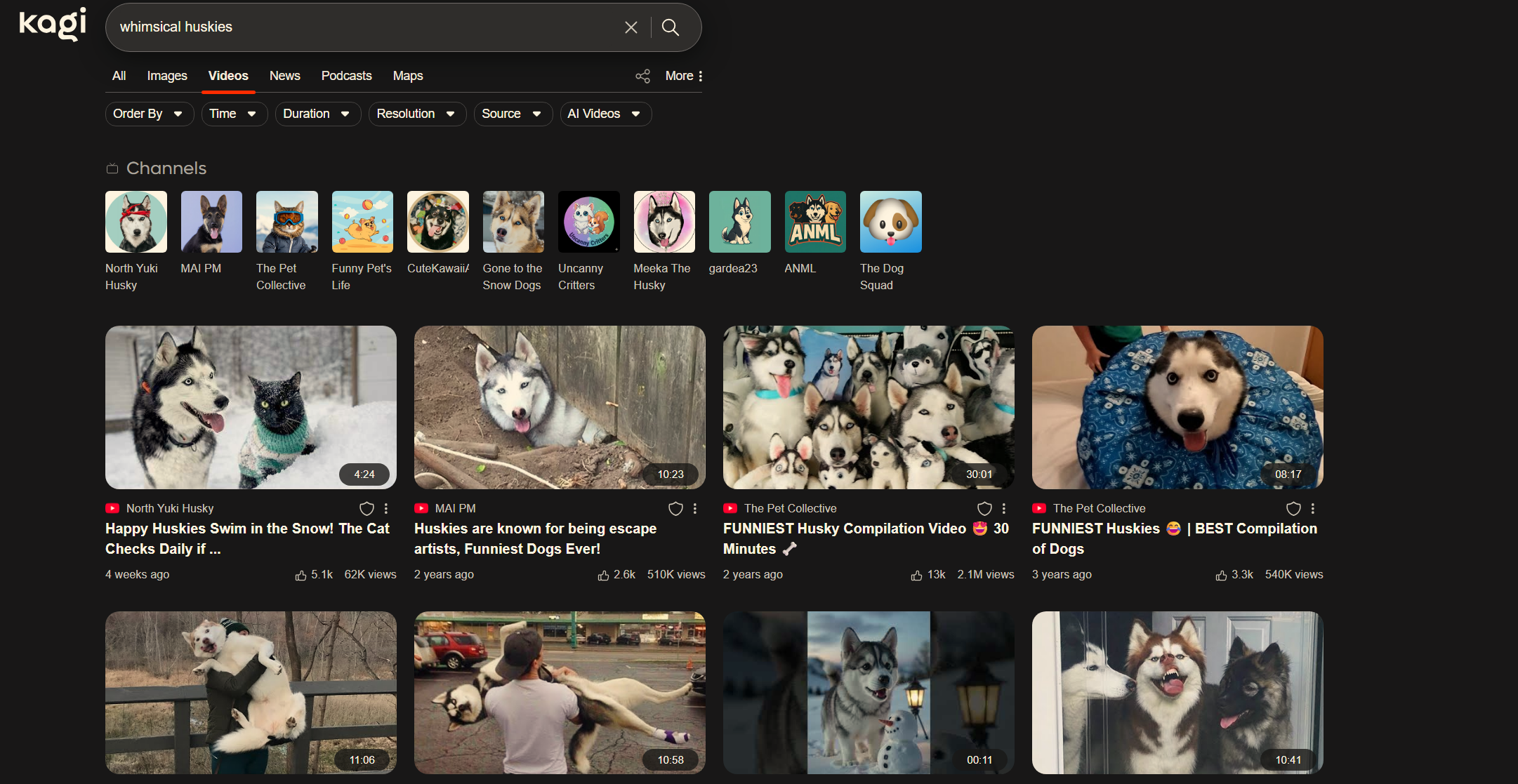
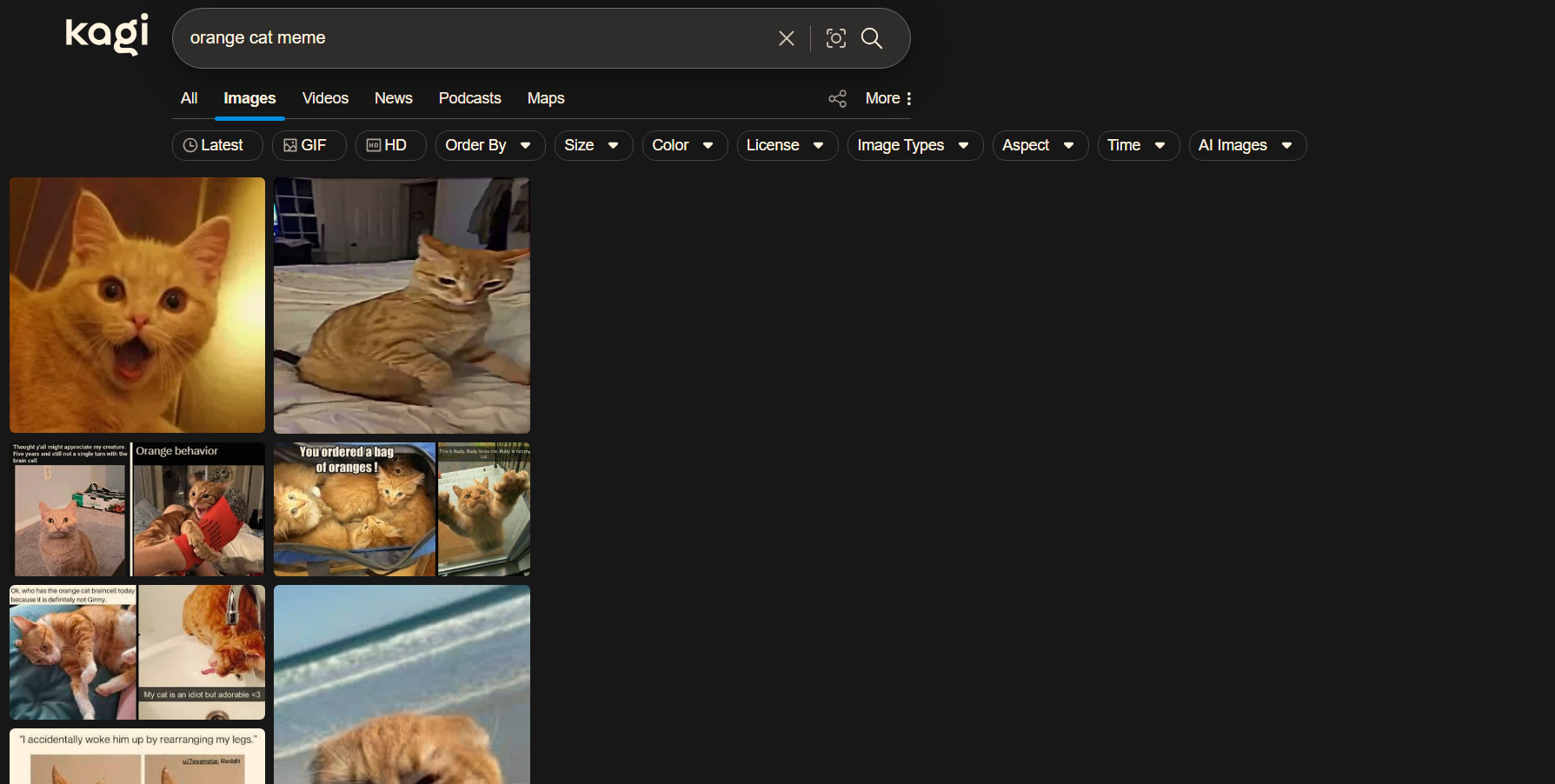
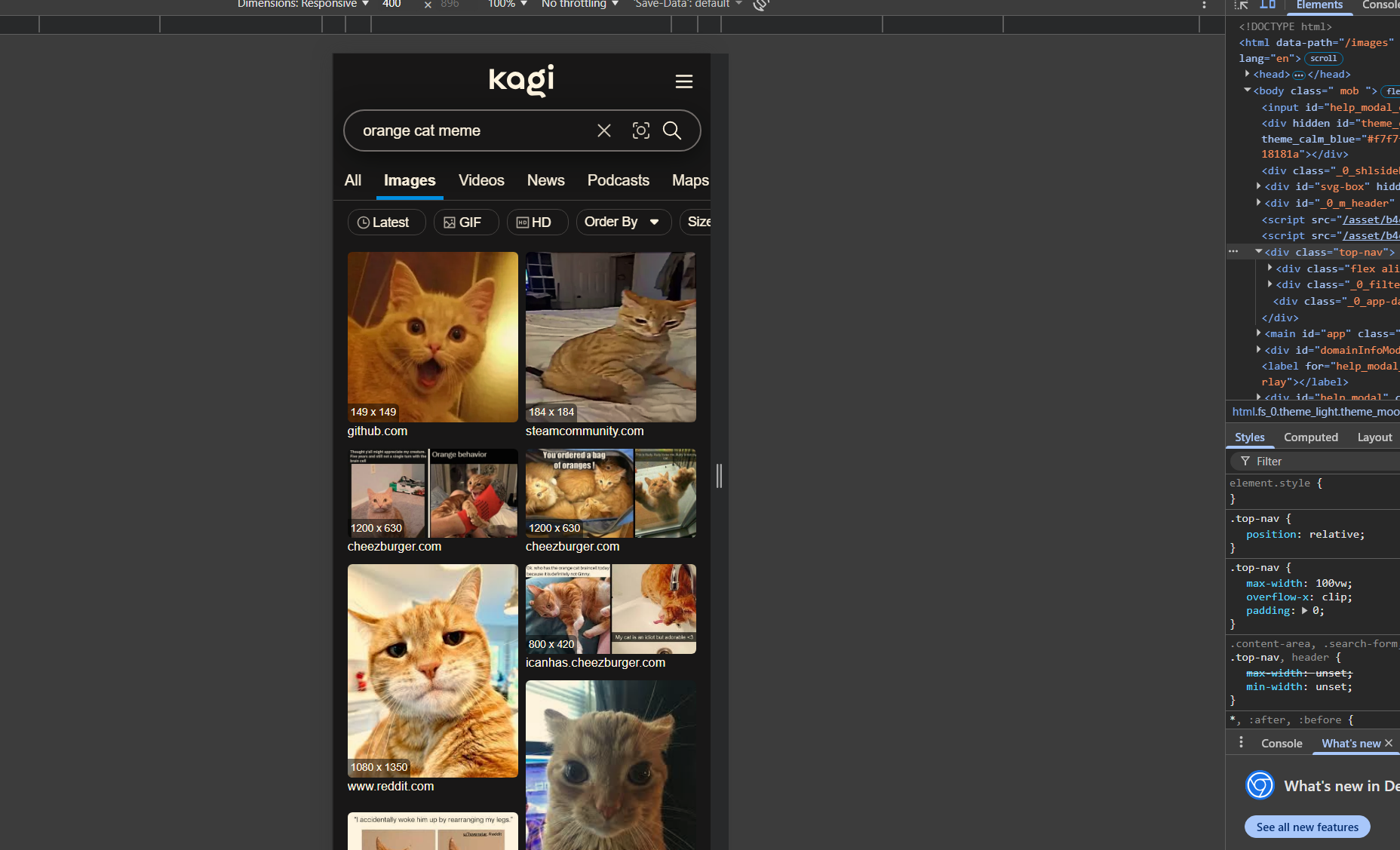
Most searches seem to come back full width. But if I do a search that populates as two columns, then even if I have several normal searches in between, if I use that same prior search criteria then it will only populate as two columns.
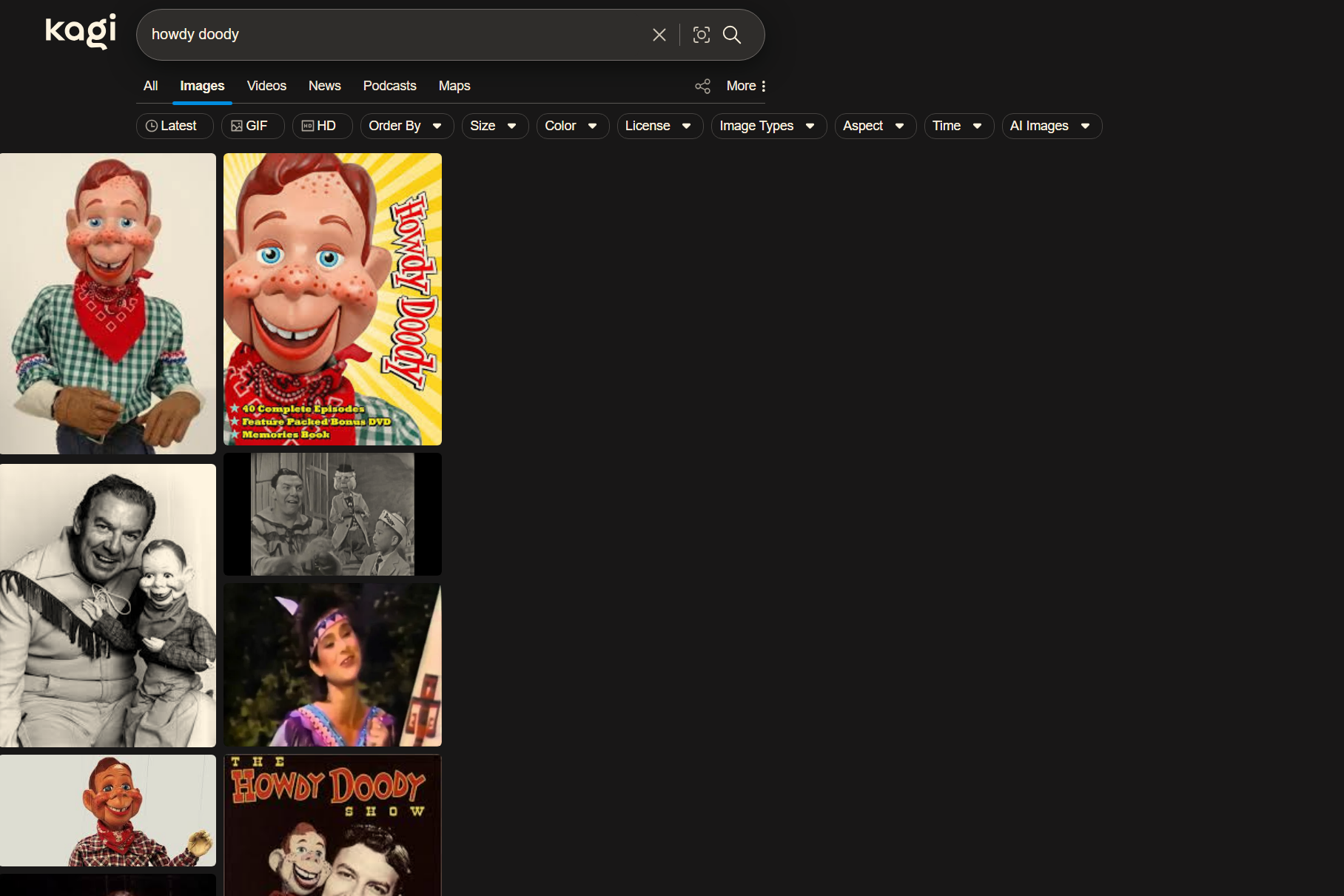
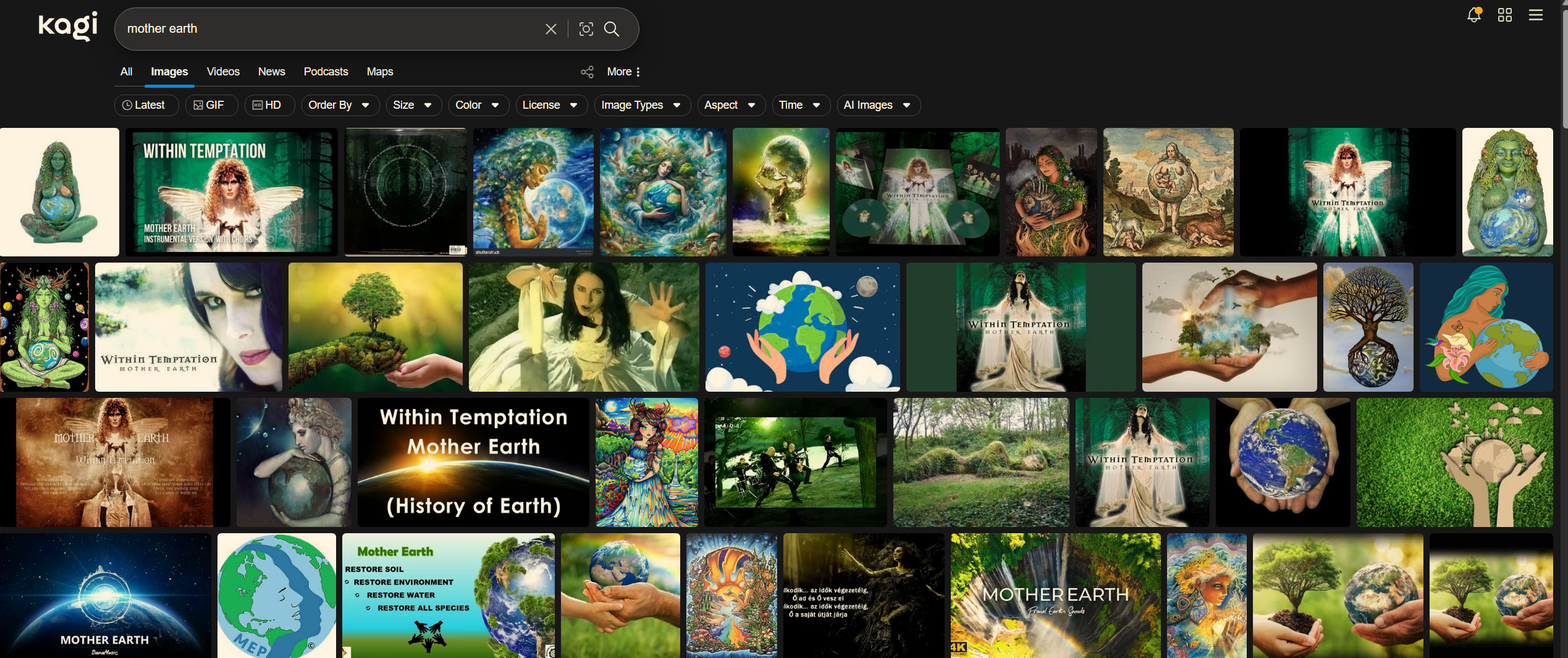
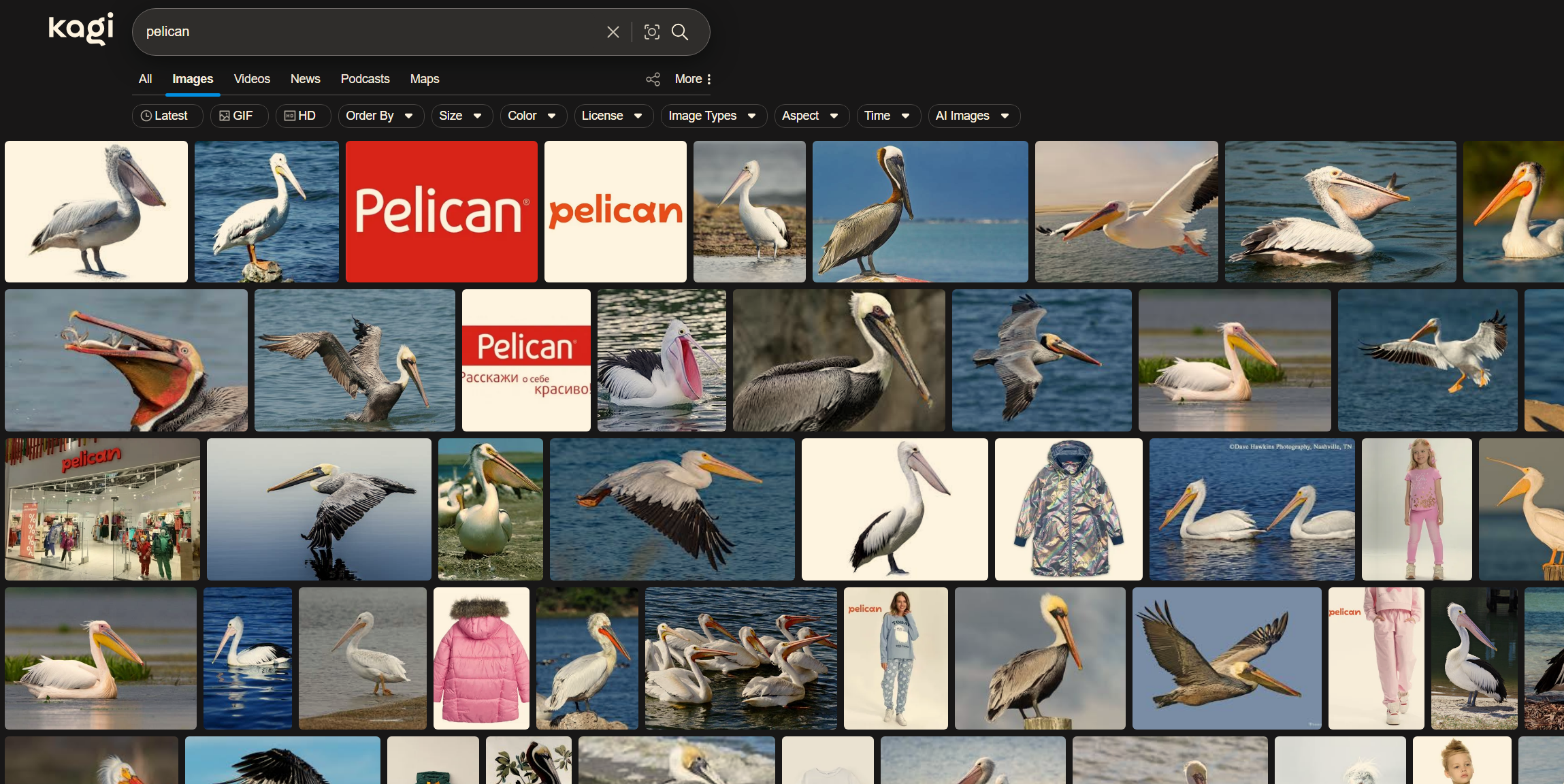
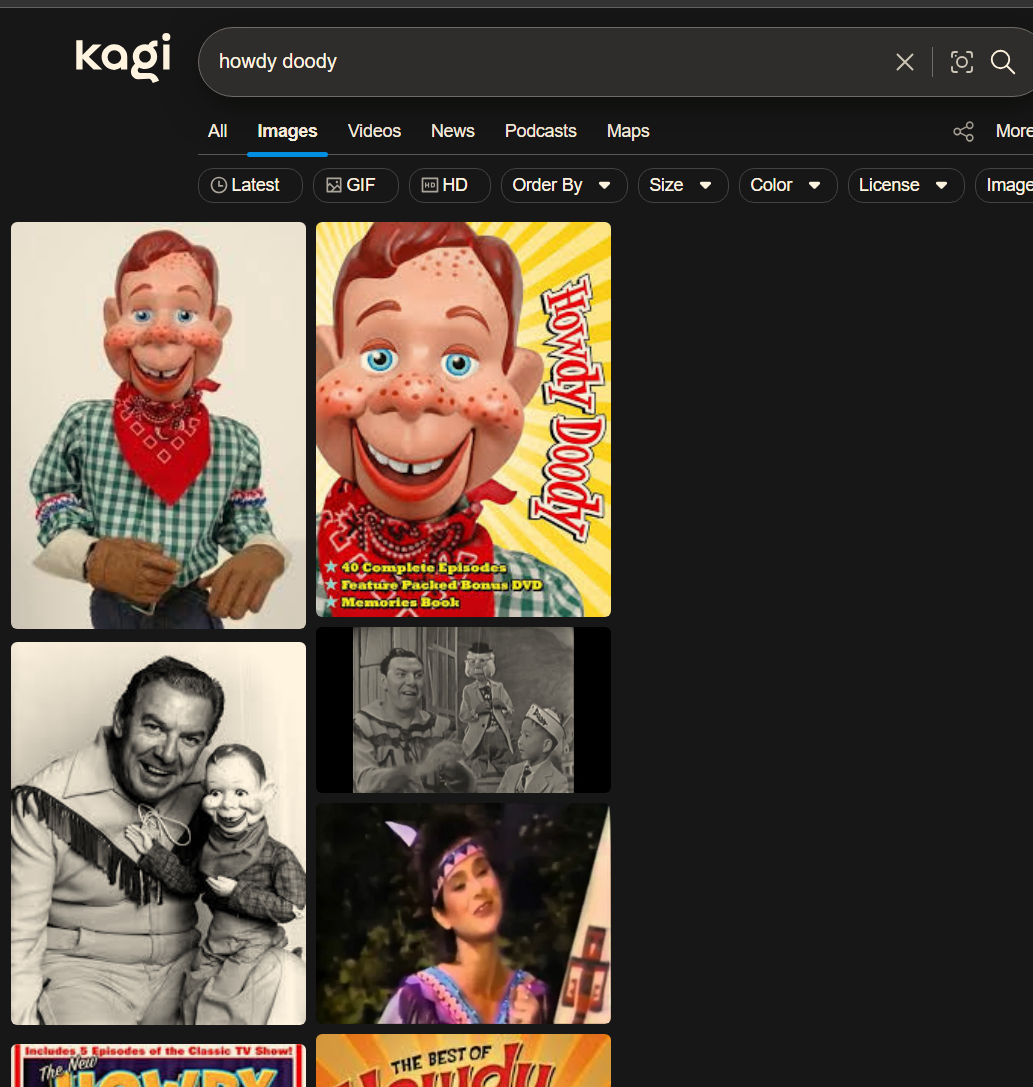
And a video showing the weirdness in action.
Side note: the other areas (all, videos, news, podcasts) display full width, even if the image results display in two columns.
Expectation?
All image results populating across the full width of the current screen.


