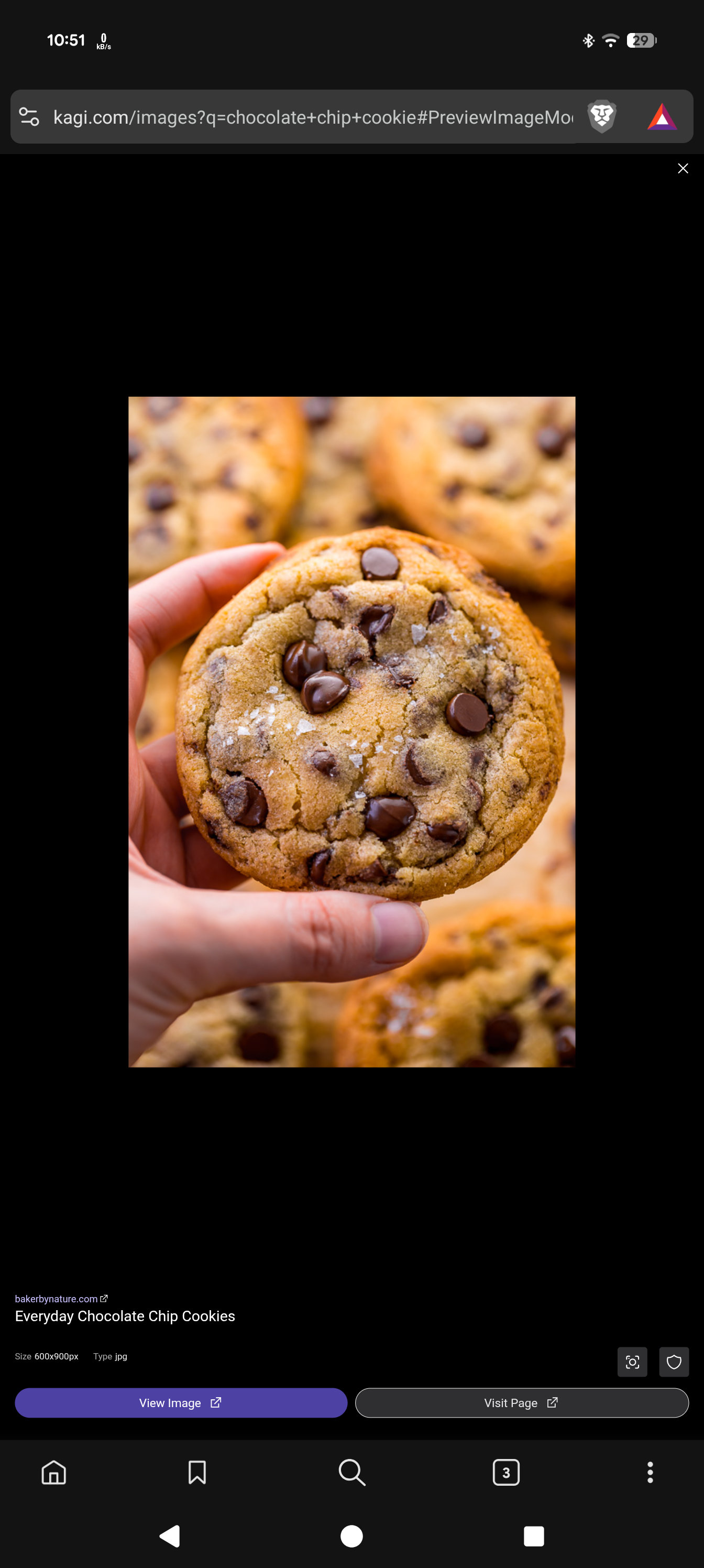
I hit image search button.
type in any text.
hit search.
once it has loaded I click on an image. ( touch screen )
it opens very zoomed in.
I'm using Android 16.
I have checked it on the kagi browser, brave browser, Chrome browser, Firefox browser.
The problem was not there a few days ago.
just noticed it now.
some code changed recently I guess that broke this.
...
recap.
when opening an image from image search it opens a page that is way too zoomed in.
I then have to pinch zoom out.
once I zoom out so I see the full page I cannot swipe left and right to see the other images.
when I first opened the link and it is zoomed in I can swipe to change to see other images.
reach out to me if you have any questions.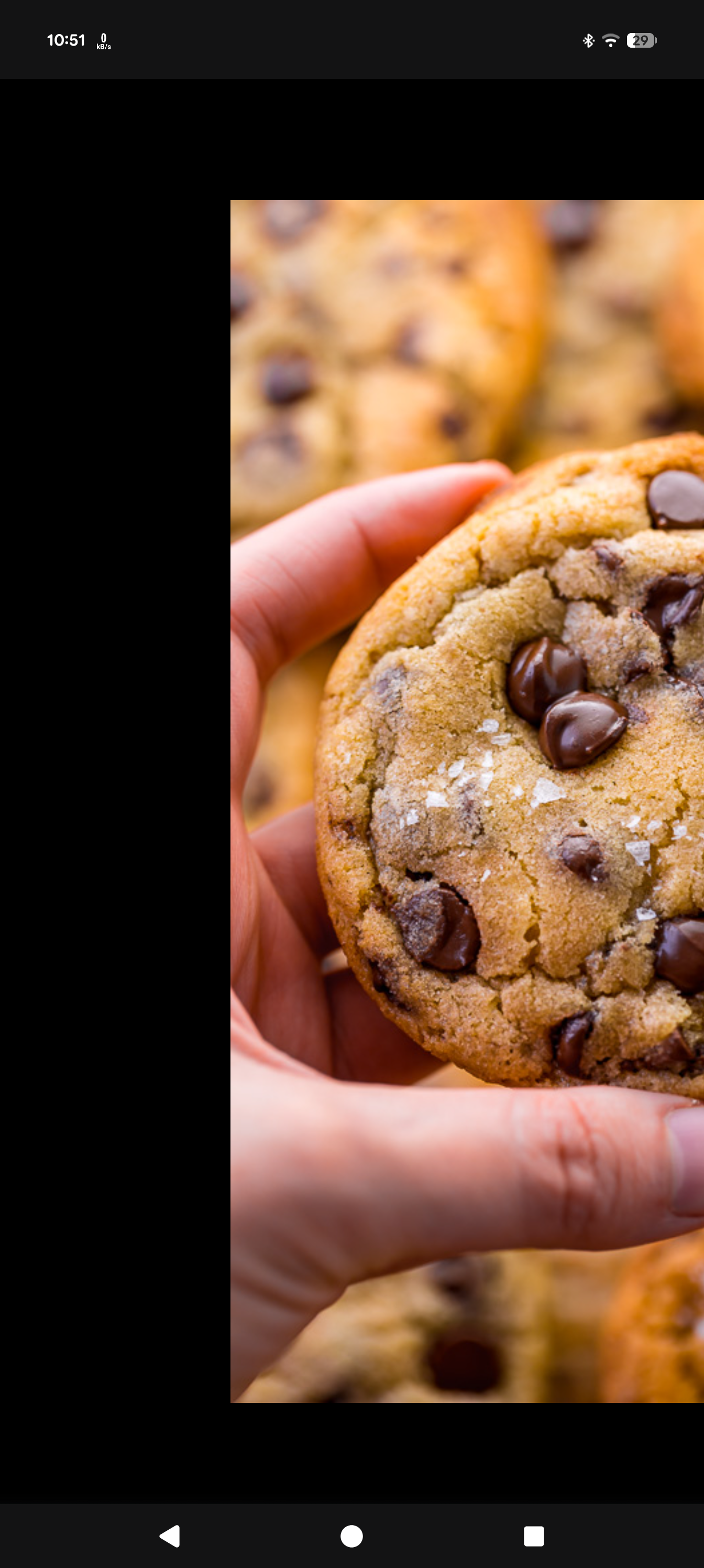
while doing an image search when I click an image the image should fill my screen.
then I can swipe left and right to see the other images.
and I think I can click it to hide the UI content and see just image.