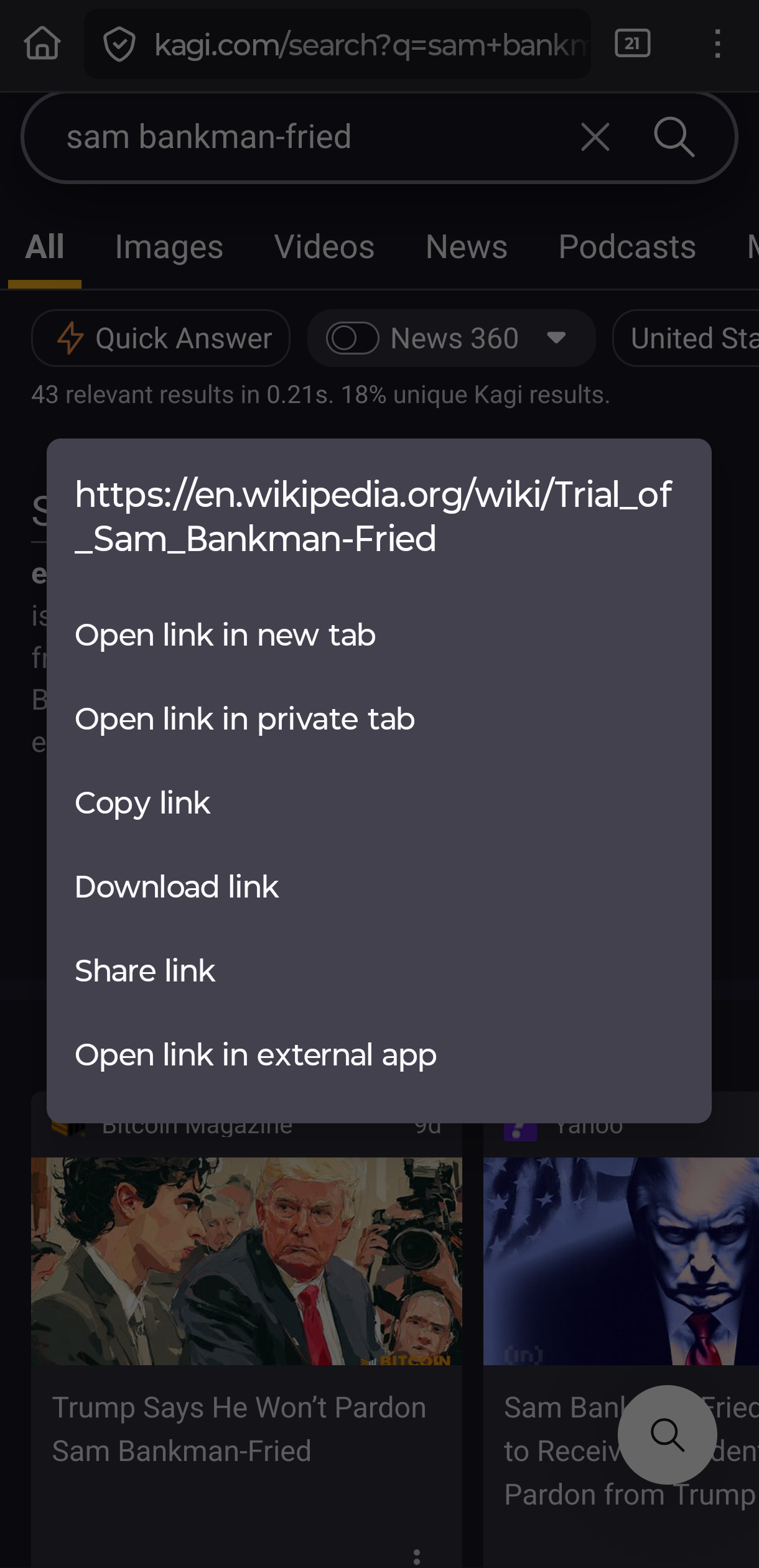
Kagi android app users should have the ability to long press search result links like in common android browsers like chrome and firefox. My main use is to "copy link address." I often long press with zero success because I do not mentally separate Kagi app-initiated search from kagi.com browser-initiated search.
An alternative would be that the three dot menu by a link would give the option to copy link address. Currently that menu gives the 'open page in web archive' option, and I feel adding "copy page/link address" would be in that same spirit.
My main use case would be the "copy link address" option, which I use for accessing a specific link without clicking through to the page. Examples:
1) Clean youtube link for a music video I've seen but want to share.
2) Link to an article that I want to paste into a different site or access from my non-default browser (e.g. work account logged in on one browser but not the other).
3) Link that i want to ensure opens in a browser but not the relevant app for whatever reason (e.g. want to change a discord option that works better in browser).
4) Link that works better in one browser than my default (e.g. firefox plugin is known to break something on a site).
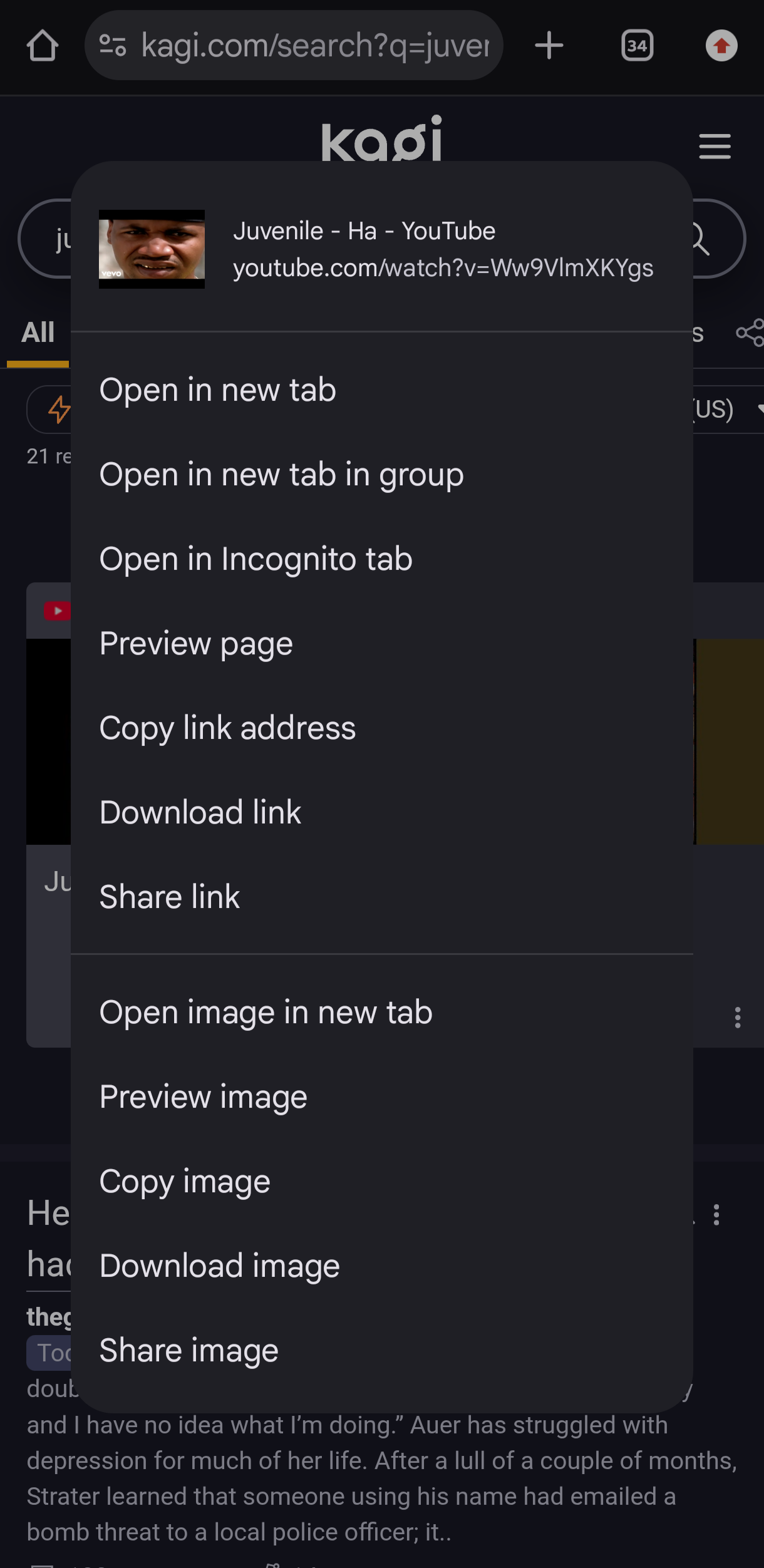
Screenshots of example options
Chrome:
Firefox: