It seems that Kagi's search homepage (kagi.com) changes positioning depending on the device being used and the formatting of the browser. The customisable mascot, in particular, is moved around and can be in a visually uncomfortable position near the top of the display.
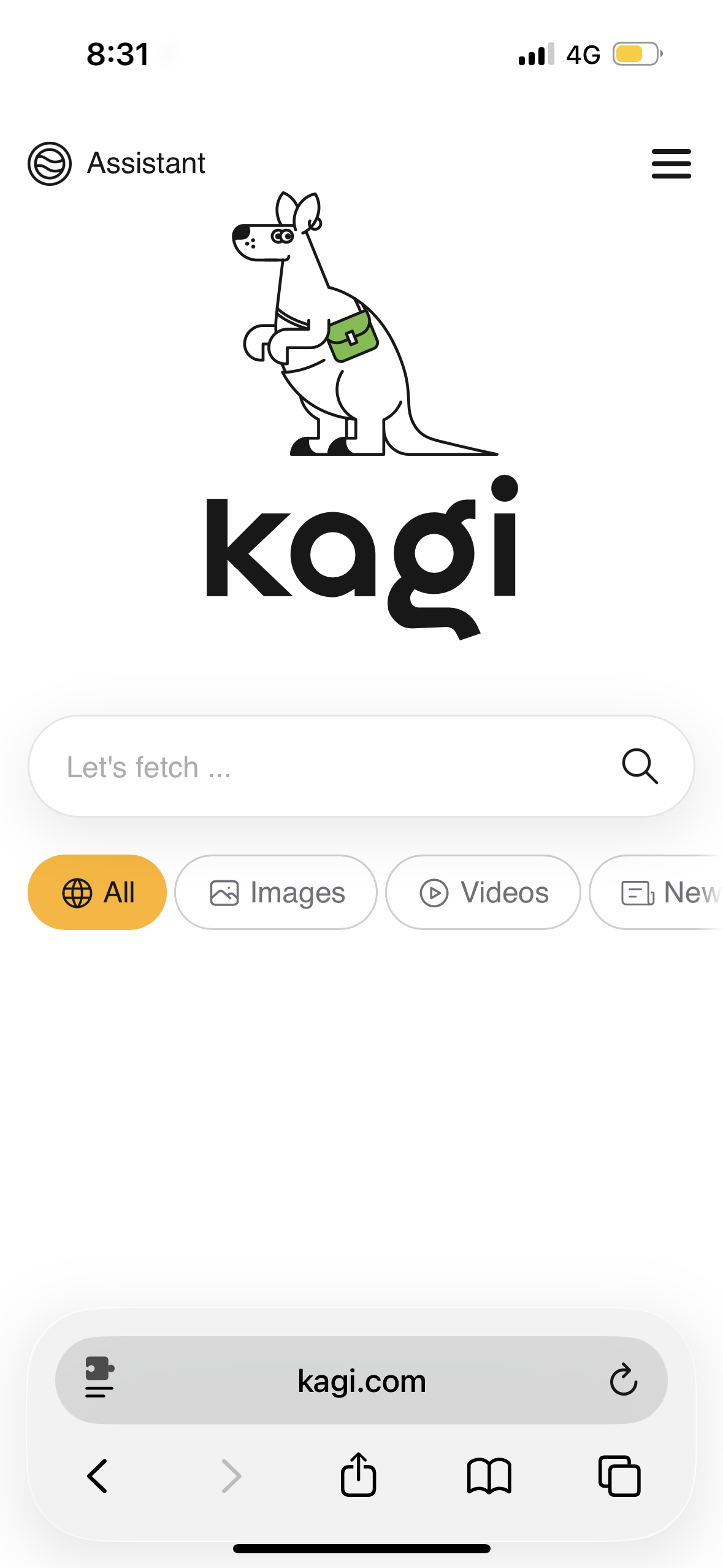
I tested this behaviour with a number of mascots on different devices, browsers, and browser formatting settings. See the below sequence of images for reference. On Safari, I cycled between Compact and Bottom.
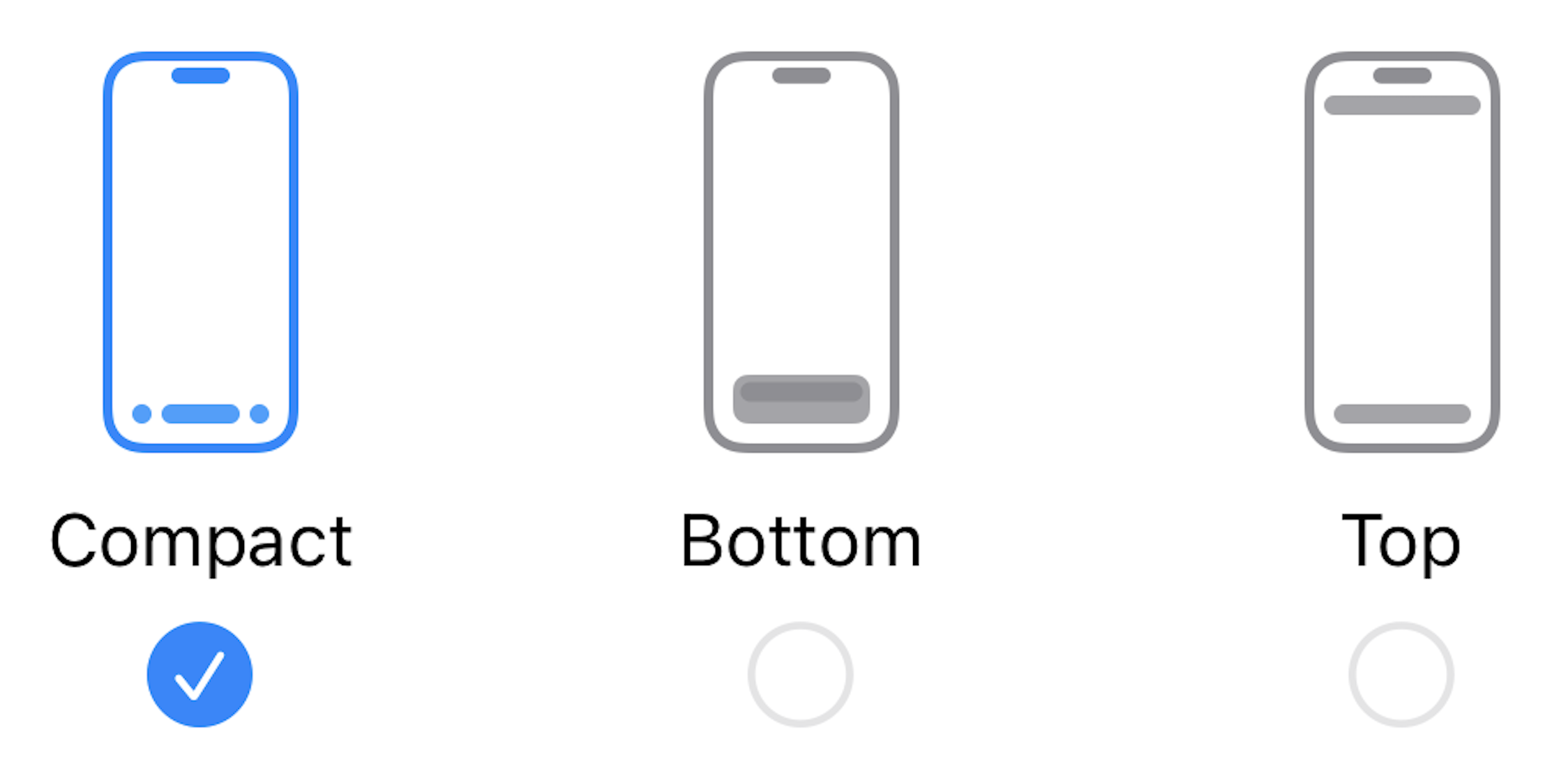
iPhone 15, iOS 26.1, Safari
Compact Mode
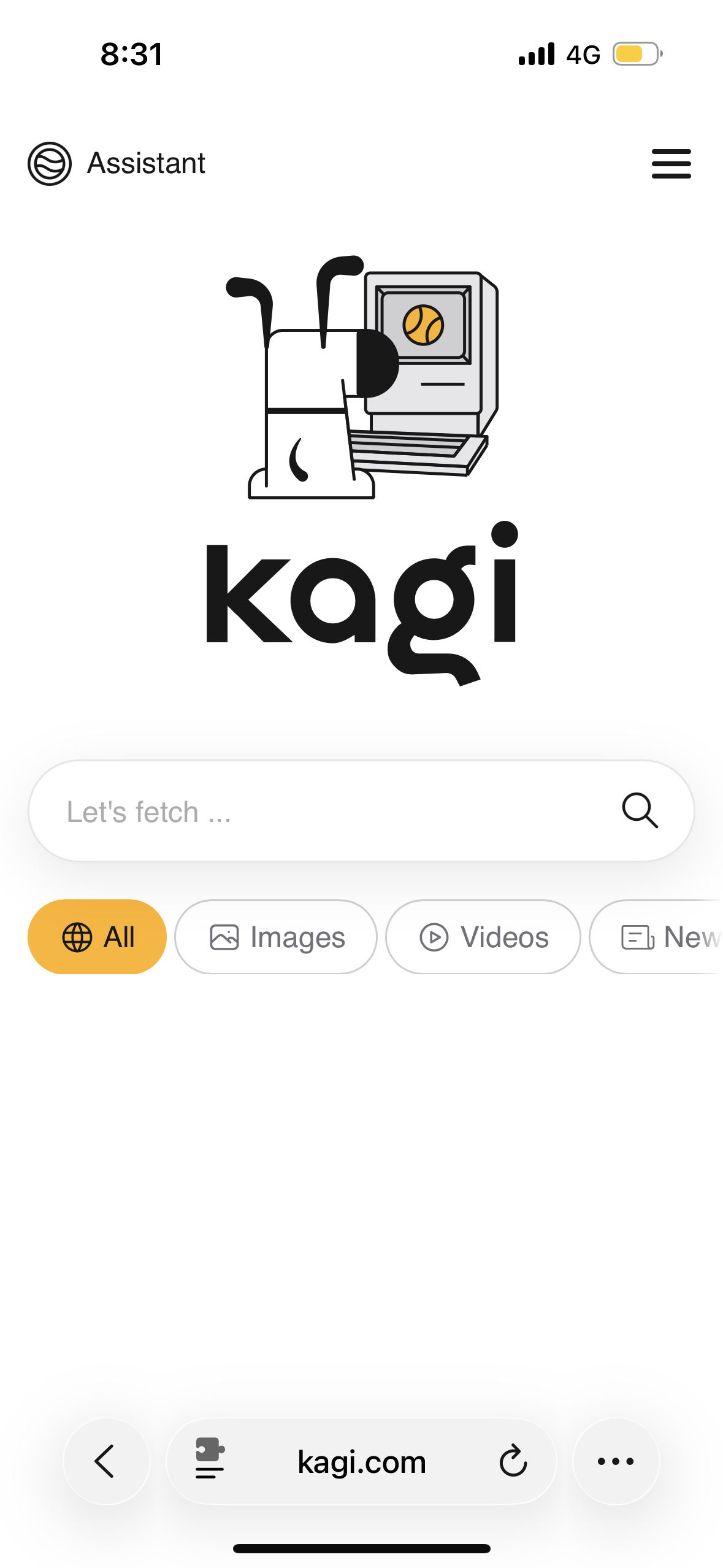
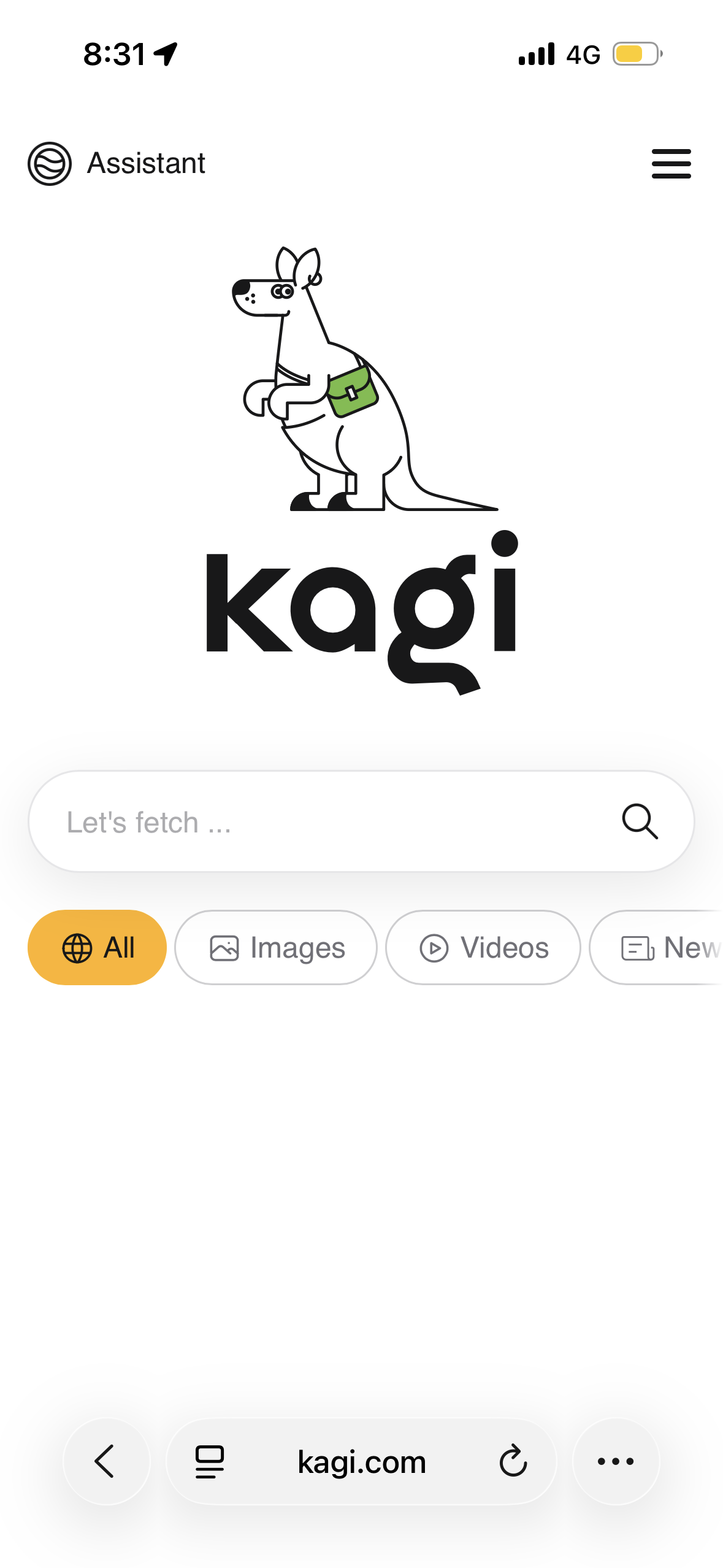
Bottom Mode
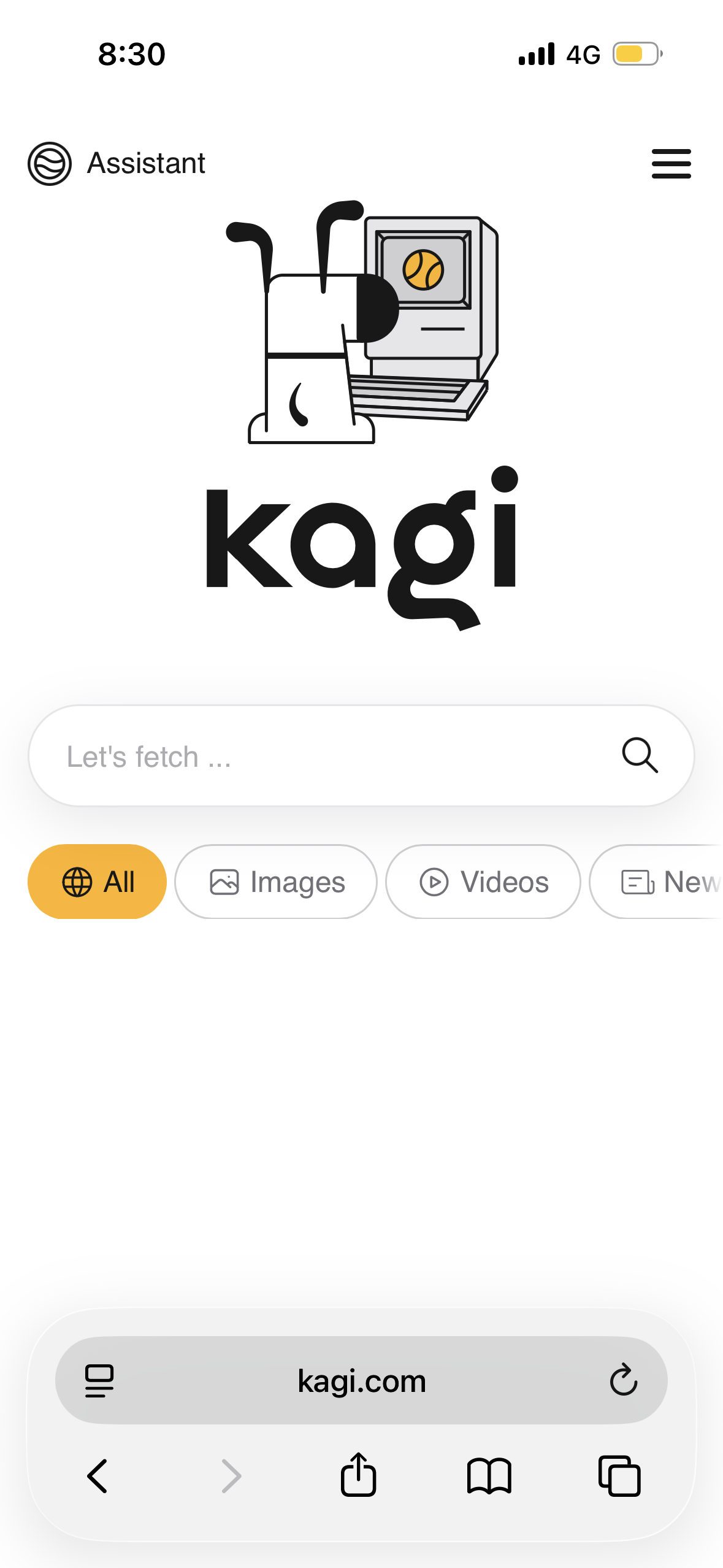
iPhone SE 3, iOS 26.2, Safari
Compact Mode
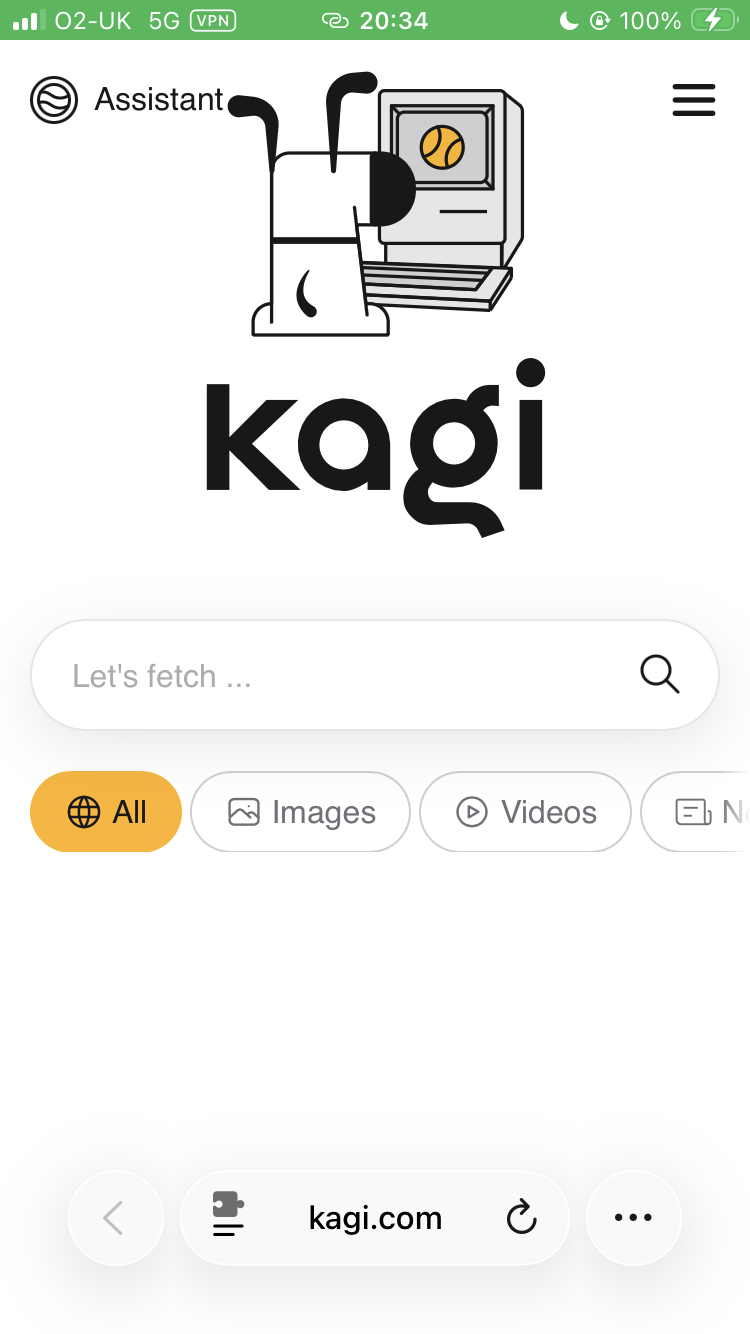
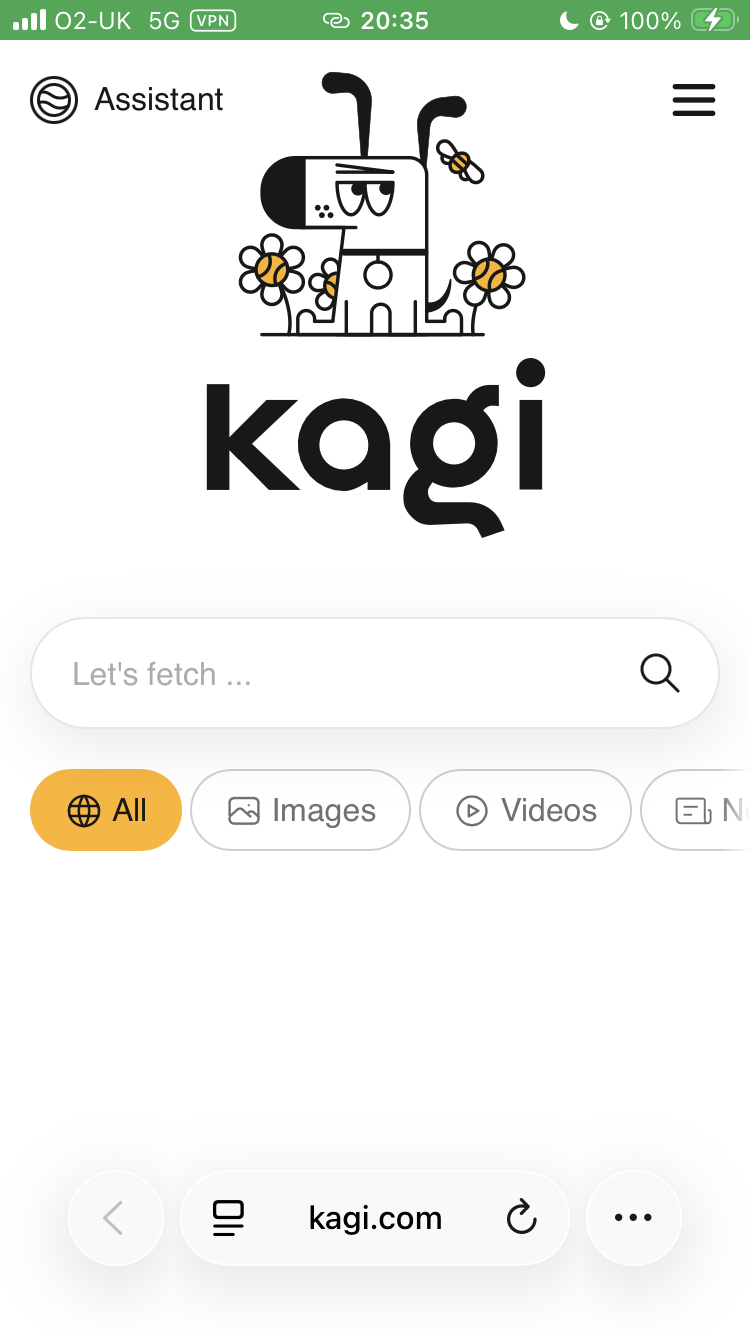
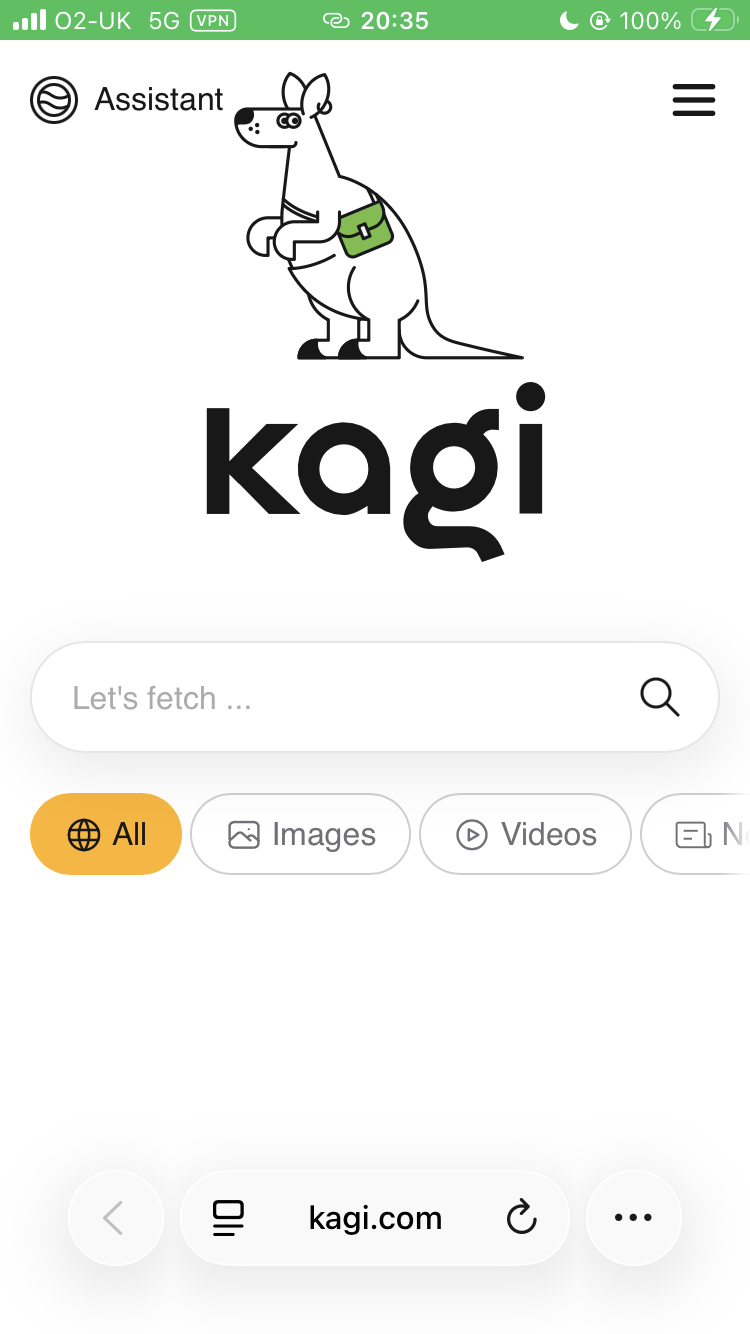
Bottom Mode
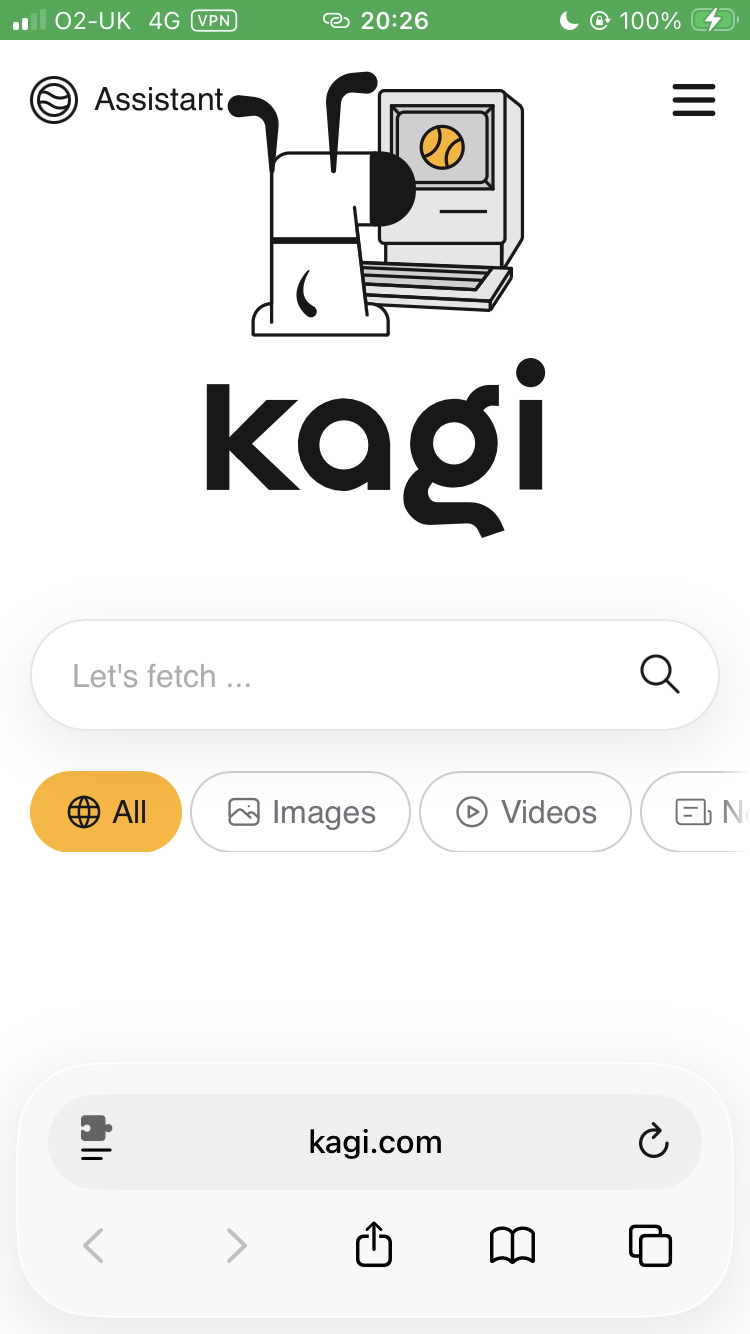
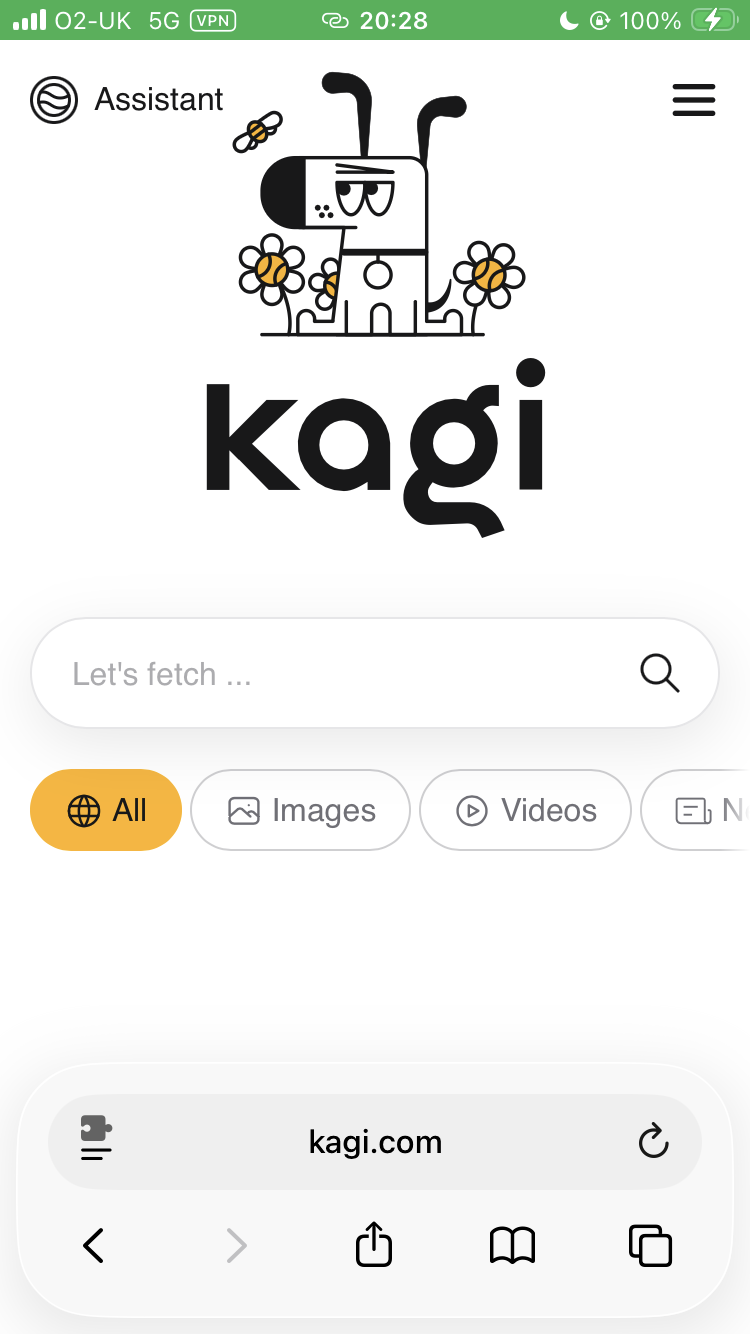
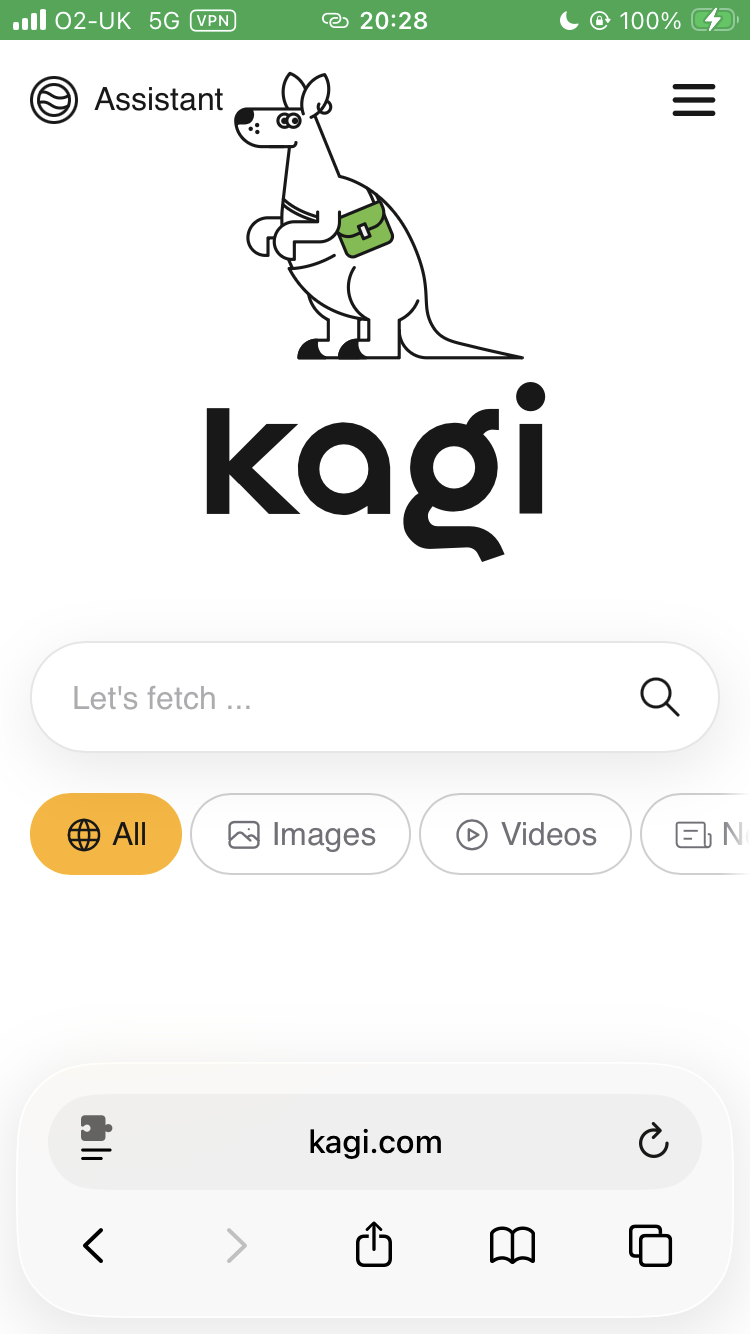
iPhone SE 3, iOS 26.2, Orion 1.4.3
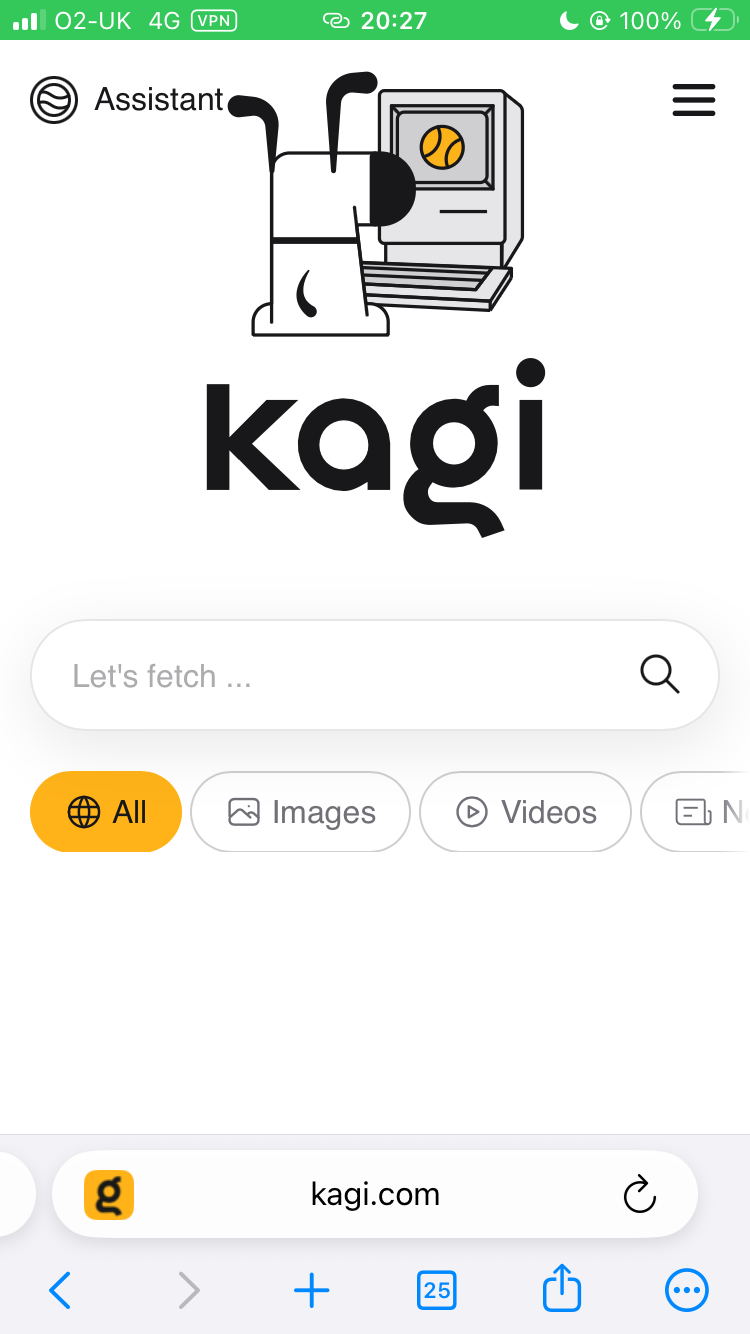
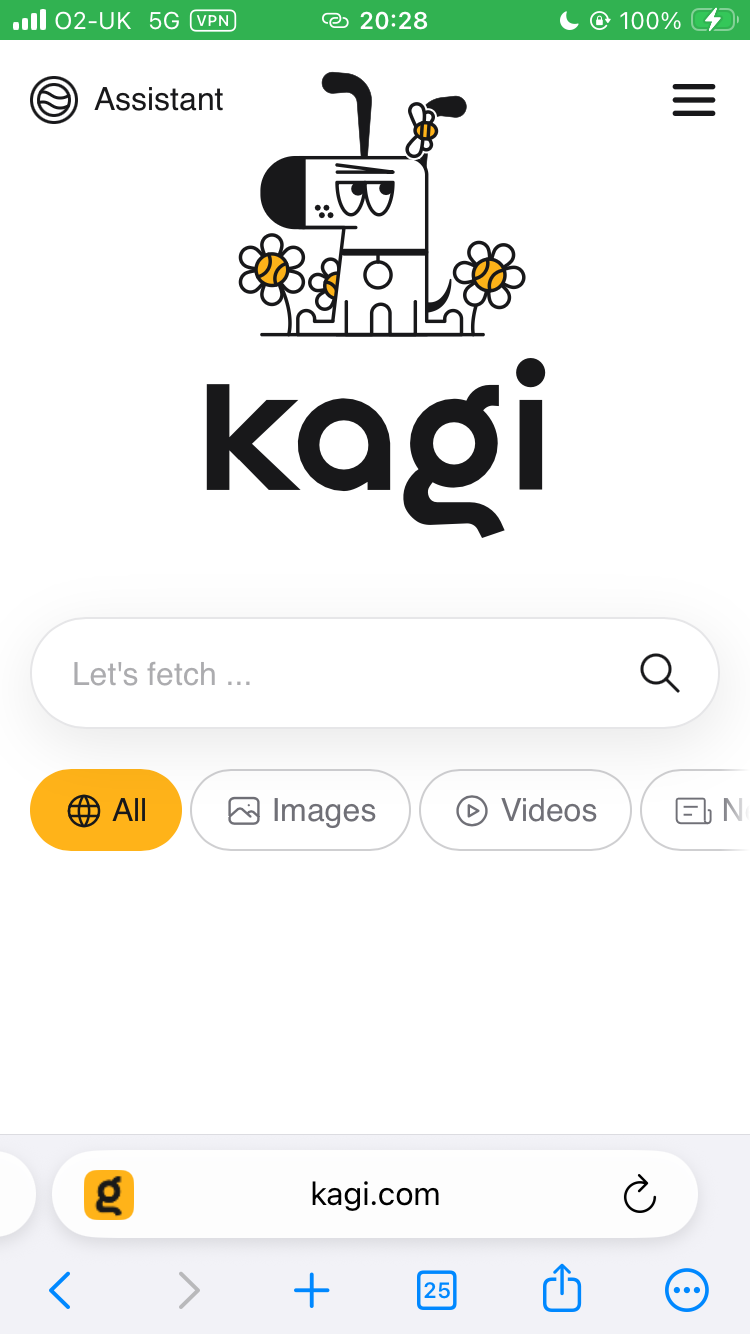
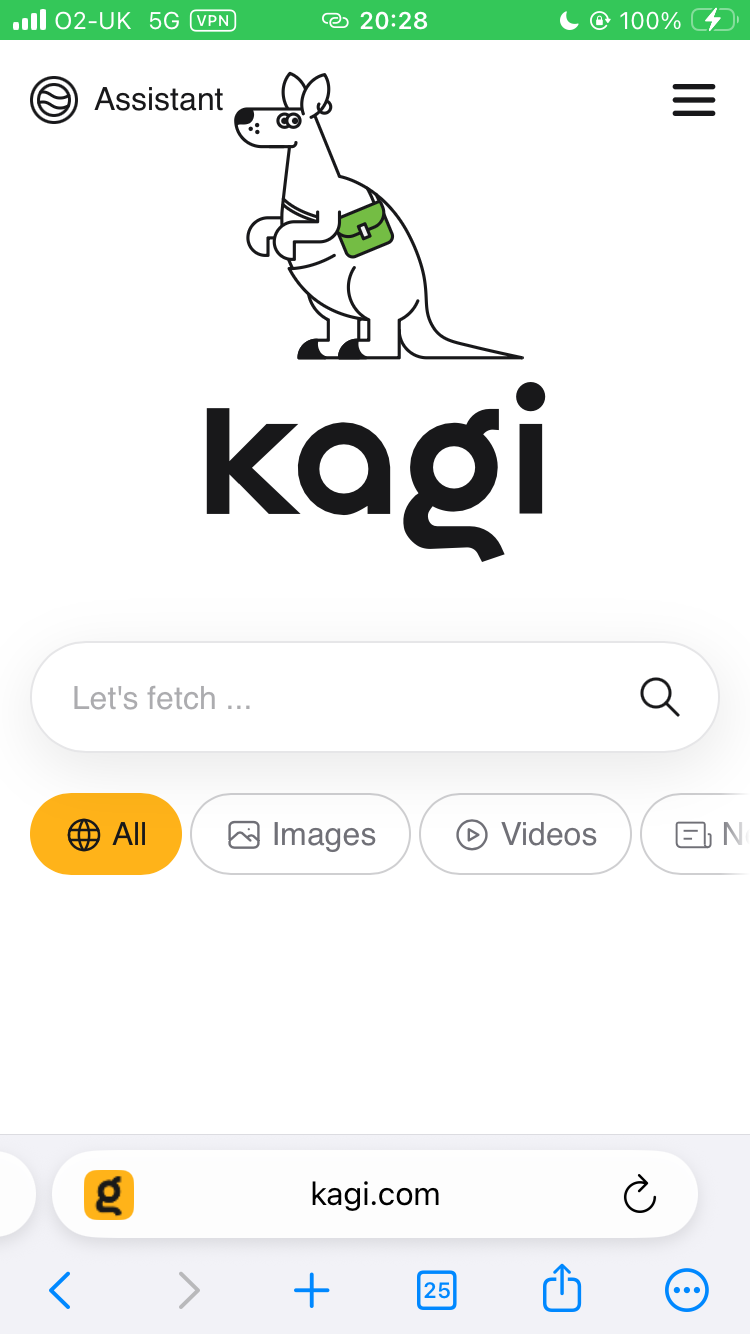
On the SE 3, it is clear that no matter the browser and browser setting used, the mascot is placed too high up on the screen. In the case of Working Doggo and Kagiroo this makes the UI look cramped, particularly next to the Assistant button.
On the 15, it is clear that the UI is affected by the Compact and Bottom options on Safari. The screen is large enough to accommodate it in both instances though. Regardless, I feel that the central UI could be moved down anyway.
