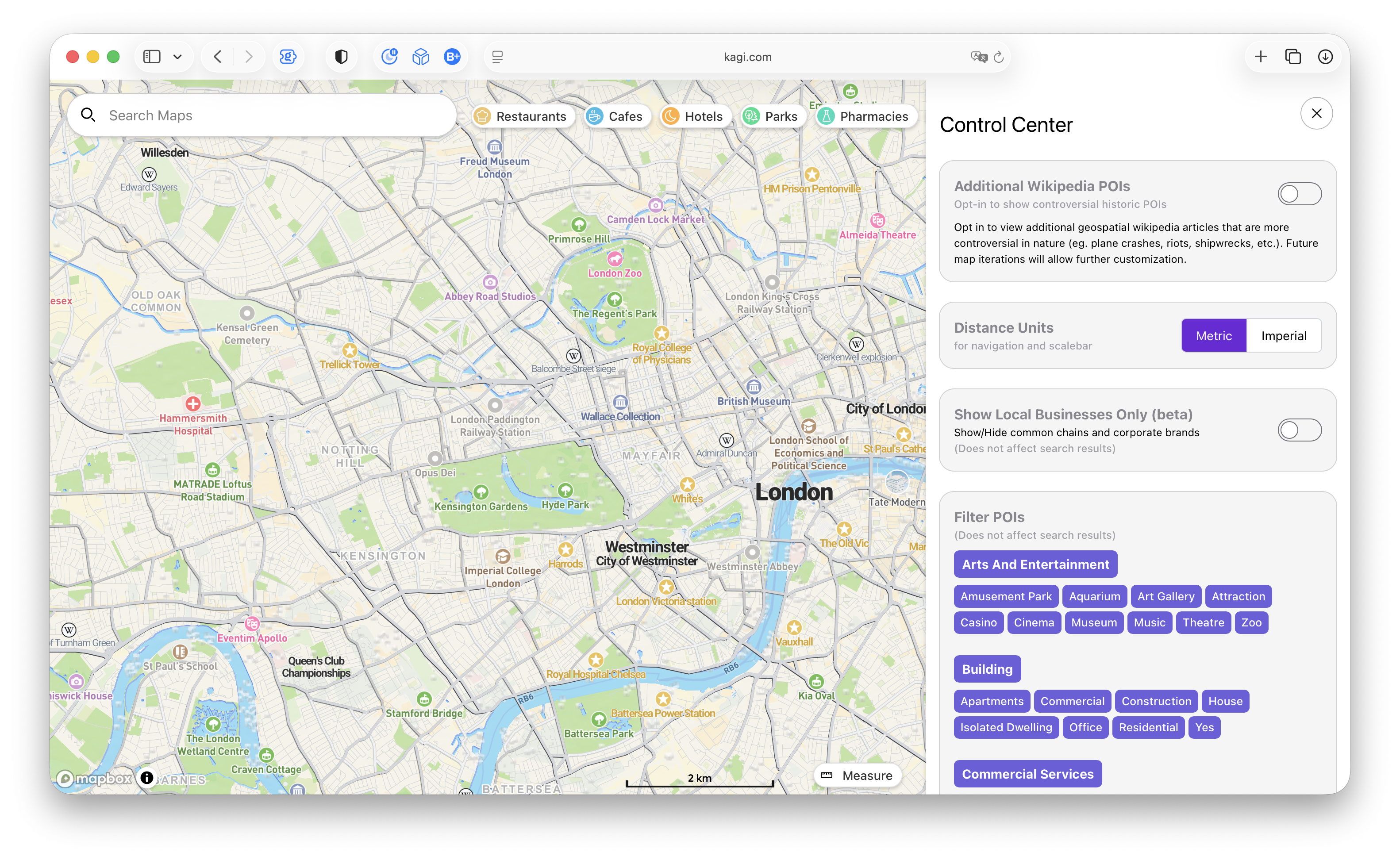
I think the current UI of layers on Kagi Maps is suboptimal, both on Desktop and Mobile. There is confusion for users between "details" — in the language of Google Maps — and "types". On Kagi Maps there are currently four types and one detail: Day, Night, Satellite, OSM; Popular Areas.
These should be displayed differently, perhaps similarly to how Google Maps does it. Google, though, has a different UI between Desktop and Mobile in terms of how layers/base maps are displayed — I think the UI (or rather Legend) should be the same across the two platforms.
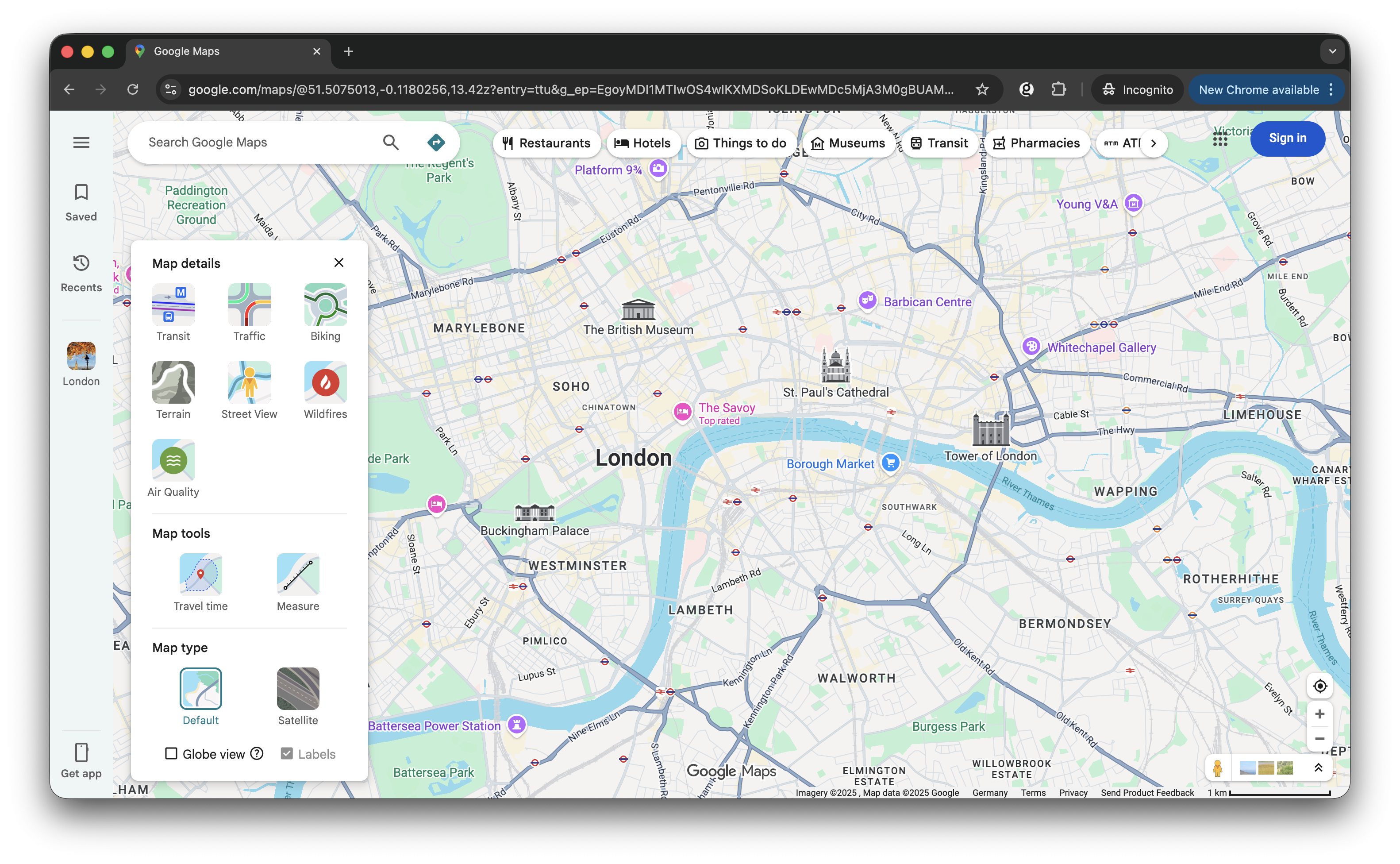
See the current differences between the two below.
Desktop, Google
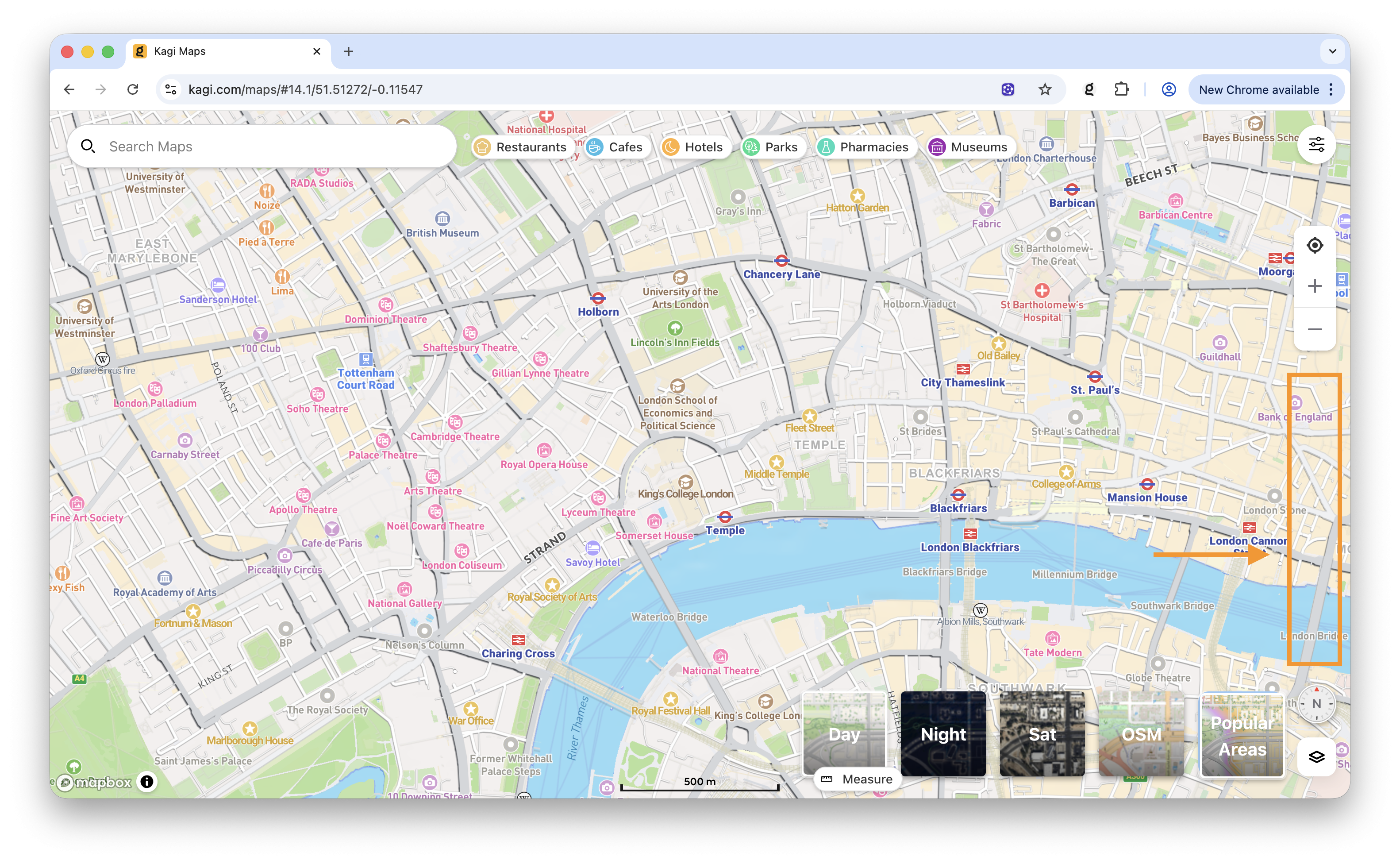
Desktop, Kagi (orange indicating extra real estate that could be used for implementation of this feature, particularly for Popular Areas/"details")
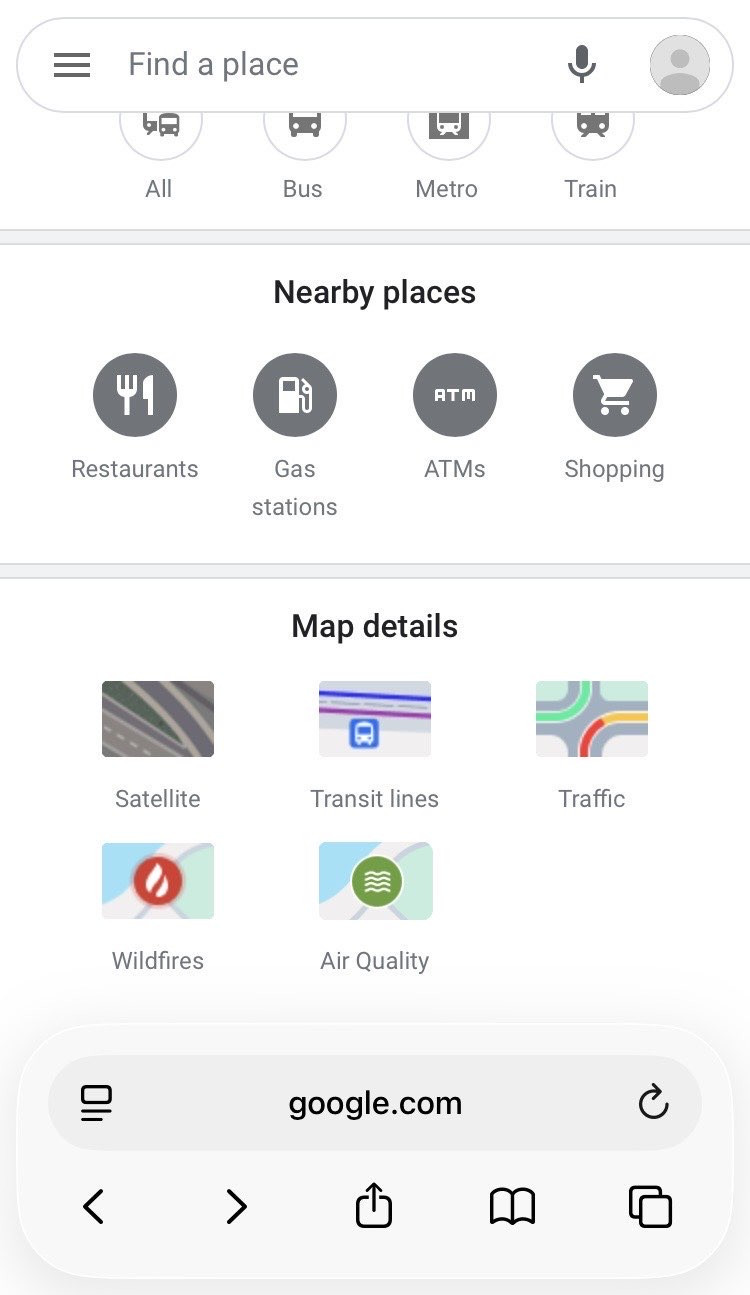
Mobile, Google
Mobile, Kagi
This implementation would be particularly important if/when Kagi Maps contains more "details". For example, I have separately suggested the implementation of a public transport layer #9319: Public transport layer for Kagi Maps). I think that it would be better to have this as a "detail"/layer, rather than as a "type"/base map, so that users can see public transport routes across night/day/satellite/OSM base maps (whatever they prefer). Apple Maps currently implements it as a "type"/base map.