I've noticed that some images when they are shown before or after the currently viewing image, get squooshed to a different aspect ratio which makes it look really weird.
Examples:
The image left of the current one has a tall aspect ratio and gets squooshed to a less tall one:
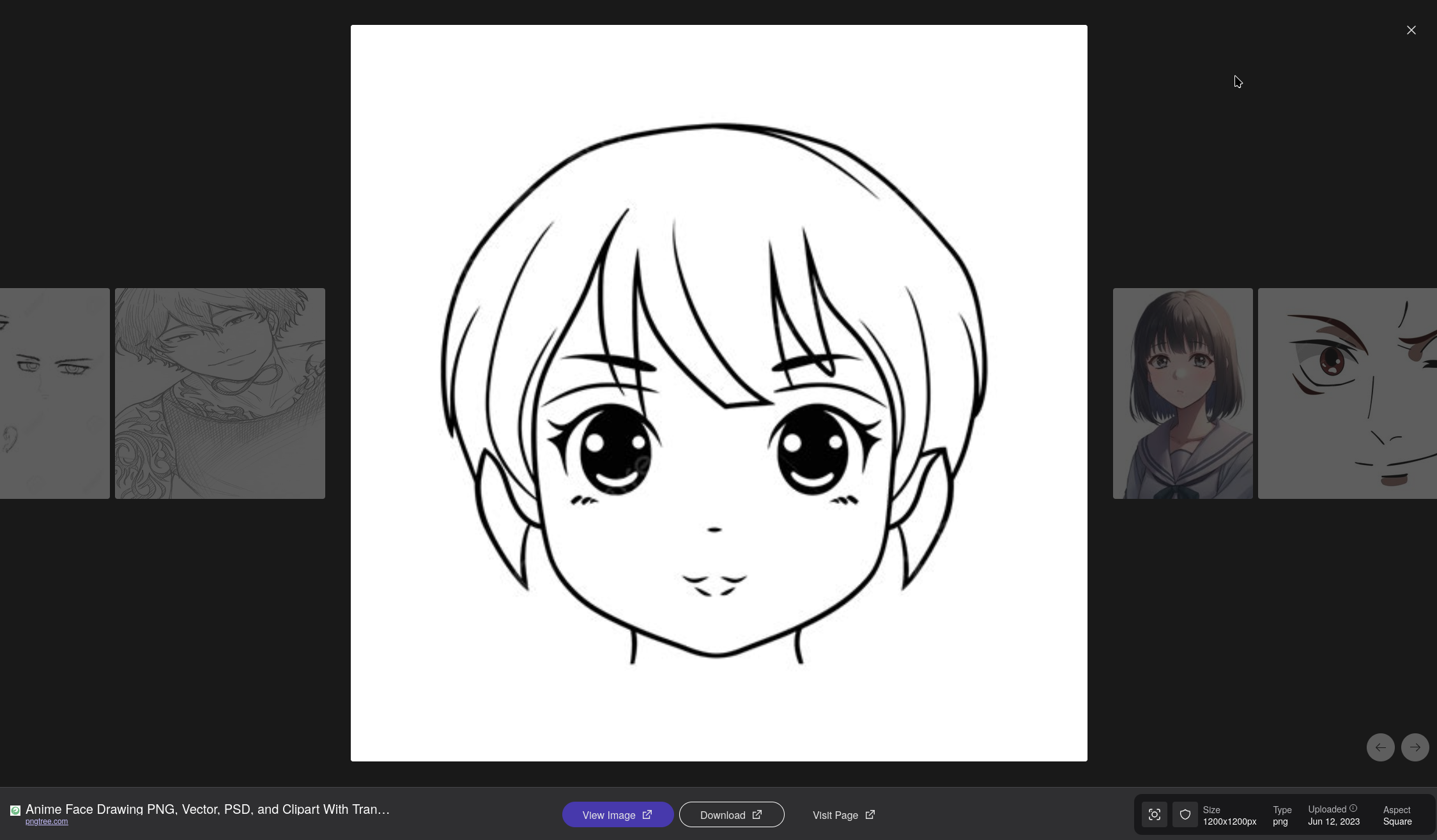
Main image: https://png.pngtree.com/png-clipart/20230612/original/pngtree-an-anime-face-drawings-with-black-and-white-coloring-pages-outline-png-image_9185171.png
the image get squooshed: https://i.pinimg.com/736x/5c/42/84/5c4284b022f46b7ee84ed78591072b41.jpg
Same thing here:
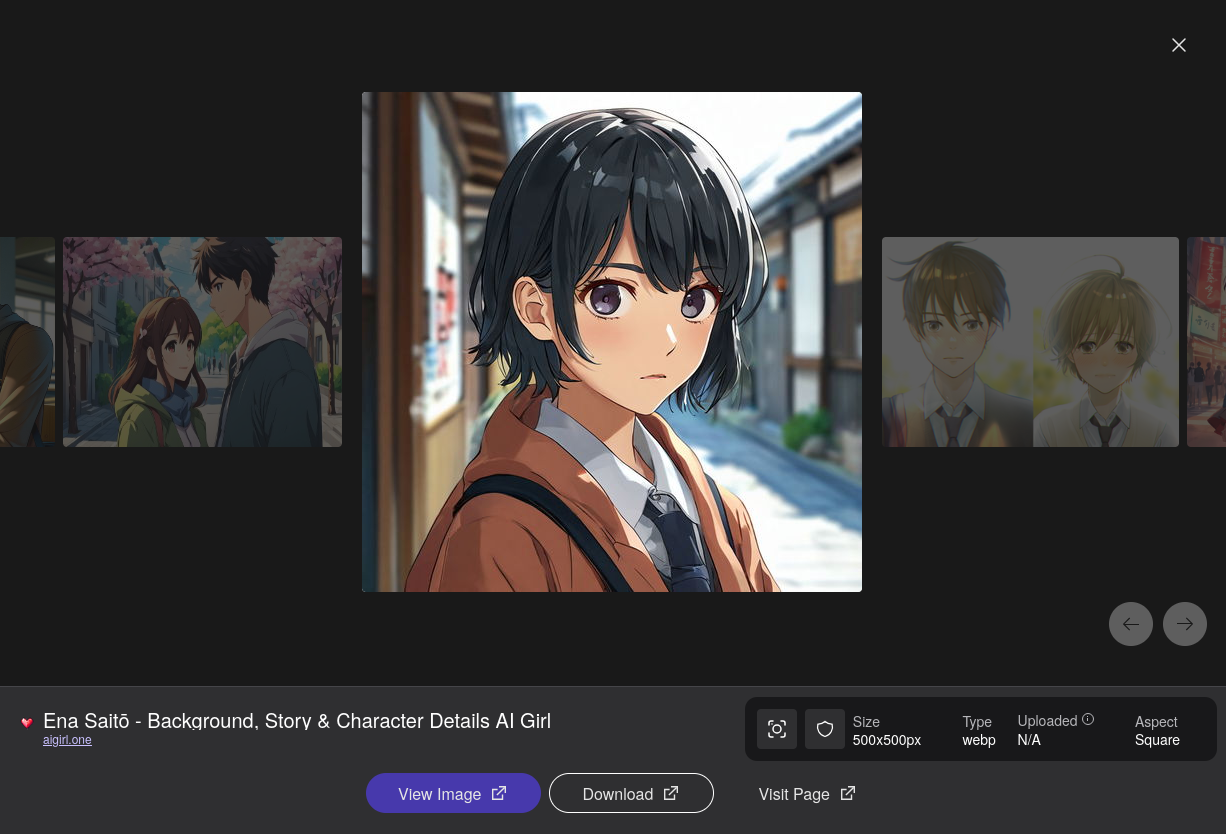
Main image: https://aigirl-storage.b-cdn.net/images/assistans/2ebc3c78-492e-42c9-a867-378b0e3e84f3/avatar.webp?width=500
squooshed image: https://s3.ap-southeast-1.amazonaws.com/galerinews/uploads/images/202505/image_430x256_68315b4f42551.jpg
another example:
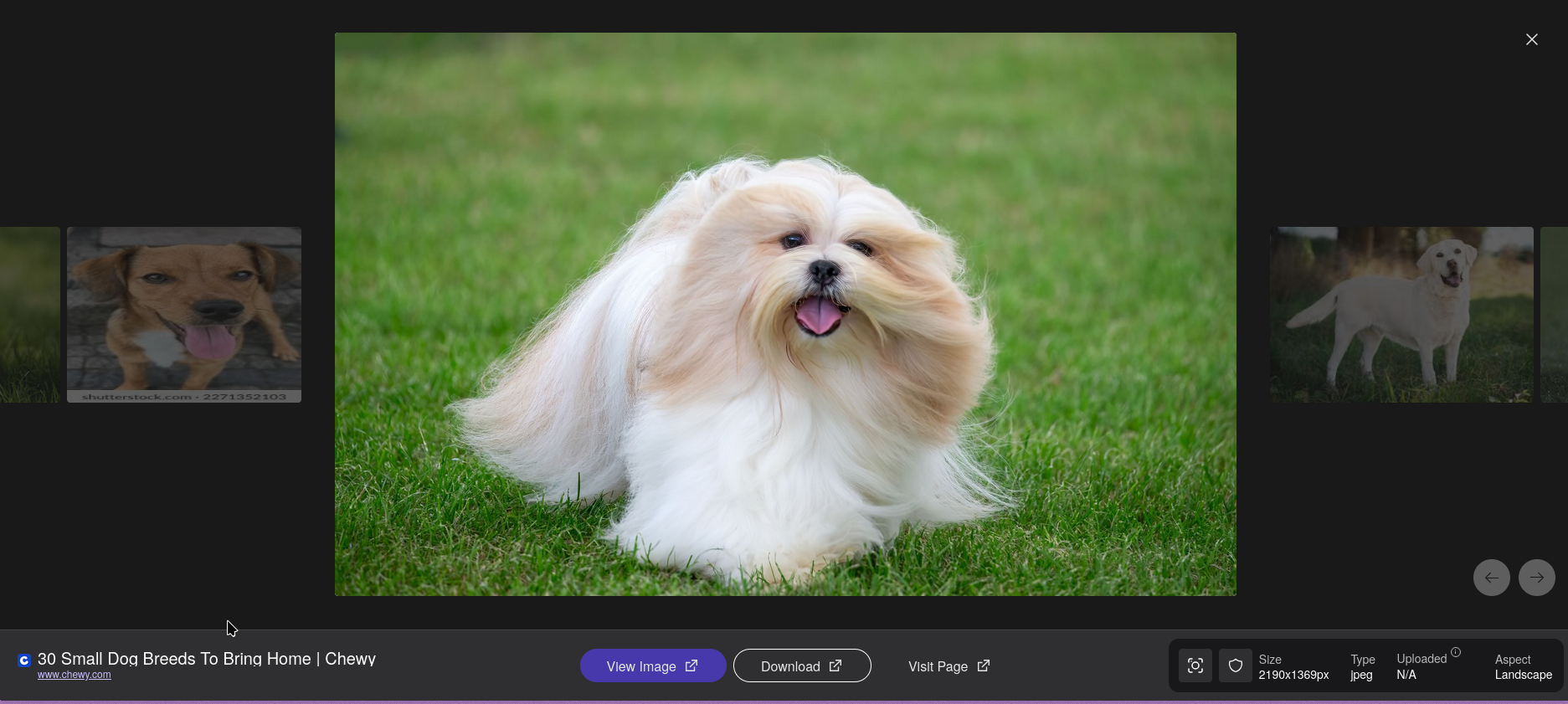
main image: https://pet-health-content-media.chewy.com/wp-content/uploads/2025/06/24161114/small-dog-lhasa-apso.jpeg
squooshed image: https://www.shutterstock.com/image-photo/young-brown-mixed-breed-dog-260nw-2271352103.jpg
