1) Open the assistant
1.5) I've got Kagi set to keep all my old conversations, but we're using a brand new conversation for this reproduction.
2) Open browser task manager (Shift-Esc) (I tested in Vivaldi, Edge).
3) Begin typing into the text box.
Before typing, while nothing is happening, the tab CPU sits < 1%.
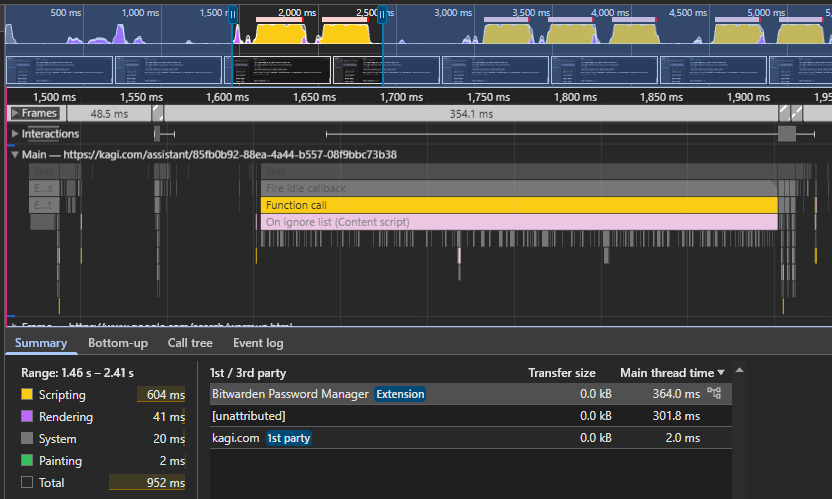
In a fresh, empty Edge or Vivaldi profile, the tab CPU jumps to 15-25%. In my usual Vivaldi profile, with lots of other tabs open, tab CPU jumps to 80% and I see noticeable lag while typing.
When I stop typing, CPU drops back to < 1%.
I expected typing into a text box to take essentially no CPU at all.
Since I don't get typing lag anywhere else on the web, I didn't expect to get it in the Assistant.