When uploading a cropped iOS screen recording, The Assistant interprets the file as raw binary data instead of analyzing it as it should. To replicate, take a screen recording of any length, crop it by any amount on either axis, and upload it to any model (as it seems to be a Librarian issue). I noticed that uncropped videos upload as .mp4 and are analyzed as expected, while cropped videos upload as .mov. Due to how much information there is, the video should ideally be less than one second or you’ll just reach the maximum input limit.
Ki fails: https://kagi.com/assistant/db98ee83-f92a-4133-82d3-cf825281f66a
2.5 Flash fails: https://kagi.com/assistant/26d06e0d-ca6c-456e-8aa9-567873c46b23
2.5 flash functions with uncropped video: https://kagi.com/assistant/464ef4ab-607a-498b-8e5a-28ef8d52c19d
Which is then broken when cropped: https://kagi.com/assistant/463f1e22-4fc2-4758-96f1-4a7c52b64e28
The video is analyzed correctly by the official Gemini app, for reference.
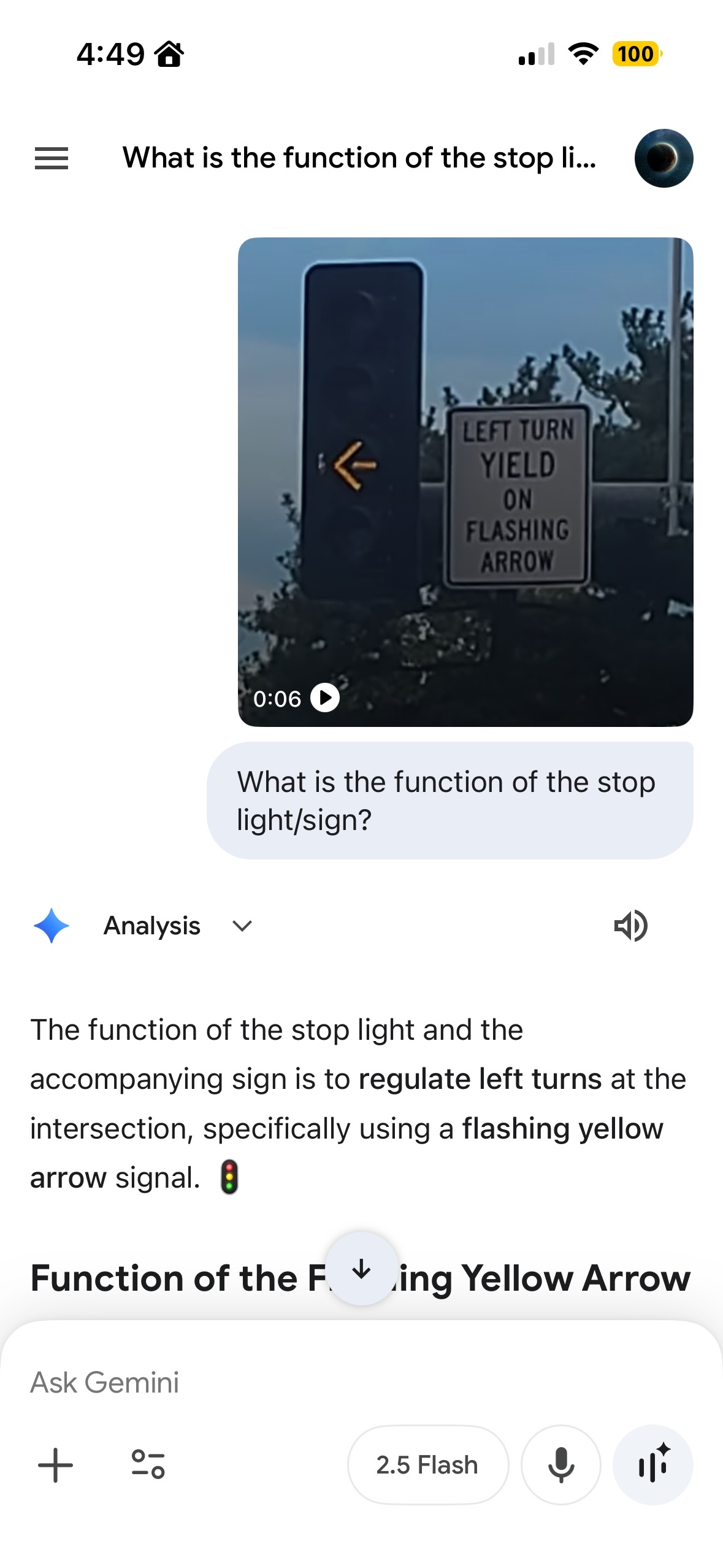
I expect the video analyzing functionality of the Librarian tool to handle the file format that cropped iOS screen recordings are saved as, and for them to be handled as shown in the Gemini app example.
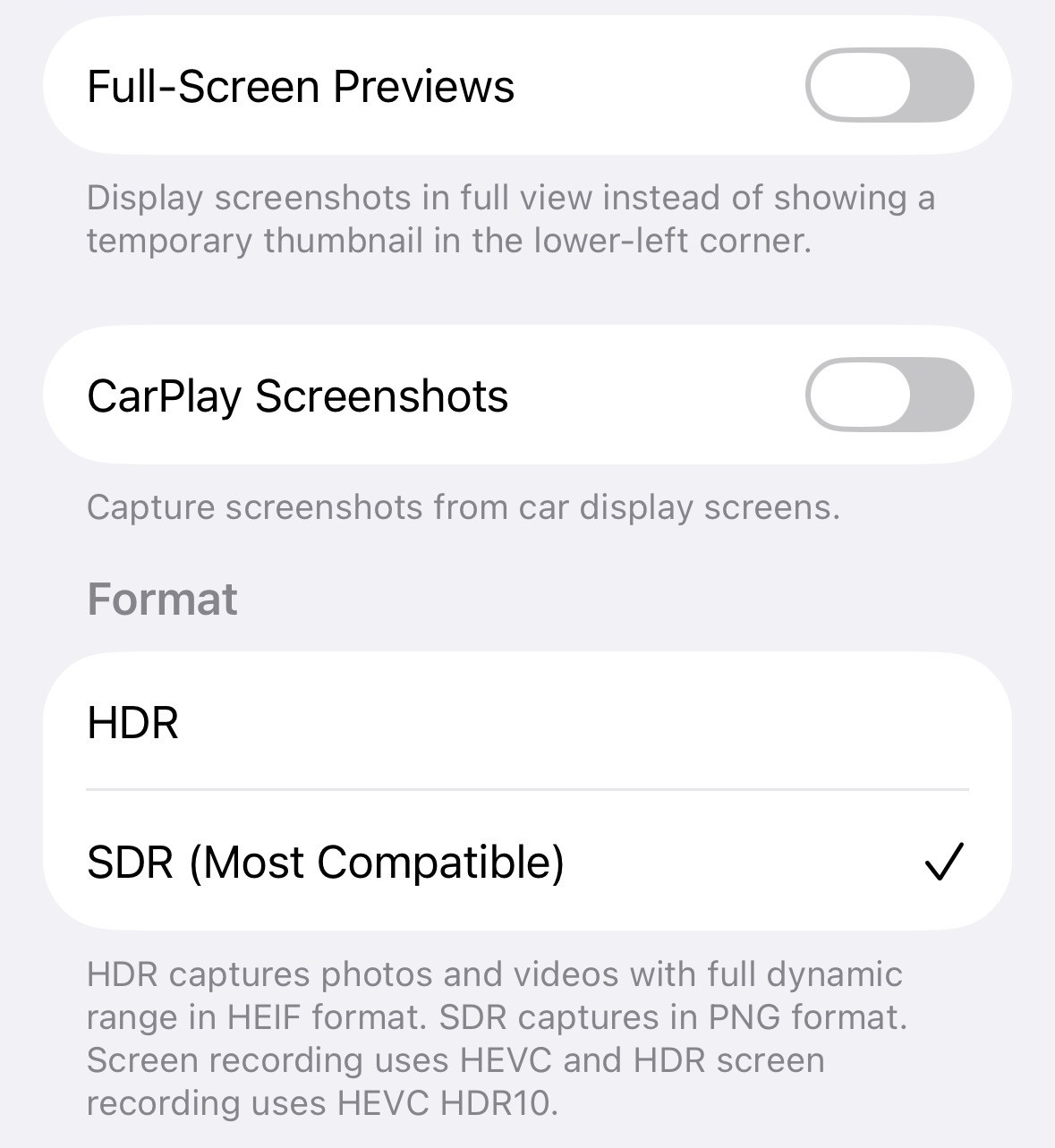
iOS 26.0.1, iPhone 14 Pro, with these screen capture settings.