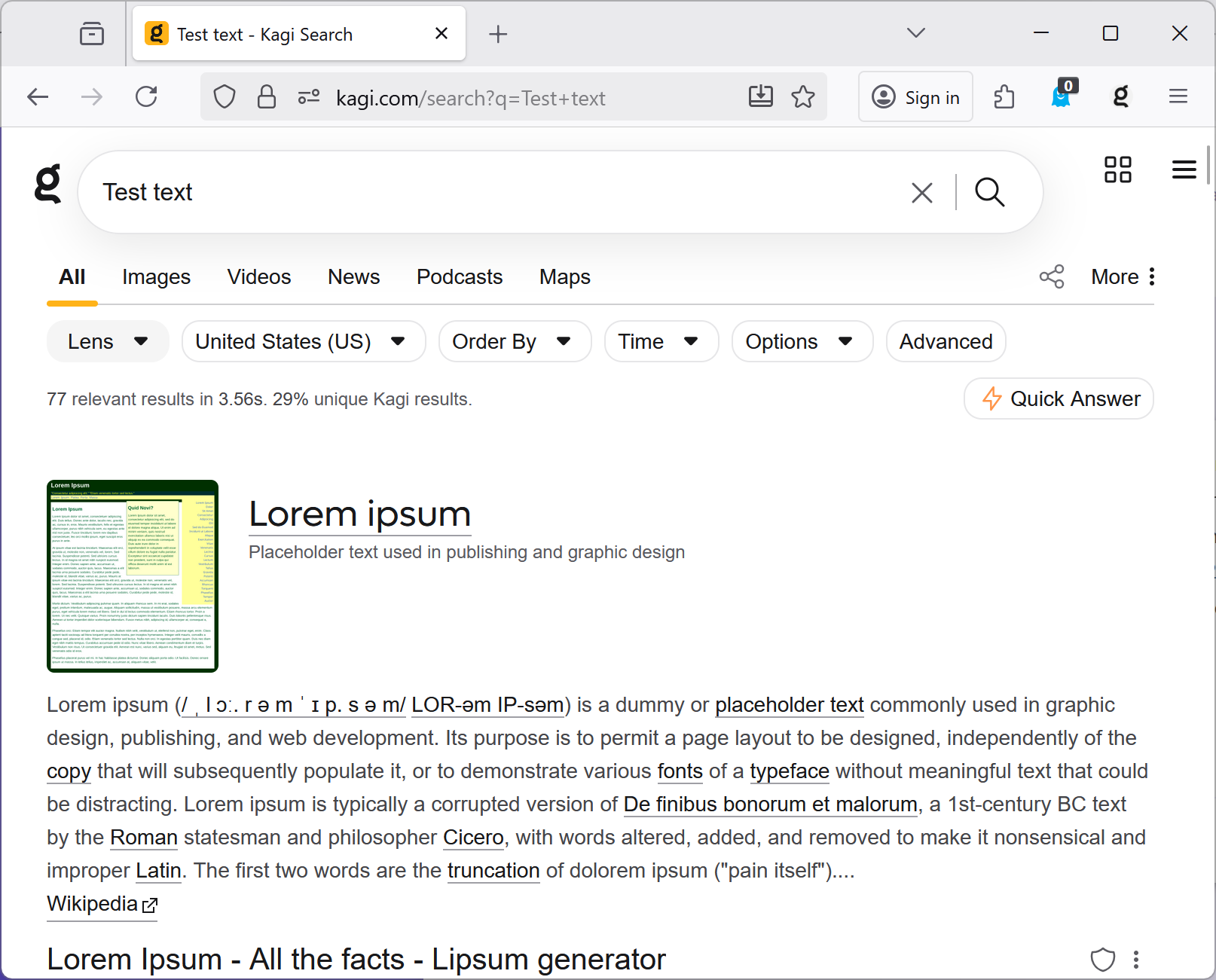
The recently added feature of paste for reverse image search is not working correctly with text has been copied from Excel. When I copy text from an Excel cell (by hitting Control-C with the cell highlighted) and then hit Control-V to paste it in the Kagi search box, Kagi is now treating this as an image and attempting to perform a reverse image search.
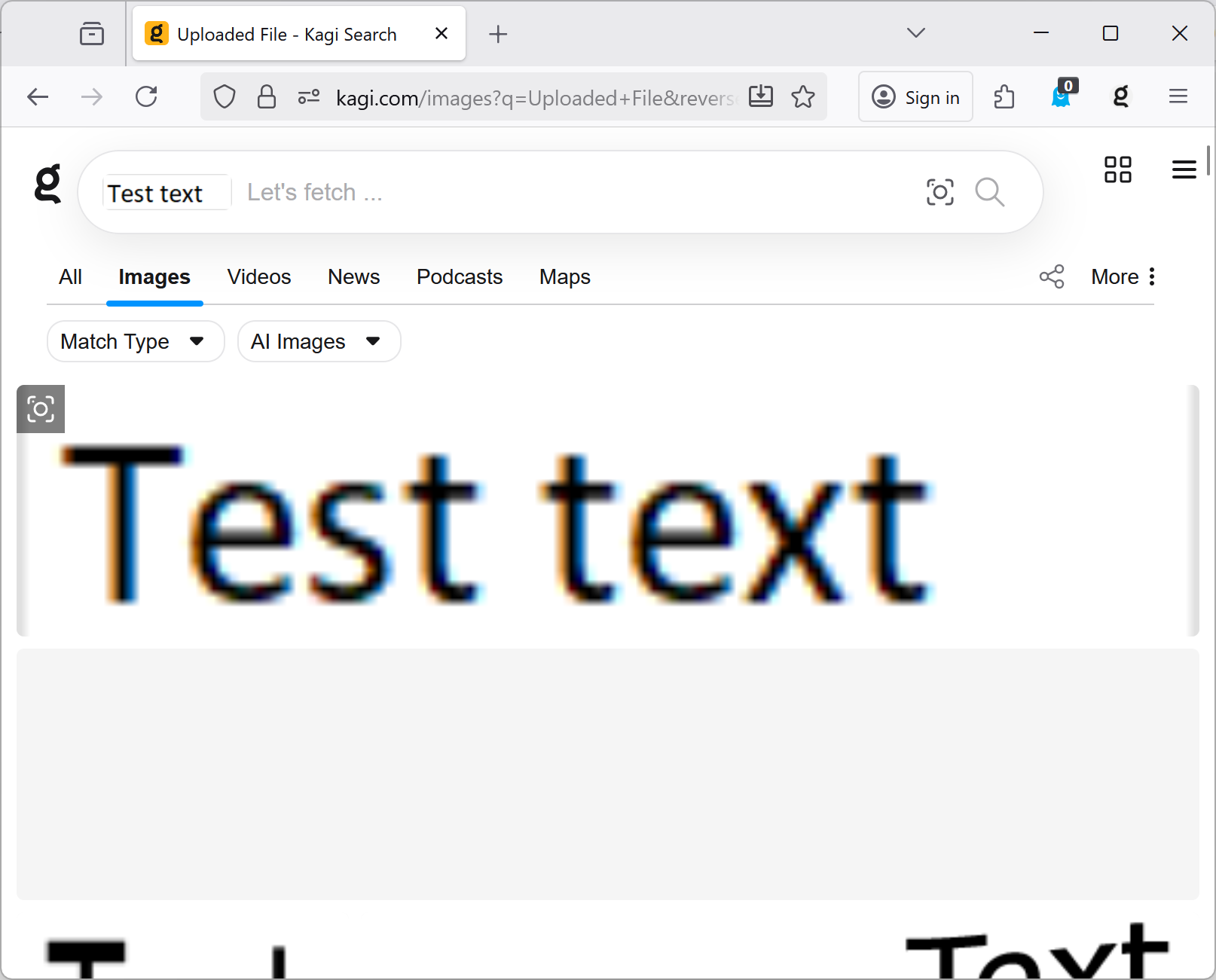
When text is copied from an Excel cell and pasted into the Kagi search, the text itself should be placed in the search box (rather than an image of that text). In the attached screenshot, I have manually entered the text into the search box.