Although the buttons for code generation / output in the Assistant are highlighted with color, the cursor event should be set to 'pointer' for better visibility, so that the user recognizes they are clickable.
Example picture for the navbar beneath the answer:
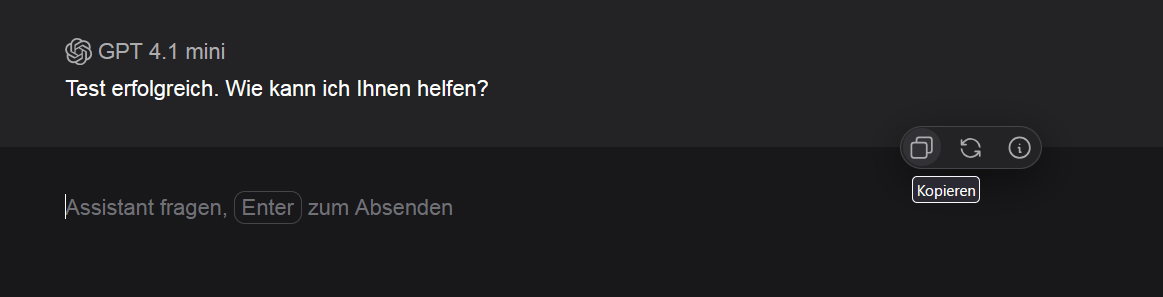
Same for generated code:

To implement a fix, you can simply insert one line of CSS code:
For example, for the buttons in the code generation:
.codehilite > .code-buttons > button {
cursor: pointer;
}
It makes it more obvious that these are clickable buttons.
