Screenshots and images are commonly used to share text, especially on mobile, whether for chat logs that are difficult to select and copy or photos of signs, pamphlets, and other media. Currently to use Kagi Translate with images, you have to first use a multi-modal LLM on Assistant to OCR the image and extract the text, then copy that text over to Translate. It would be ideal if Translate could handle those steps natively.
The flow I would like to see would be similar to the Text tab, rather than the Document tab. The intent would be to simplify the process of translating image text, not to produce a translated image file.
- Upload the image (Browse -> Select Imagine file; or drag and drop)
- Have a multi-modal LLM extract and format the text
- Populate the left pane with the extracted text.
- From there the standard Translate flow would take over.
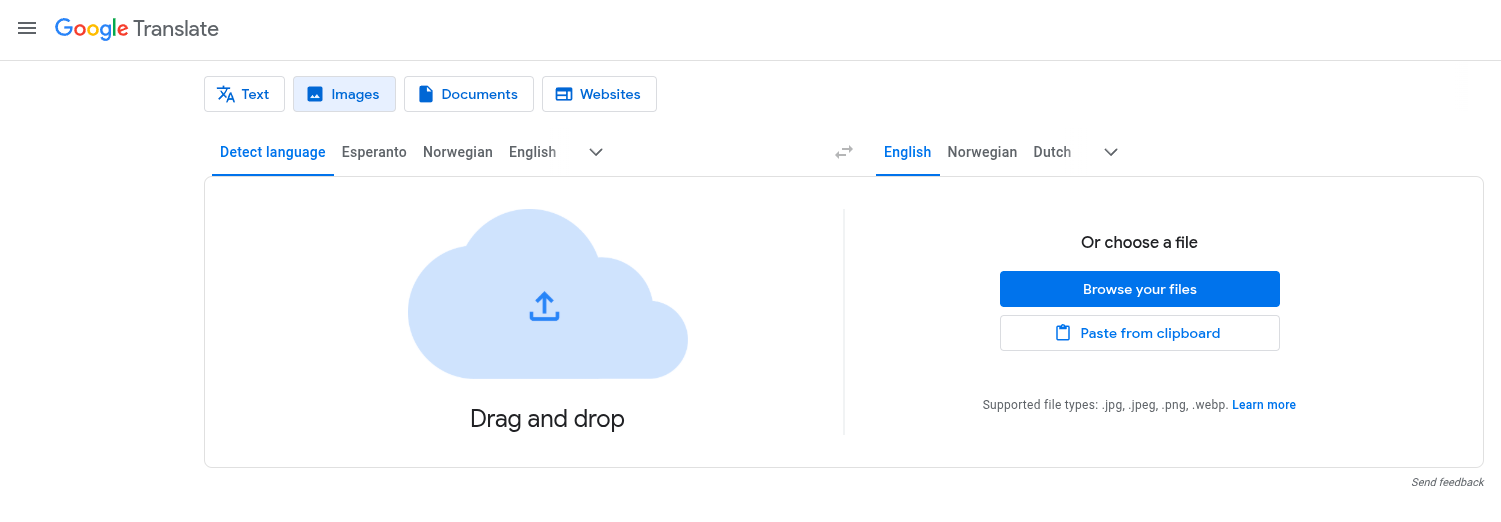
Google Translate would be an example of a similar feature. Google takes it a step farther by outputting a translated image file as well. I think that functionality could be useful but I personally am more interested in the raw text and engaging with Kagi Translate's advanced features (standard/best translation; tone settings; choosing between multiple translations based on context and intent; etc).