Steps to reproduce:
Open the Kagi android app (click app icon not the widget)
Select Maps option below search bar
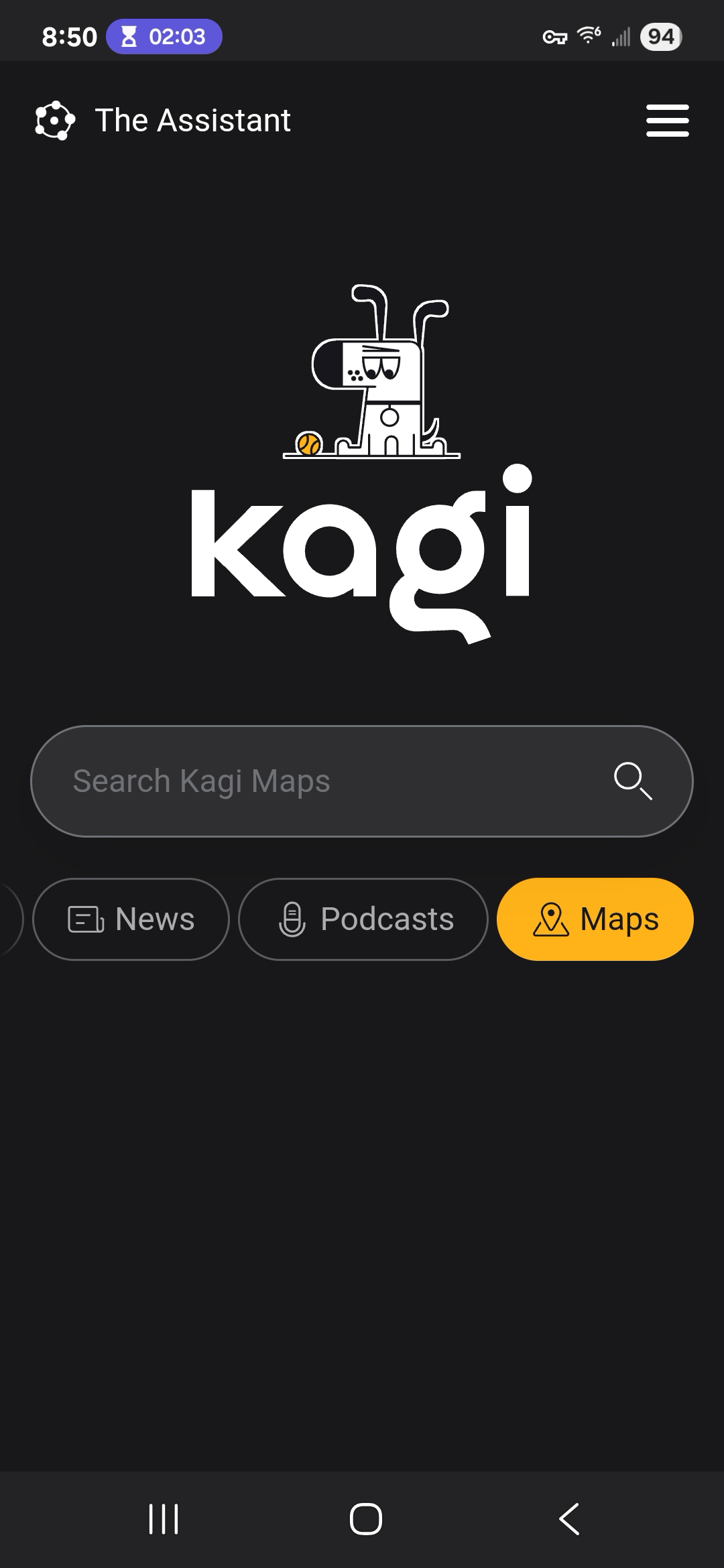
tap search bar (you will notice "web" is now highlighted and "Maps is no longer an option")
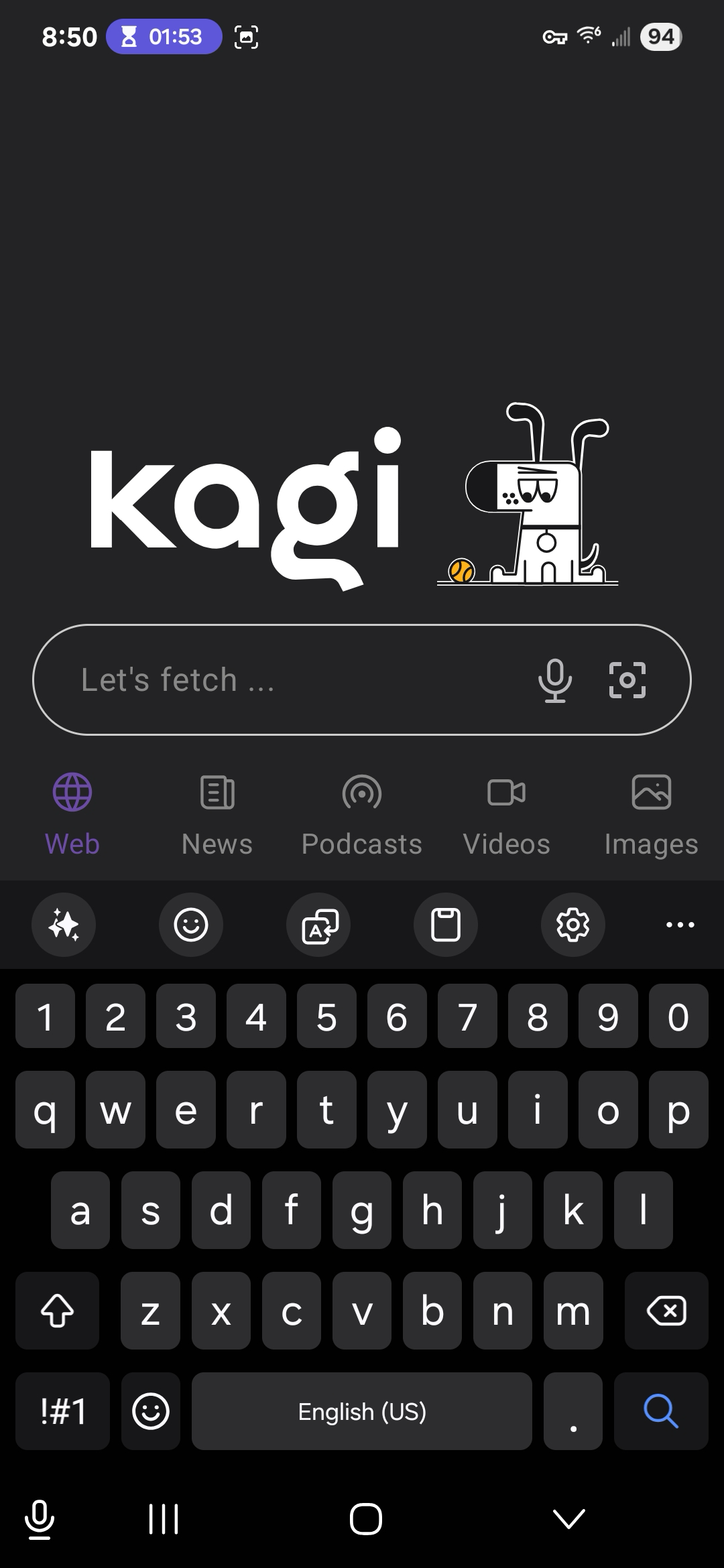
enter your search term and hit search (Kroger in this example)
What happens:
The standard search results are shown
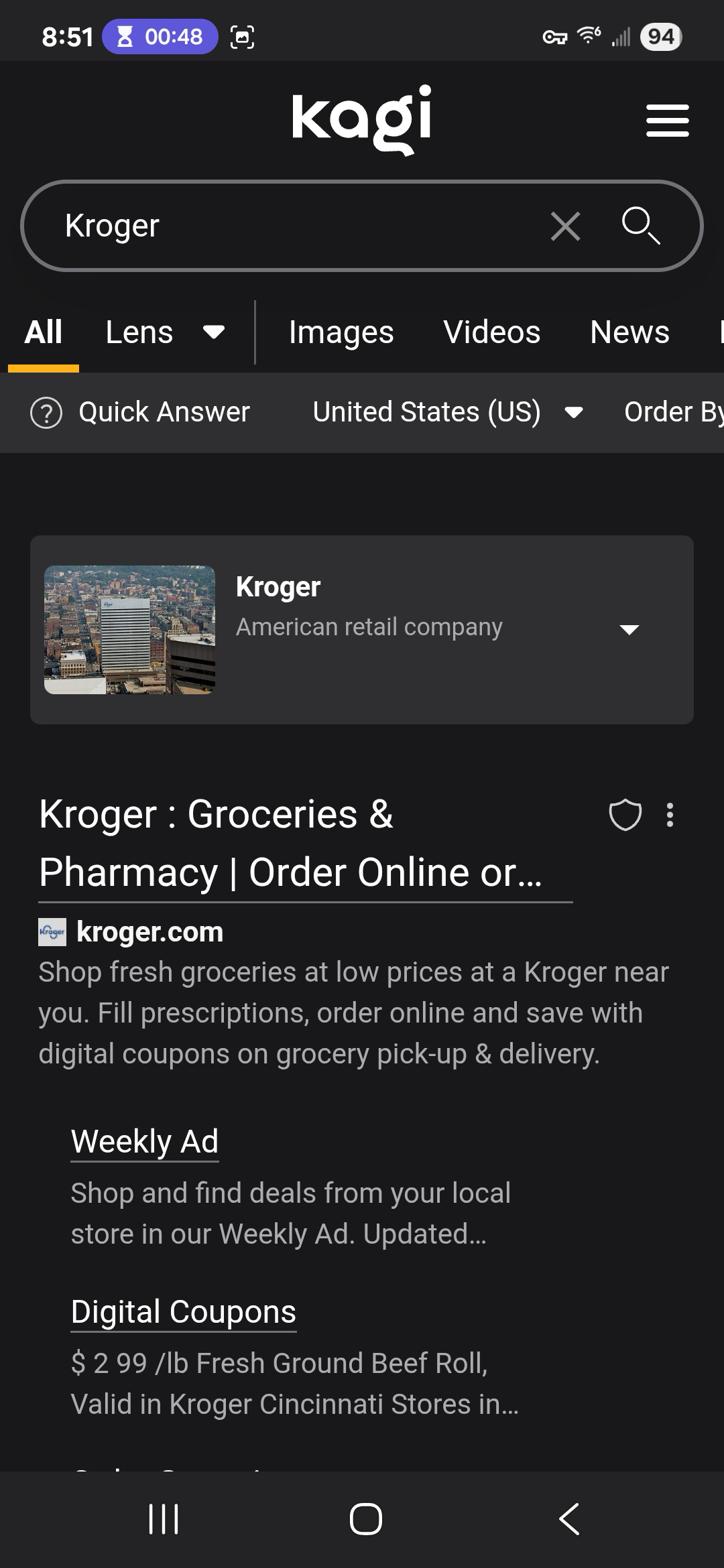
What I would expect to happen:
I would expect to see the maps brought up showing the nearest results like what happens on the desktop site.
