fotland Vlad I use Kagi Translate to look up words during my language studies. In the end there's a long list of words I'd like to export to a simple text file in a format like "Greek: English". This format could then be imported to a service like Quizlet and it would make my studies so much easier! I know I can export in a json format, but this file seems to contain way too much information and not useful for my purpose (although I might not have understood how to use it properly). Could Kagi Translate get an export feature giving me a txt file with "Language1: Language2" line after line? I believe many language learners would benefit from this. Thanks for considering it!
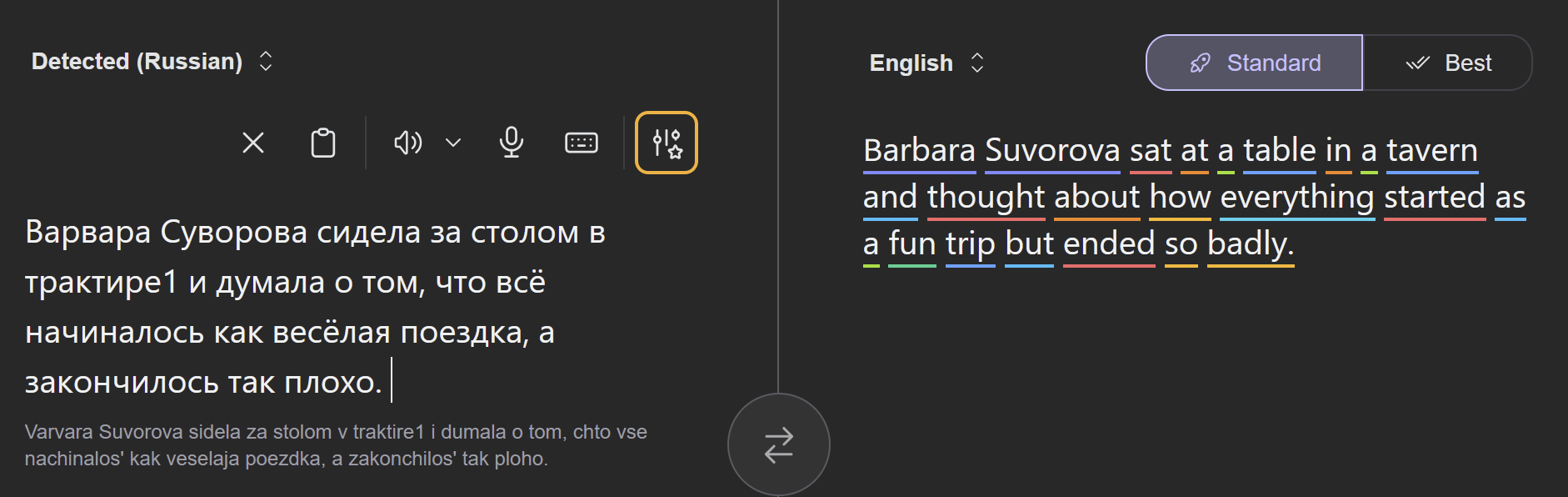
RonanCJ Both Standard and "Best" English to French translations get tripped up by the following sentence: Lewis was featured on the November 20, 2001, "Life & Times" episode of "The Lewis Family." translating it as: Lewis a été présenté dans l'épisode du 20 novembre 2001 de "Life & Times" intitulé "The Lewis Family". The LLMs Kagi use got confused by the show title (The Lewis Family) and the episode title (Life & Times). The correct translation as demonstrated by Reverso is: Lewis a été présenté le 20 novembre 2001 dans l’épisode "Life & Times" de "The Lewis Family". or alternatively: Lewis a été présenté dans l'épisode du 20 novembre 2001 de "The Lewis Family" intitulé "Life & Times".
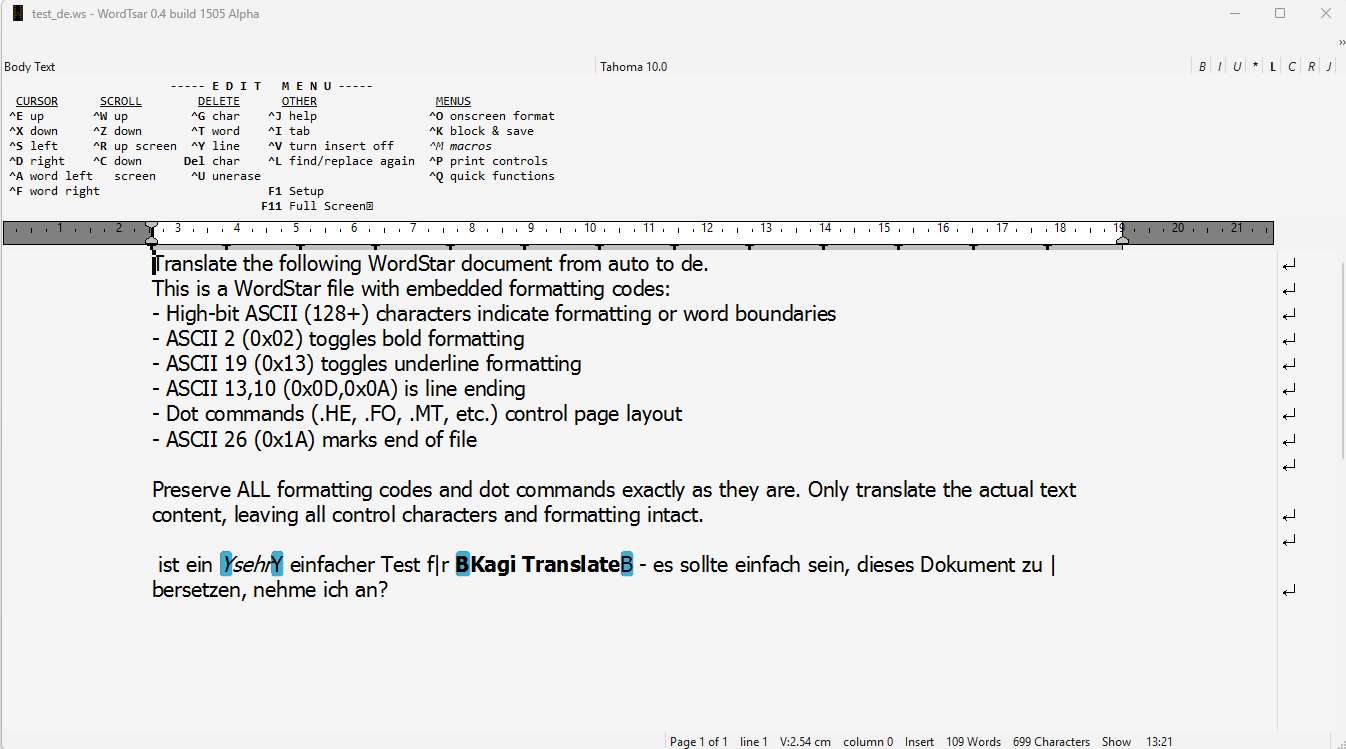
tux0r I recently took some time to test Kagi's WordStar translation feature. It fundamentally works; the WordStar document is translated without issue, and the formatting codes remain intact. However, two things caught my attention: Kagi Translate does not understand Unicode. Admittedly, neither does WordStar. But I would at least expect the German word "für" not to appear as "f|r" in the result. This is a minor quibble and not a truly serious problem. Much more interesting: Why does Kagi Translate write an English explanation above the document, detailing its thought process during the translation? Addendum: The first word (before "ist") seems to be missing, it should be "Dies" or "Das".
tux0r tux0r Much more interesting: Why does Kagi Translate write an English explanation above the document, detailing its thought process during the translation? This seems to be fixed. A bit sad, it was funny in a way. 😉
Tokeriis I have a trial account, which works for Kagi Search. Is there no way to trial the features of the "Best" options document translation feature, except paying for the Starter plan?
kagiiscool The 'Show Semantic Roles' option is incredible. Would it be possible to also enable this on the input text? That would be an immense help in language learning applications
Gilfoyle It would be great if Kagi Translate appeared directly in search results for translation queries, similar to how calculations show up for math expressions like 1+1. For example, when searching for "what is kuchen in English", Kagi could display the translation "cake" inline, just like it handles arithmetic. This would make translations faster and more intuitive without needing to navigate to a separate tool.
tux0r Gilfoyle For example, when searching for "what is kuchen in English", Kagi could display the translation "cake" inline, just like it handles arithmetic. But that could also backfire. For example, if I search for John Cale's autobiography, "What's Welsh for Zen", an automatic translation would simply be nonsense, and "English Breakfast" would also be a rather silly input for a translation. People who want to translate something shouldn't ask the search engine, but rather the translation machine. I think it's good that Kagi is training its users to do that again.
tistos tux0r Nobody will be hurt, though, if the translation appears in the search results, as long as the other results also appear.
tux0r A question: My input or output language is usually "English (UK)"; yet, Kagi Translate defaults to "English" every time I open the site. Why?
yarnaid I'd appreciate it if you could add Georgian to the list of supported languages. UPD: It's already there, thanks a lot!
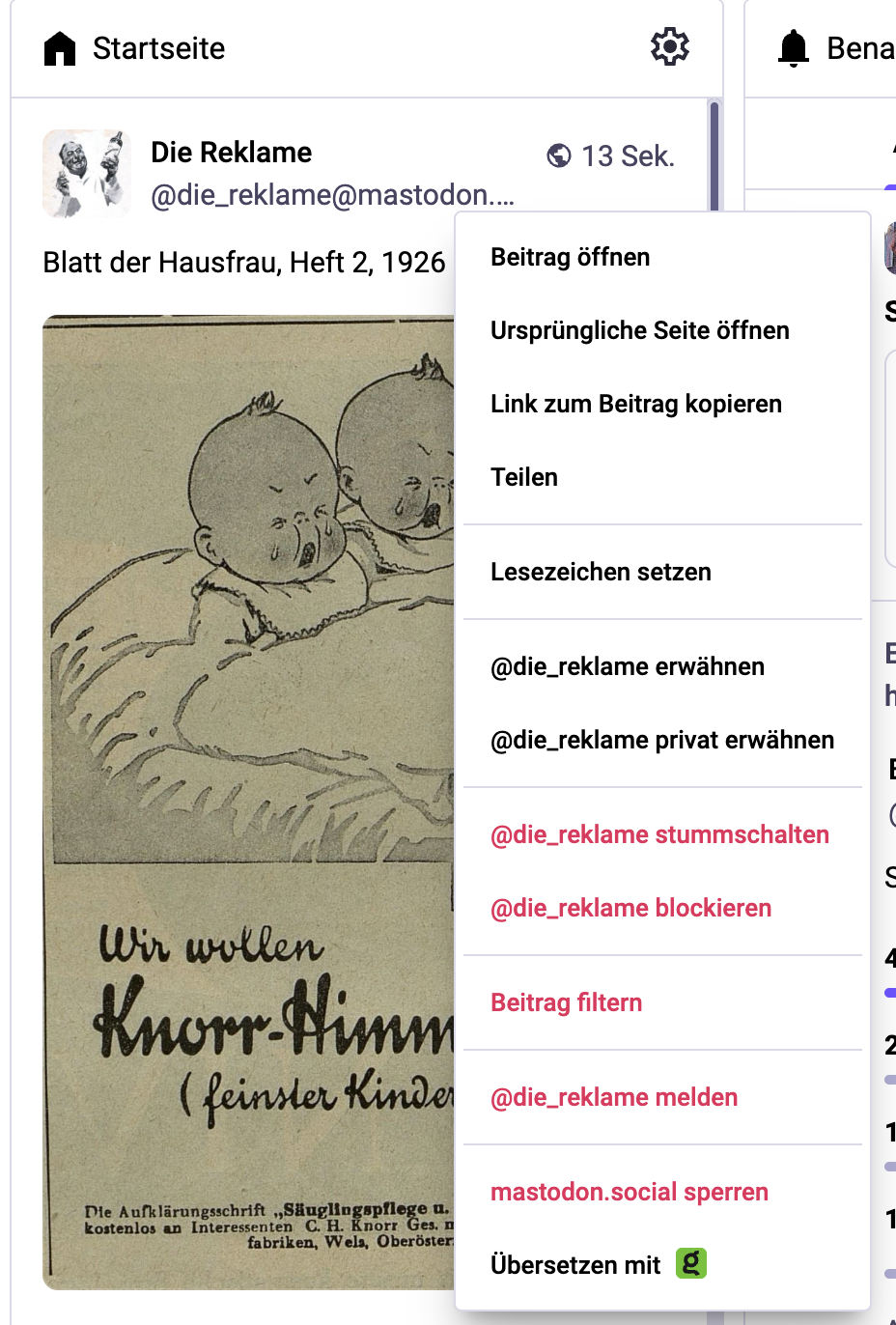
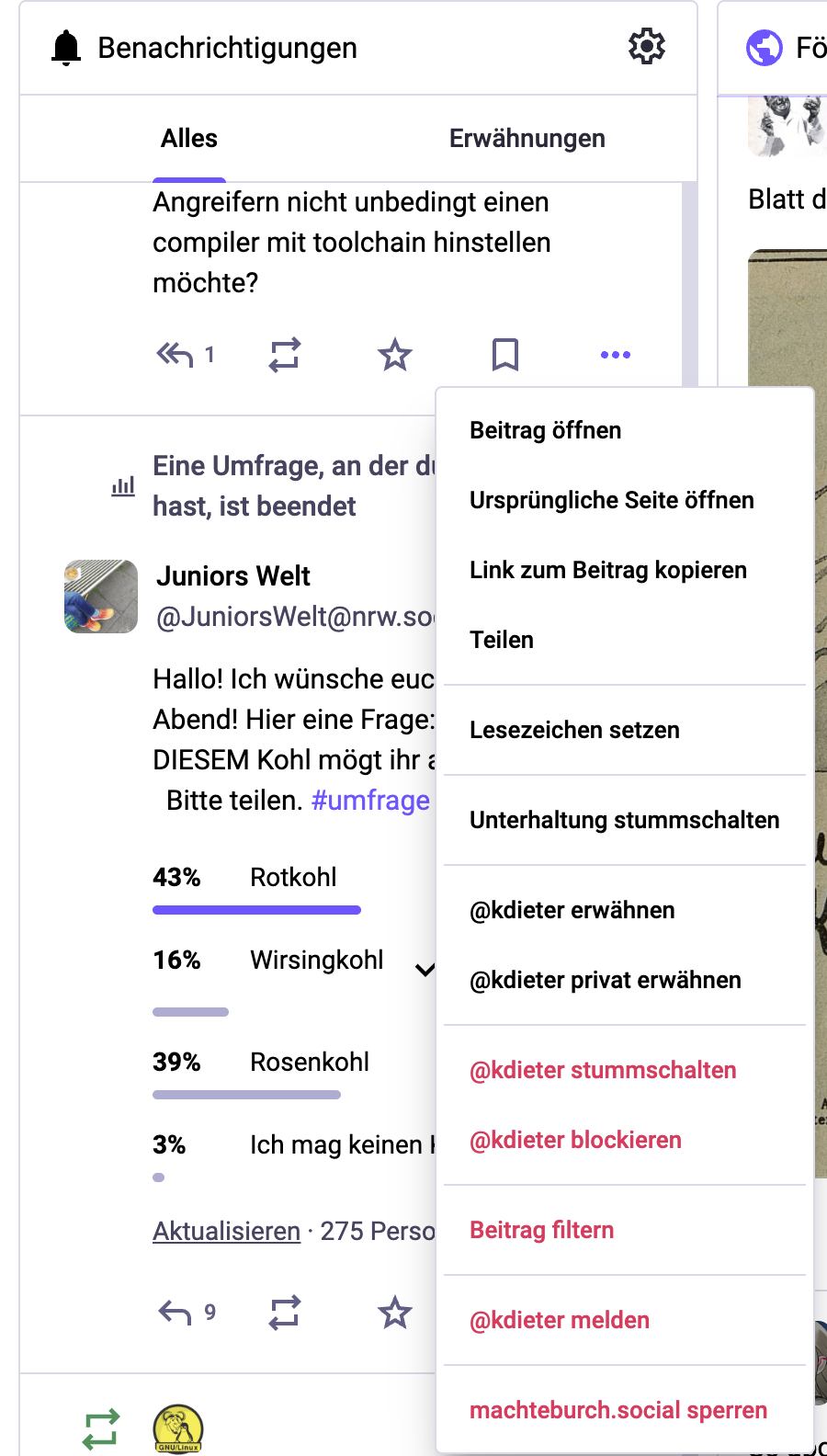
tux0r I think I found a bug with the Mastodon integration of the browser extension: When using the Deck (which is what I do), there is a Translate menu item in the Home column. There is no such menu item in all other columns.
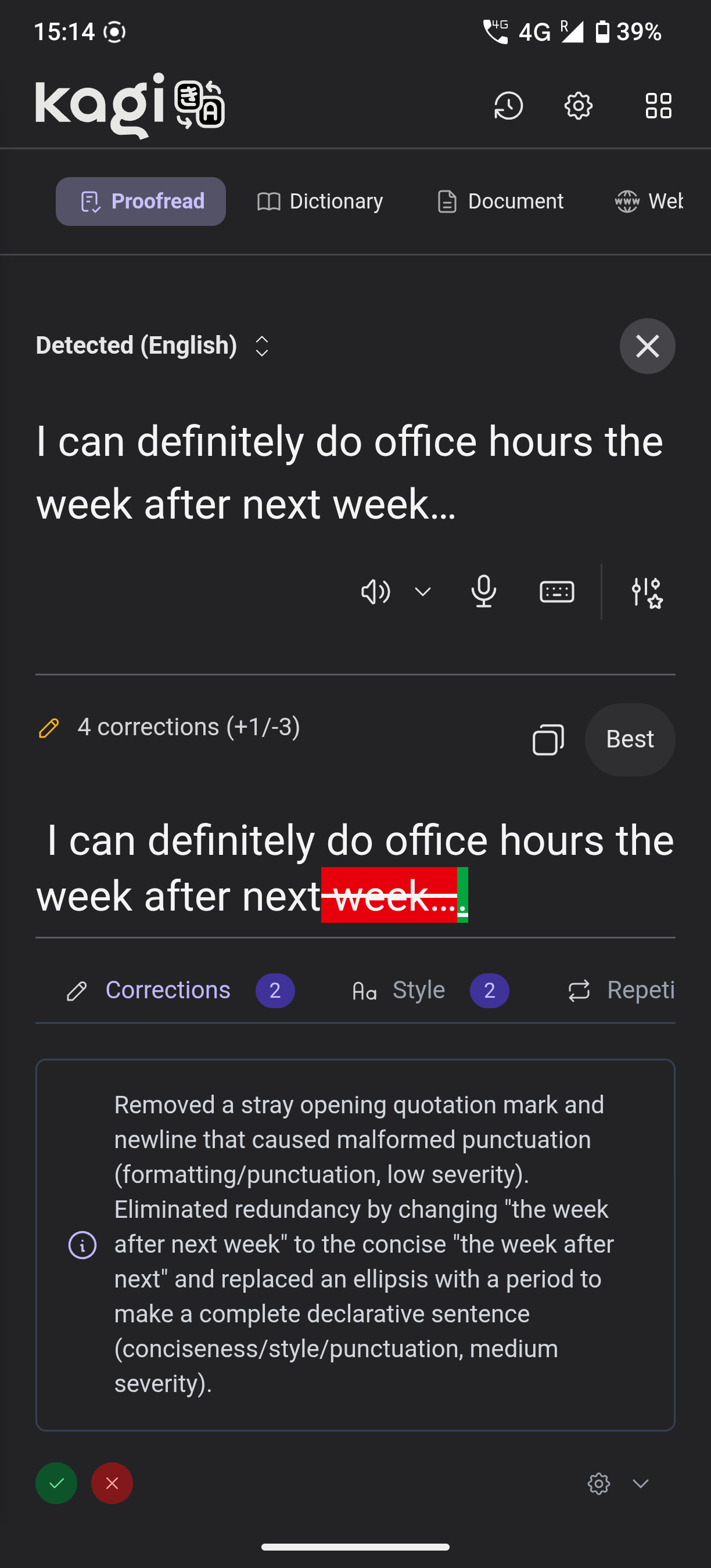
doolittle I haven't used Kagi Translate yet, but I saw this screenshot on Discord and thought a numbered/bulleted list of corrections would make the summary at the bottom easier to read.
japbcoelho doolittle Just adding some info: Status Connected to: SOUTHAME-EAST1 Network latency: 39ms I also disabled the custom CSS, but it didn't solve the problem.
Ademalhanolu Please fix the transcript of Armenian like the subtext still show Armenian script instead of Latin transcription. Thank you.
dungsil I'm having a minor UI issue in Proton Mail when using the Kagi Translate extension. It's quite cumbersome to have to click the Kagi button for every single email. It seems like the color theme is not being respected. (This probably only applies to SOV languages) The Kagi icon should be on the left. (In Korean, "Kagi로 번역" is the correct phrasing.)
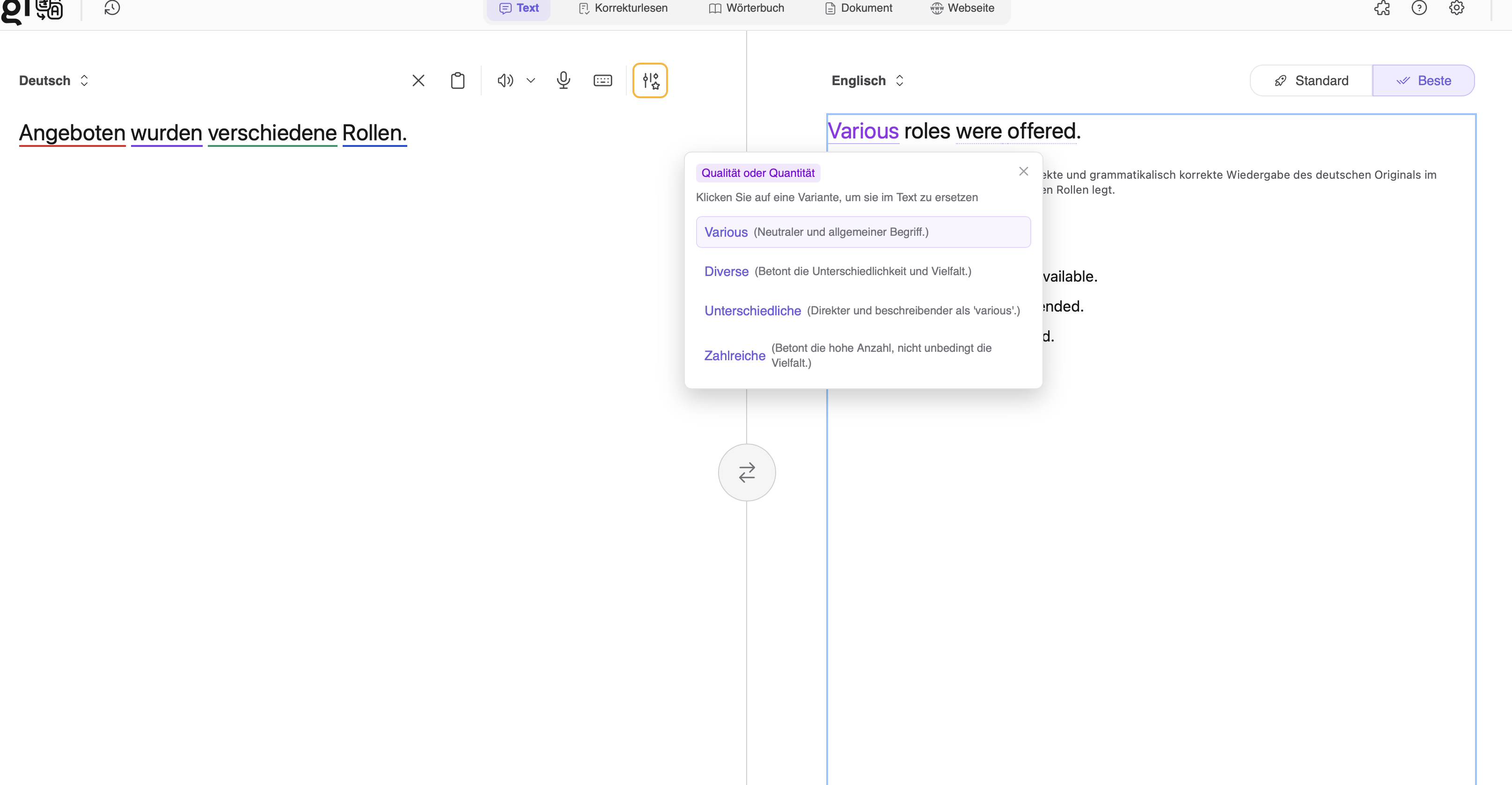
KrBr I've got an issue with suggestions for the translation. As you can see in my screenshot, I translated a sentence from German to English and the suggestion to replace an English word is German. Which obviously does not make sense in an English sentence.
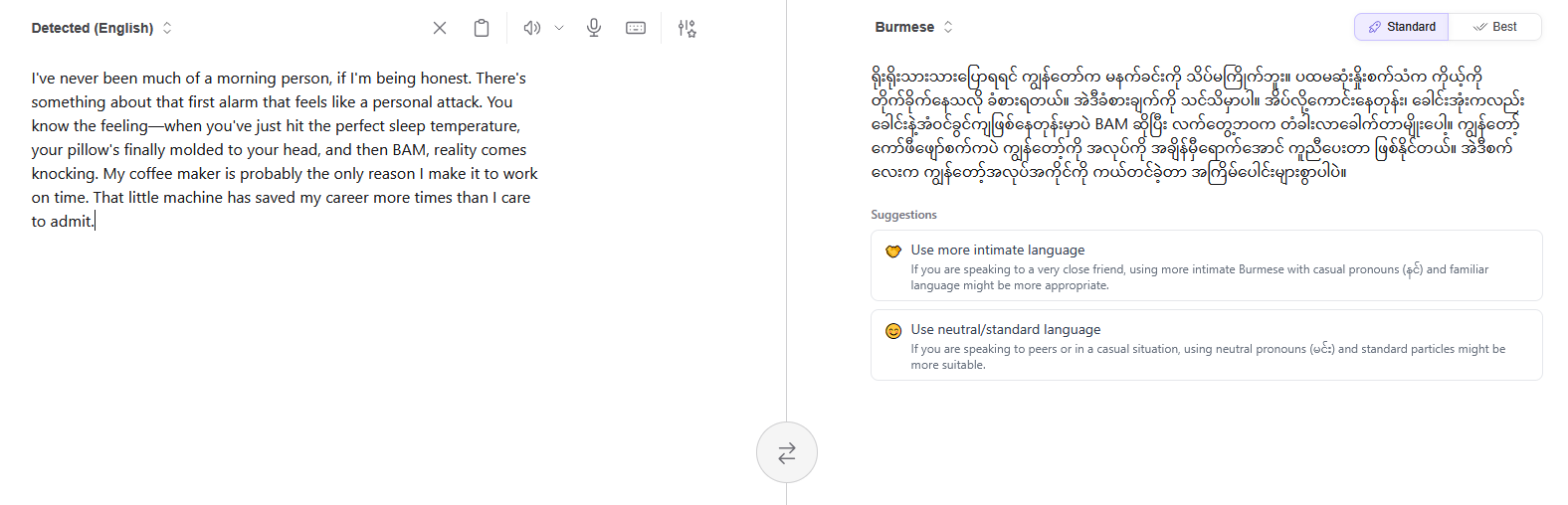
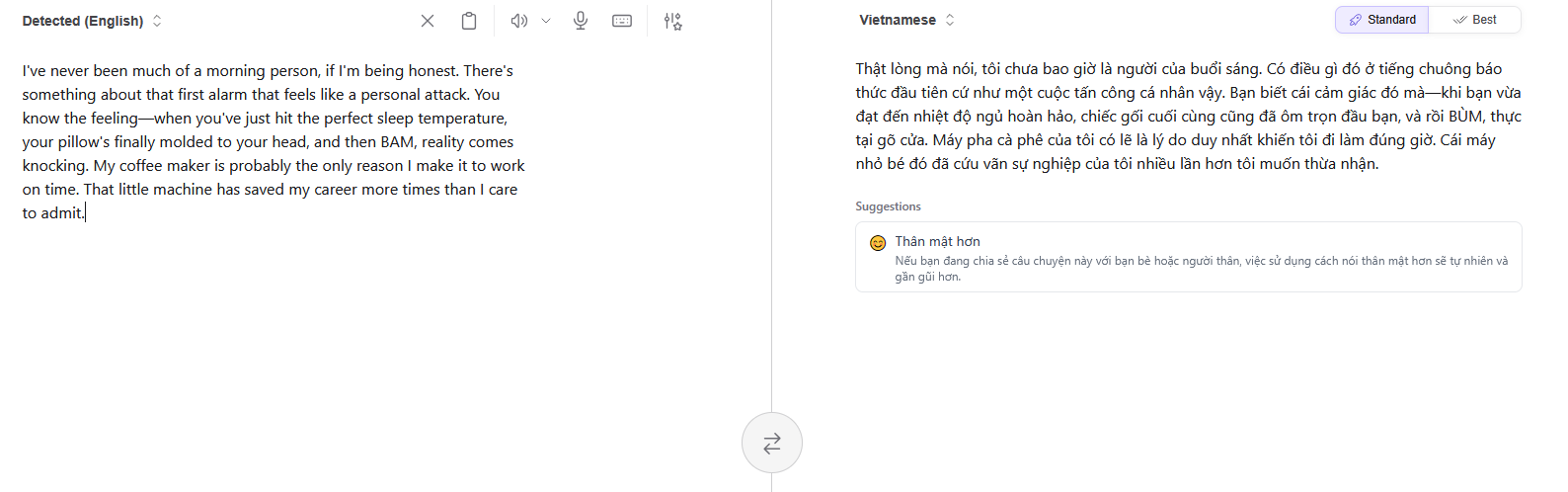
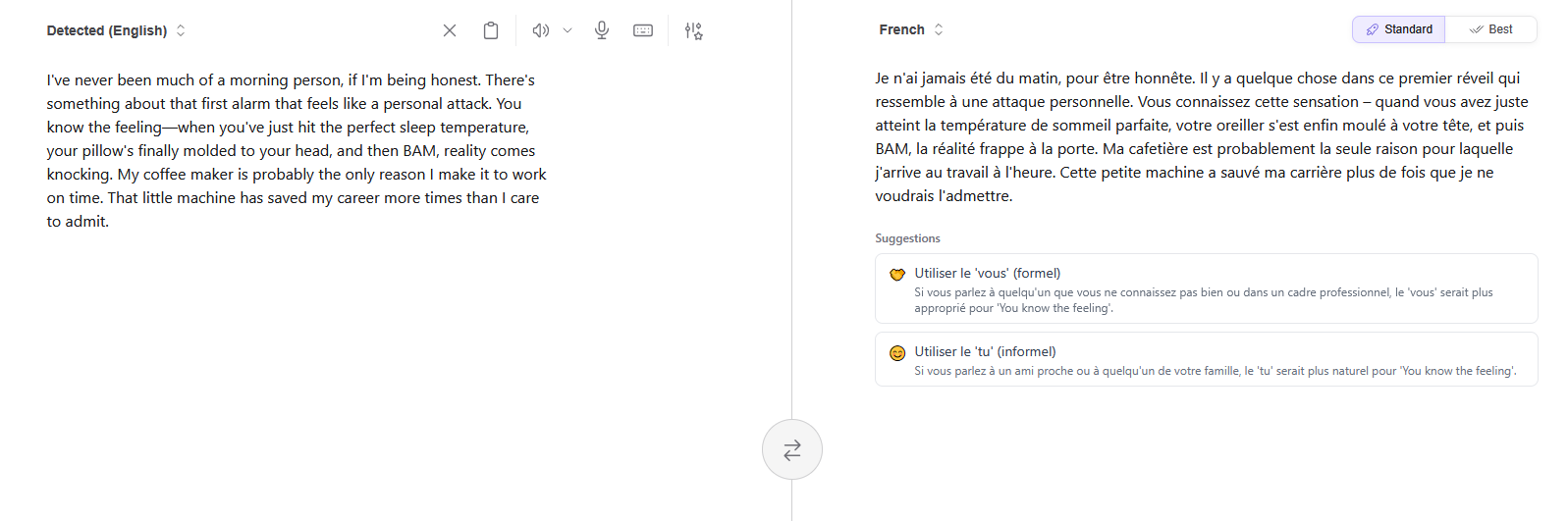
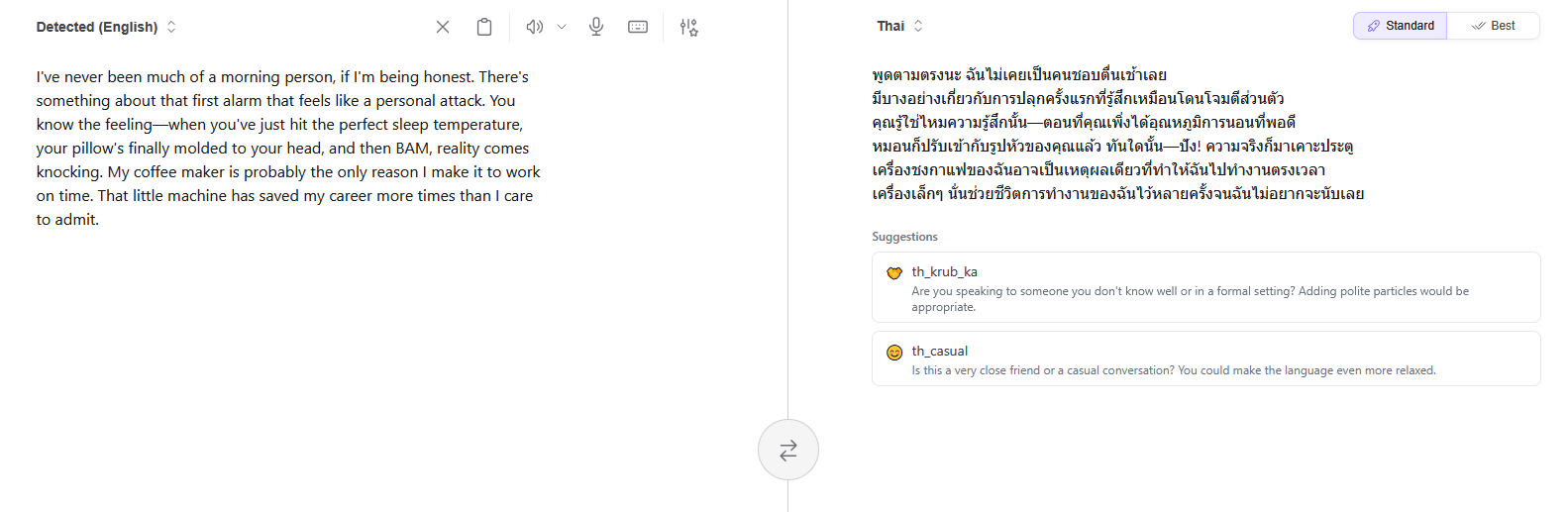
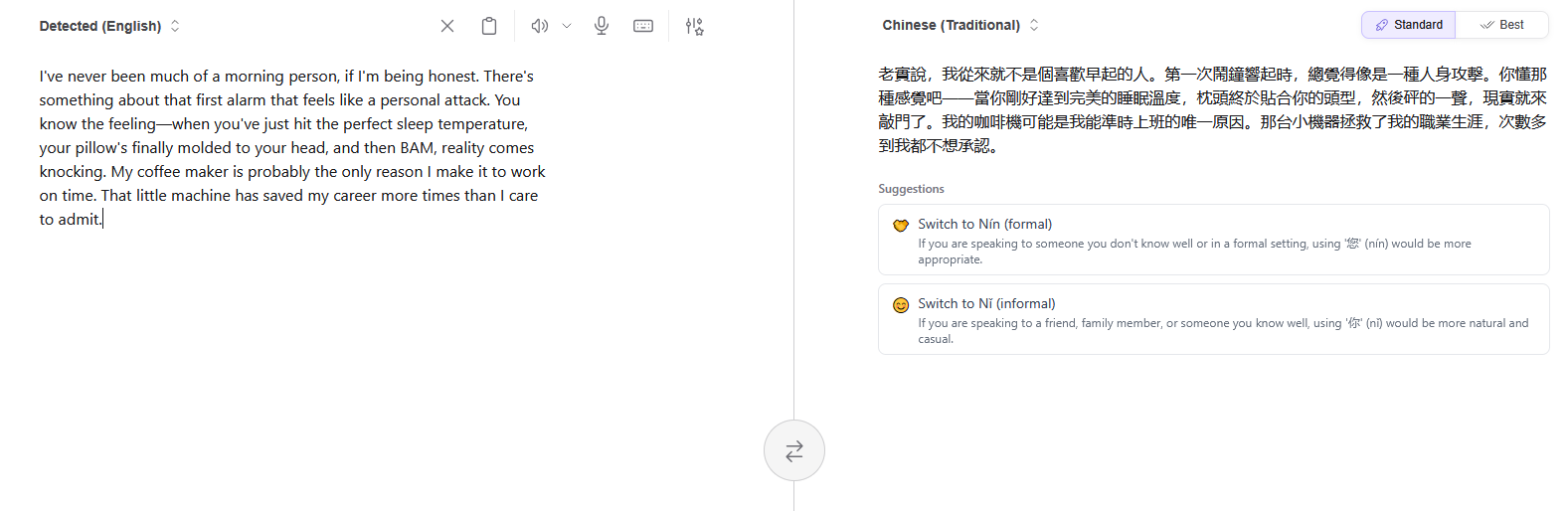
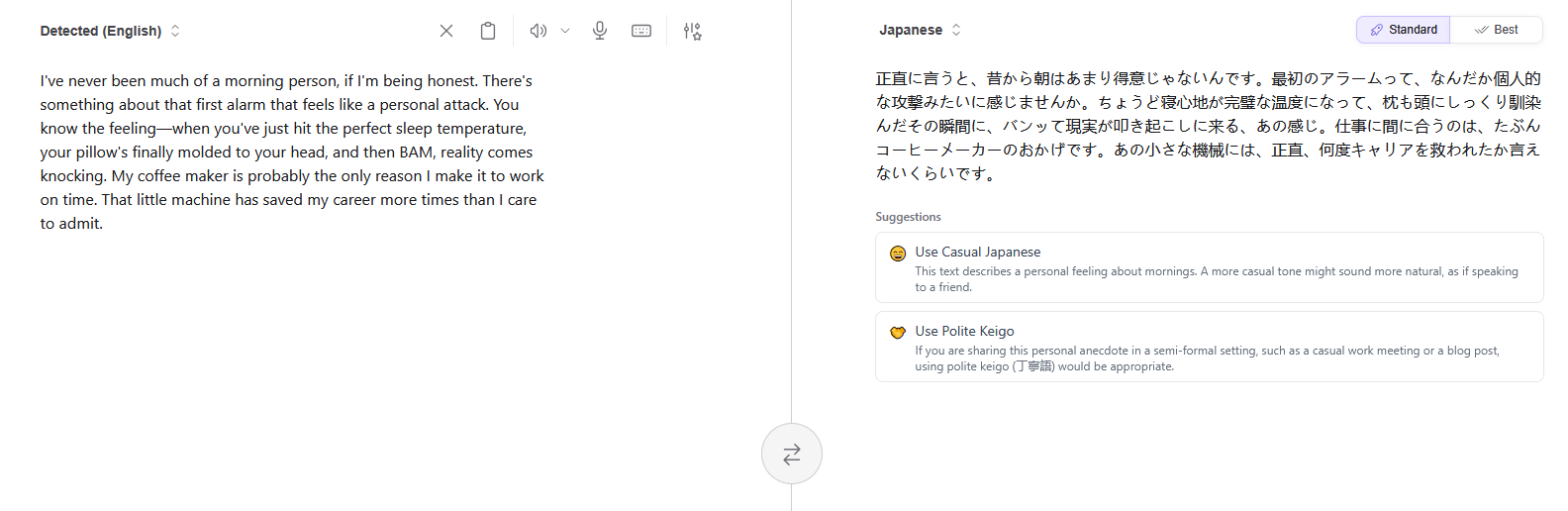
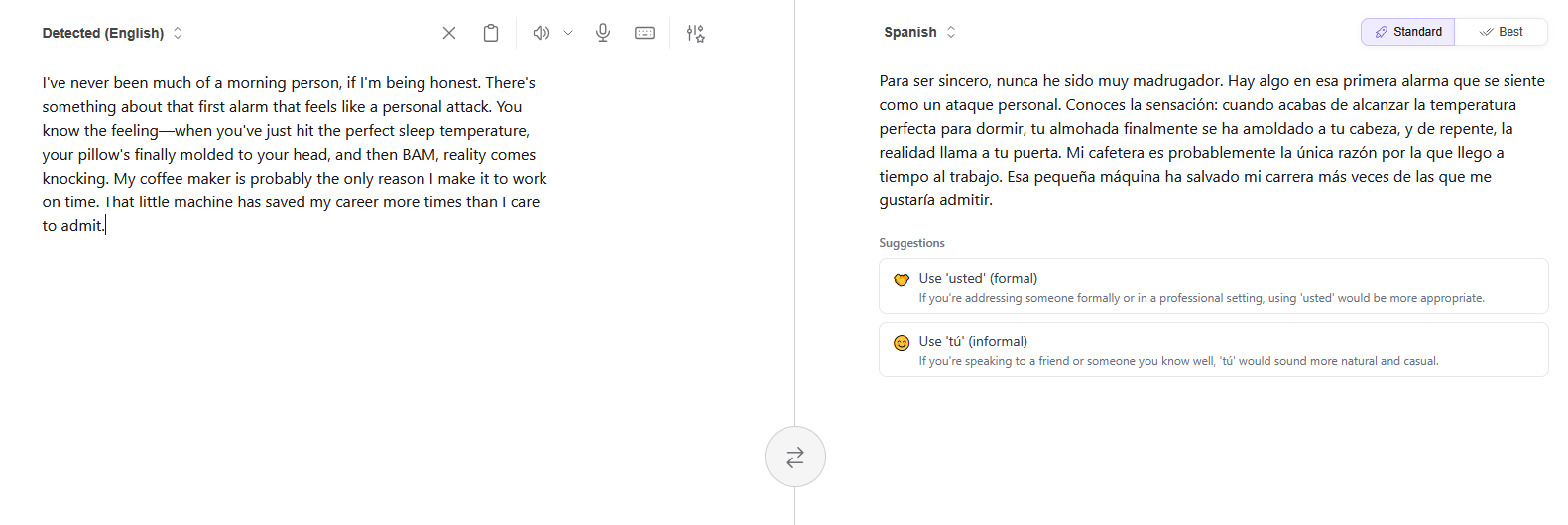
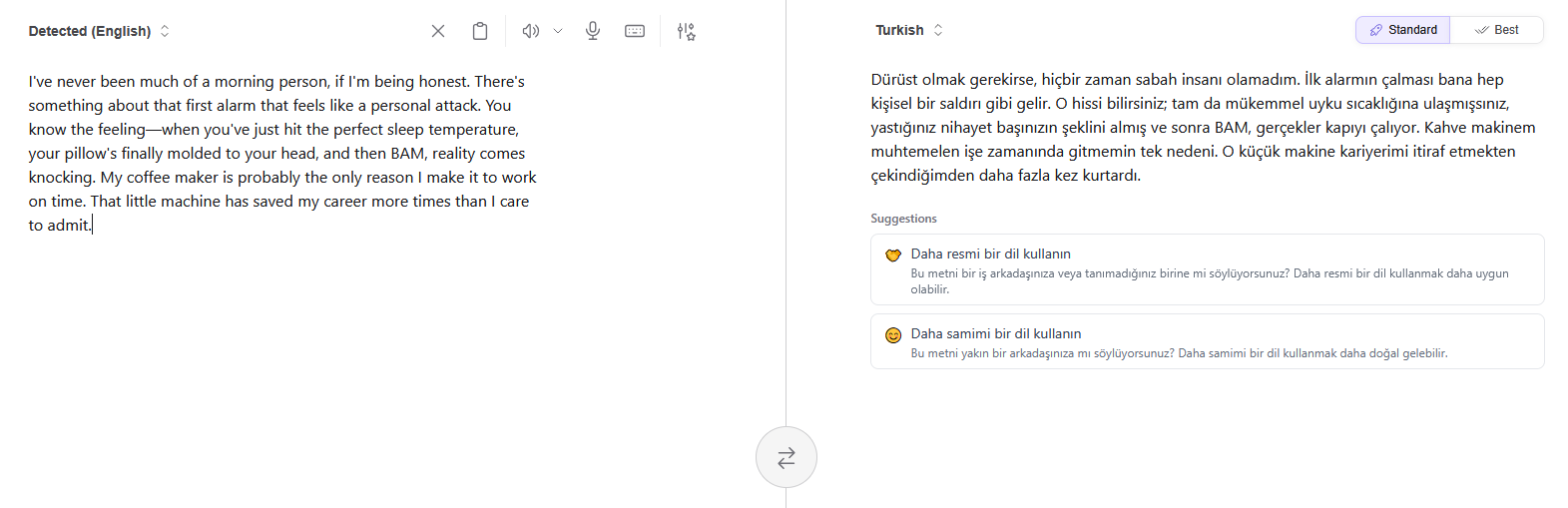
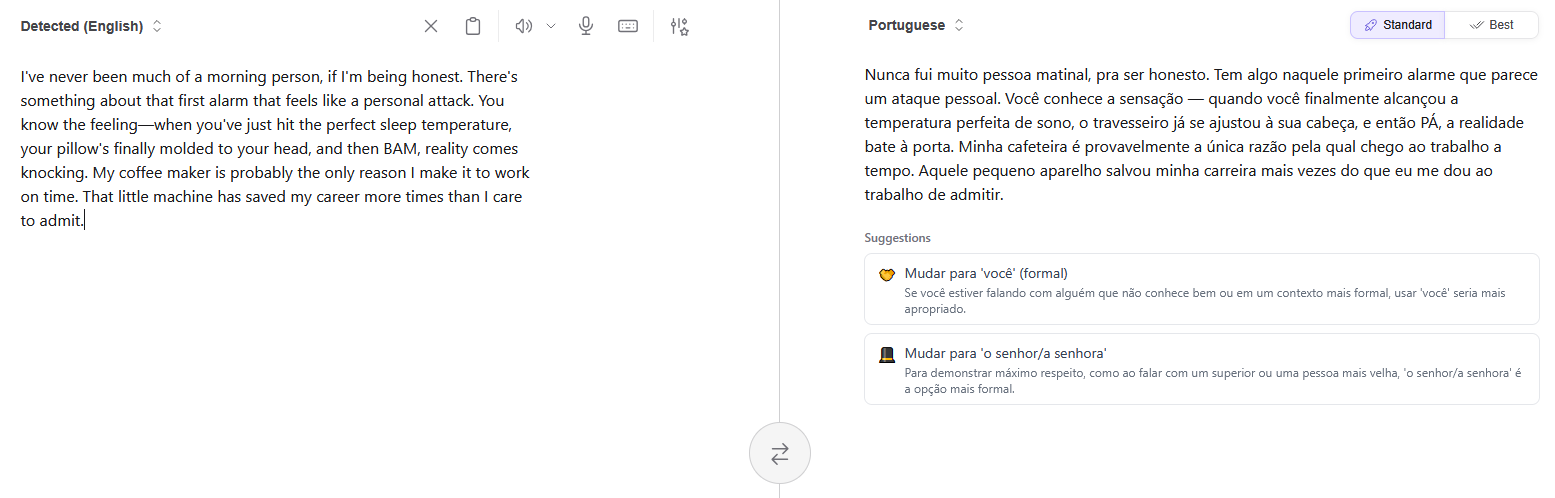
antaba8 Hello, I often notice that there are suggestions that appears below the translated text and they read in the target language. This is not useful at all when I translate to a language that I don't know or know a little. I need then to translate the suggestion back to a language that I know in order to understand what is the suggestion about. Those suggestions should be in the Translate "UI language". Example that appears below a translation VI to FR with UI language in EN: I would rather prefer it appears in English instead. Use the 'tu'; If you address... Append 1: additional example screenshots that vary depending on the target language, from a text generated by the Assistant.
BattleHawk The Kagi Translation page doesn't seem to recognize login status. Even if you log in on this page, when you tap the "Best Translation" button, a pop-up appears asking you to subscribe. I use Kagi Translation from Japanese to English.
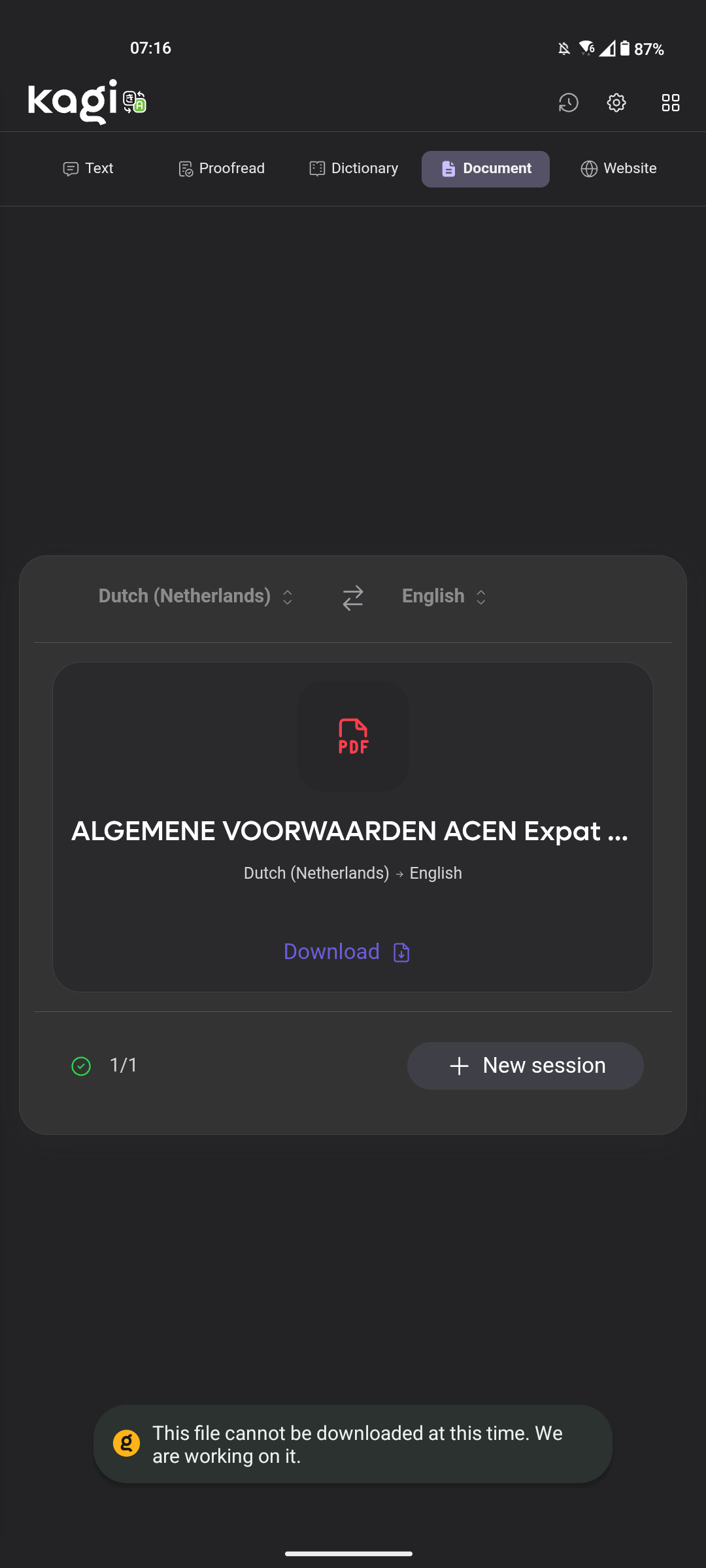
osakasys I can't download translated documents on the Android kagi app, probably because there's no storage permissions in the app. It works if I use it on my browser (waterfox) on Android. So I think it's a storage permissions problem