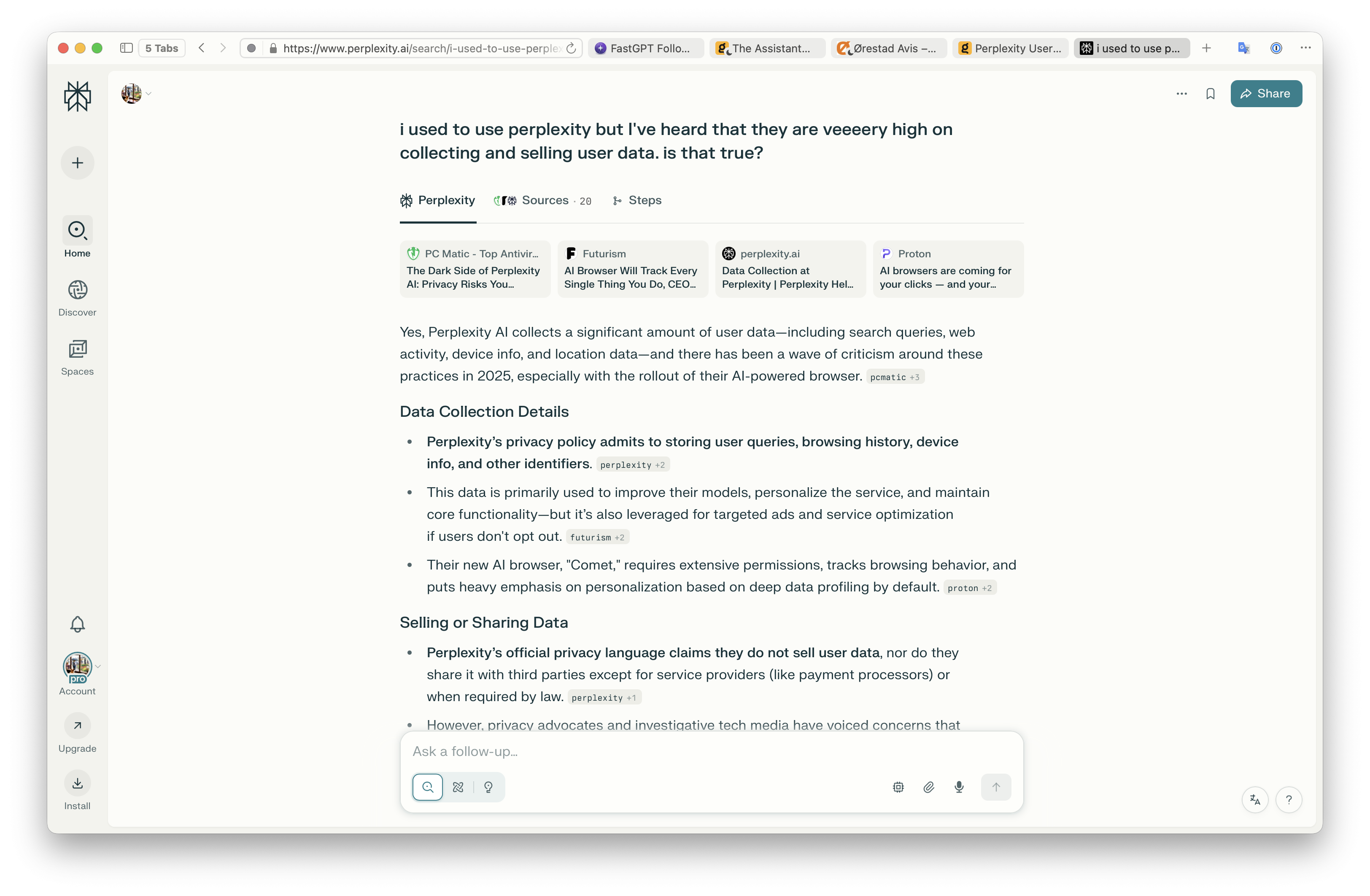
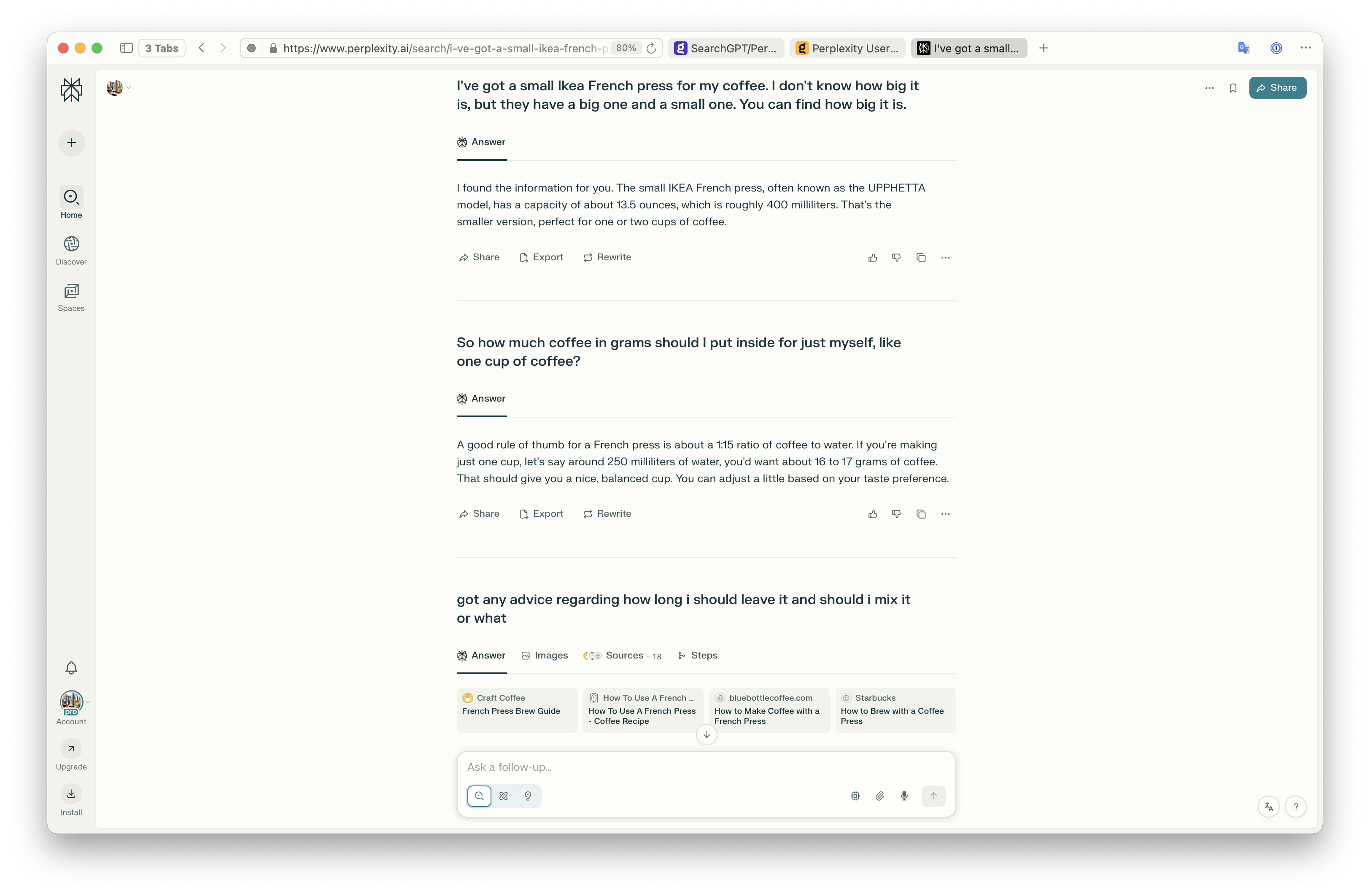
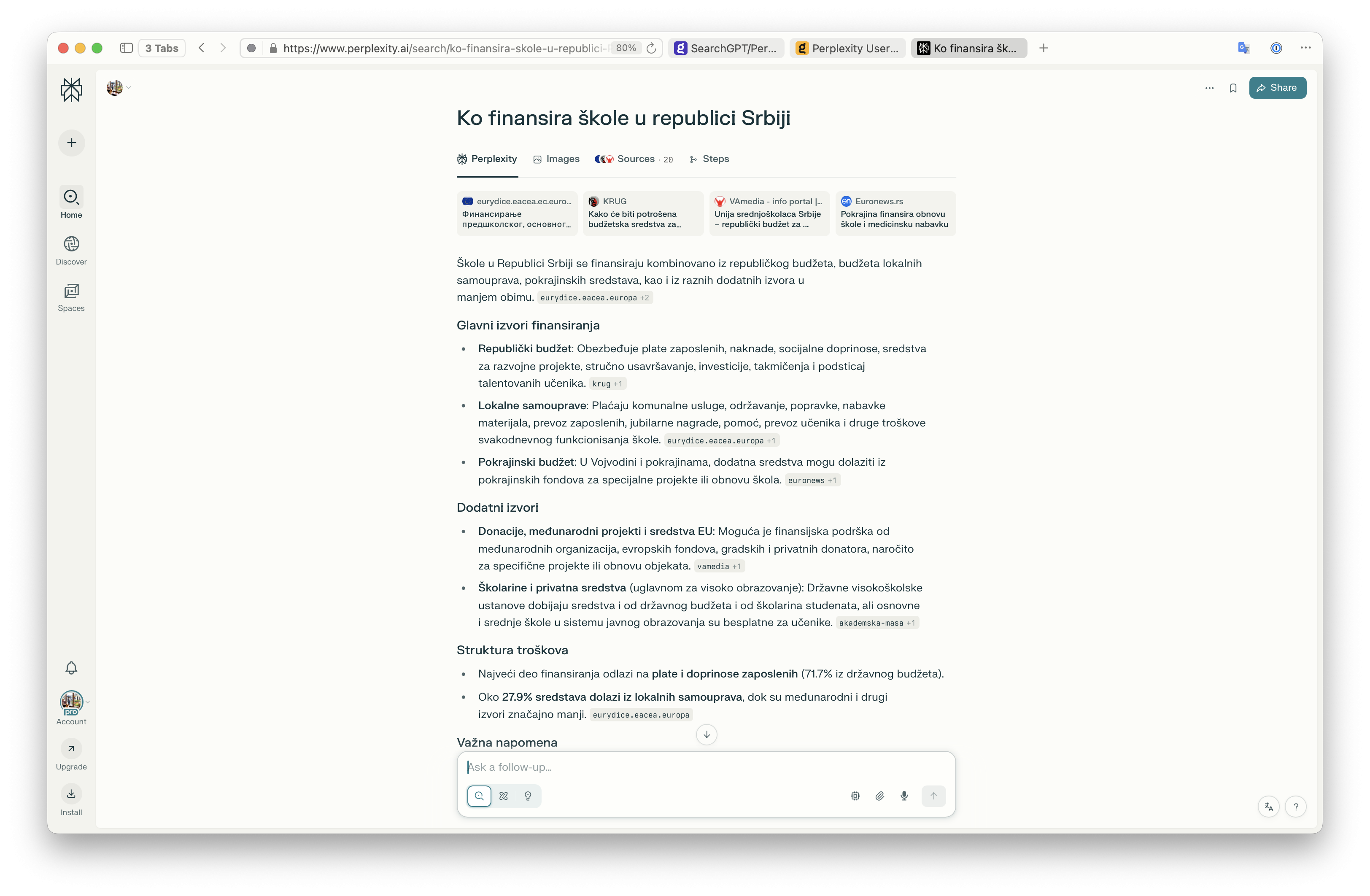
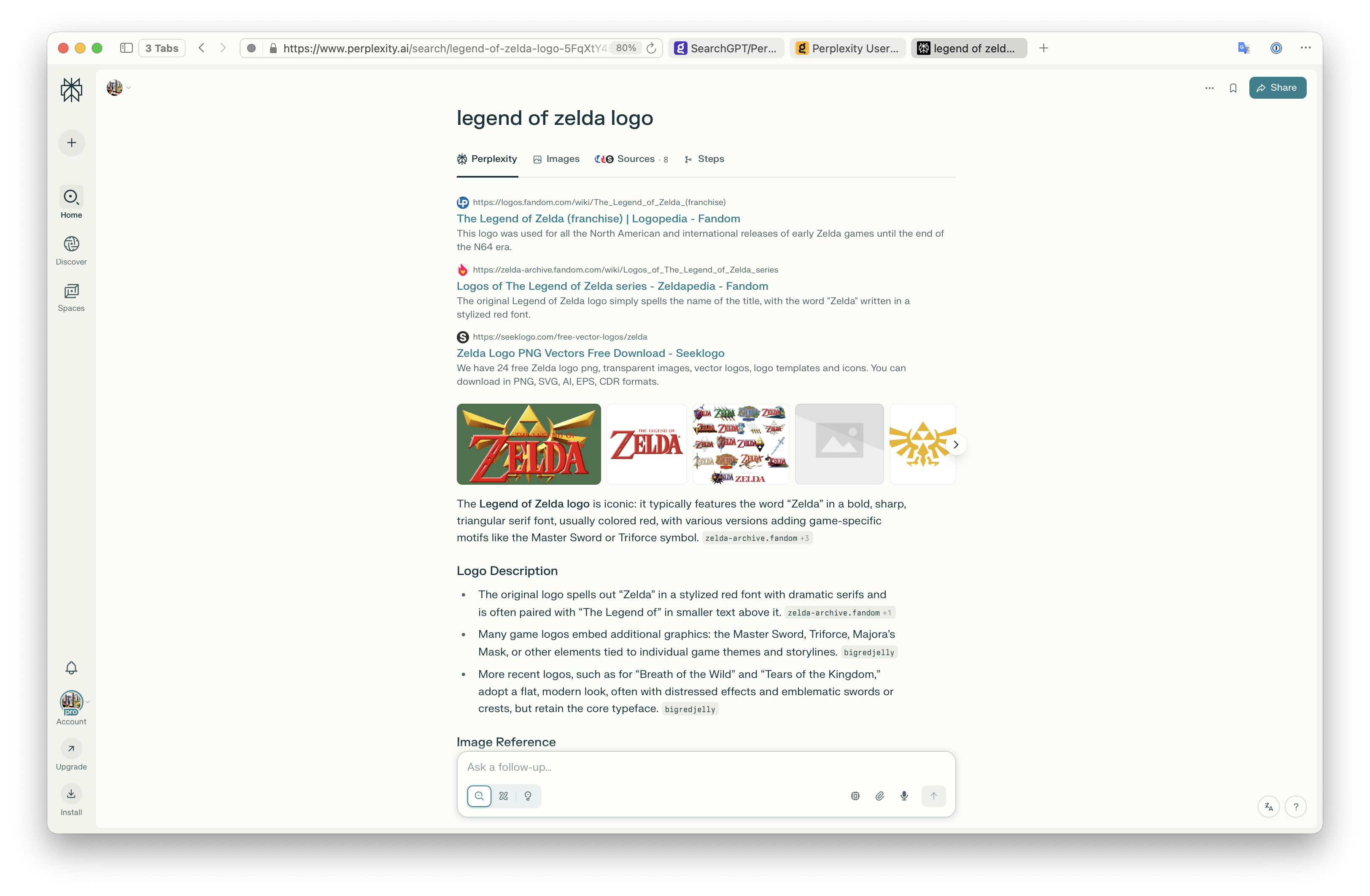
To be blunt, @Vlad that is a very inaccurate view of things and shows that you have not tried actually using Perplexity. Which is also a common critique I have of the Kagi/Orion feedback forums - you guys seem to never-ever really explore and use other other services with full lungs, even when presented with clear examples. Please don't misunderstand, I wish that Kagi succeeds in this, otherwise I wouldn't be writing this. I wish for you folks to be opinionated experts, not just opinionated 😃
Perplexity Search is amazing, and the idea should have been implemented by Kagi ages ago. I mean TBC's Dia implemented it last yer, and they don't even have any of the indexes you guys have. Google is beta testing it in the US as we speak. This is undoubtedly how search will look like from now on. At first I had the same opinion as you, and then, within 3 days of giving it a chance, I've cancelled my Kagi subscription and accepted the $20/mo surveilance machine that is Perplexity - just because it was THAT good. In fact, I probably would have accepted $30 or $40 for it, as it turns out I entirely stopped using and cancelled ChatGPT after a month. It was THAT good.
Now, its not immediately THAT good. It takes some getting used to. My millenial brain kept talking to it as i would talk to google - overthinking what query I should send and how i should word it. But after the first couple of tries, it clicked. After a day or two I installed the mobile app and started asking questions on the fly.
First, I wish to clear up some common misconceptions:
- They use a real, well functioning, possibly Google-based search index, to automate search result analysis for the user.
- They do not use the model's "world knowledge" for results. The model is there solely to analyze the results that the traditional search index provides.
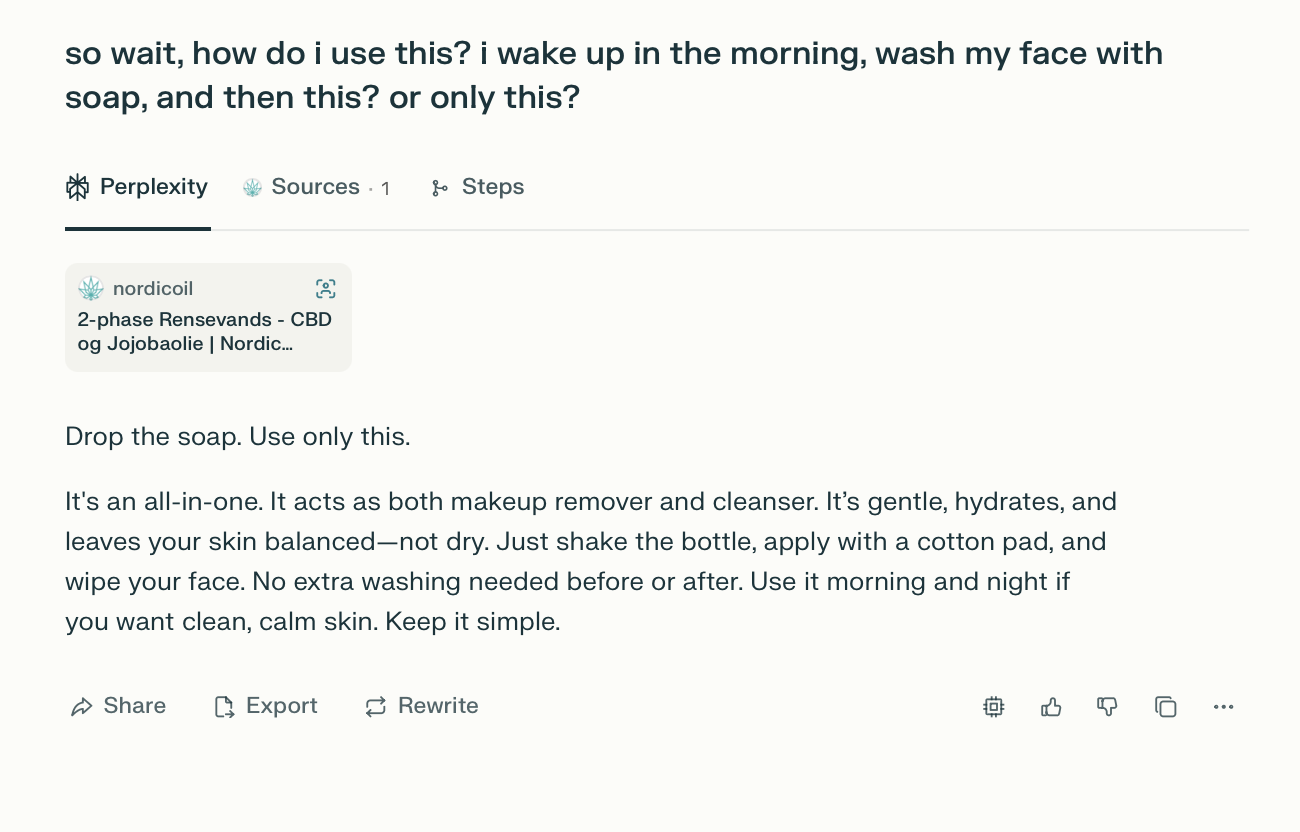
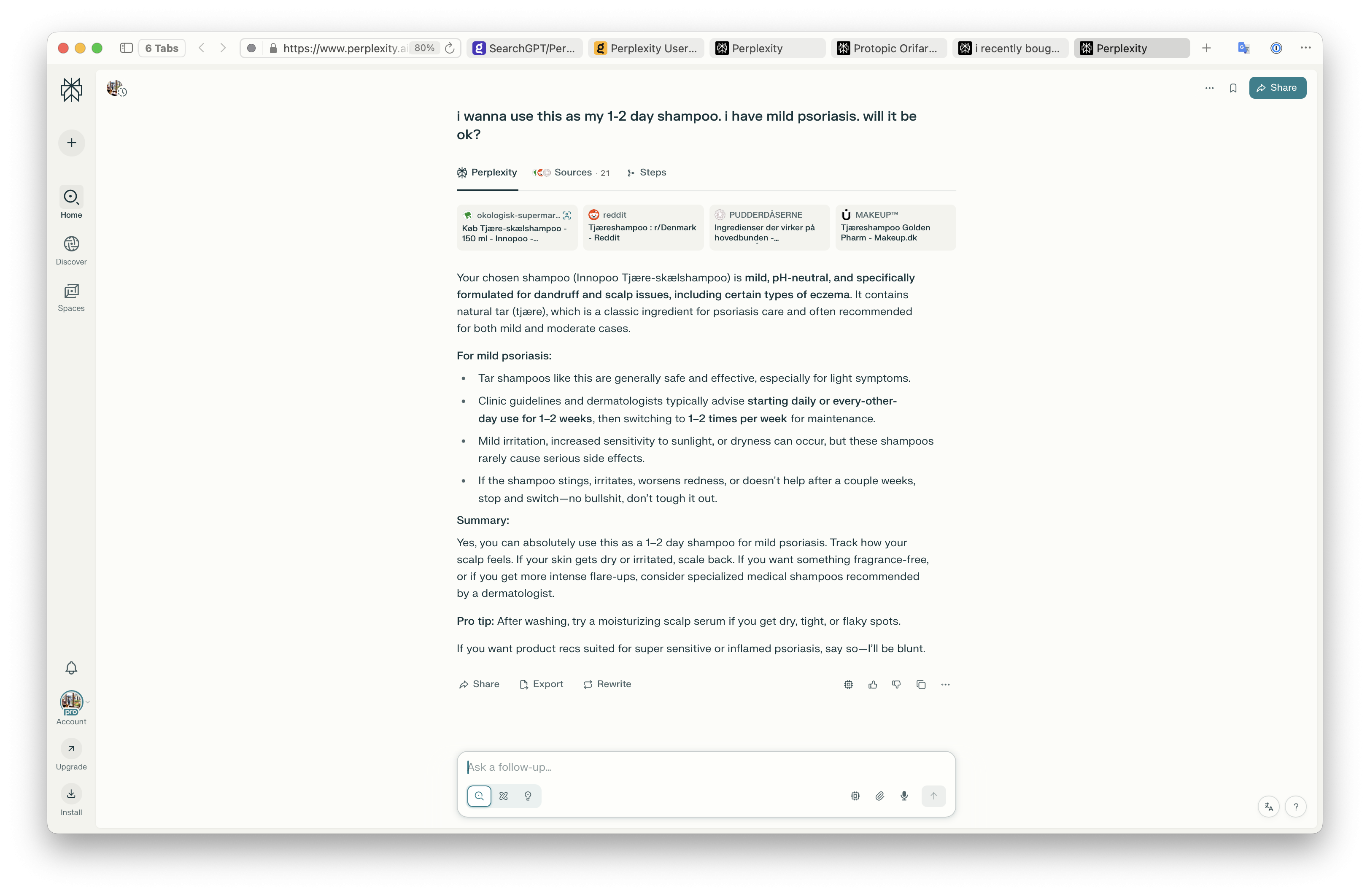
- Their UI is a combination of the assistant and the serp, which makes it feel closer to search than to assistant (while Kagi Assistant feels like chat that just happens to know how to search).
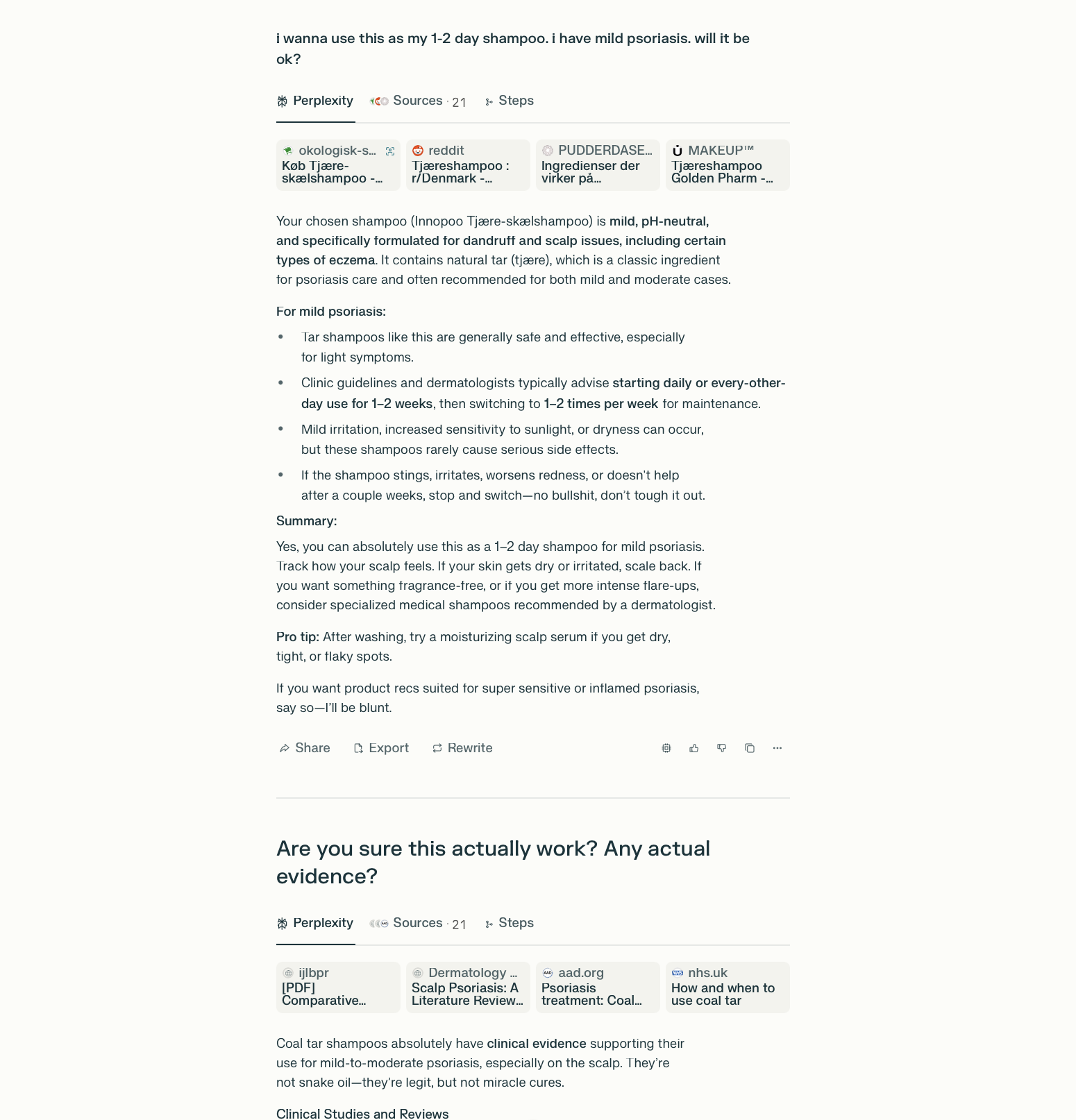
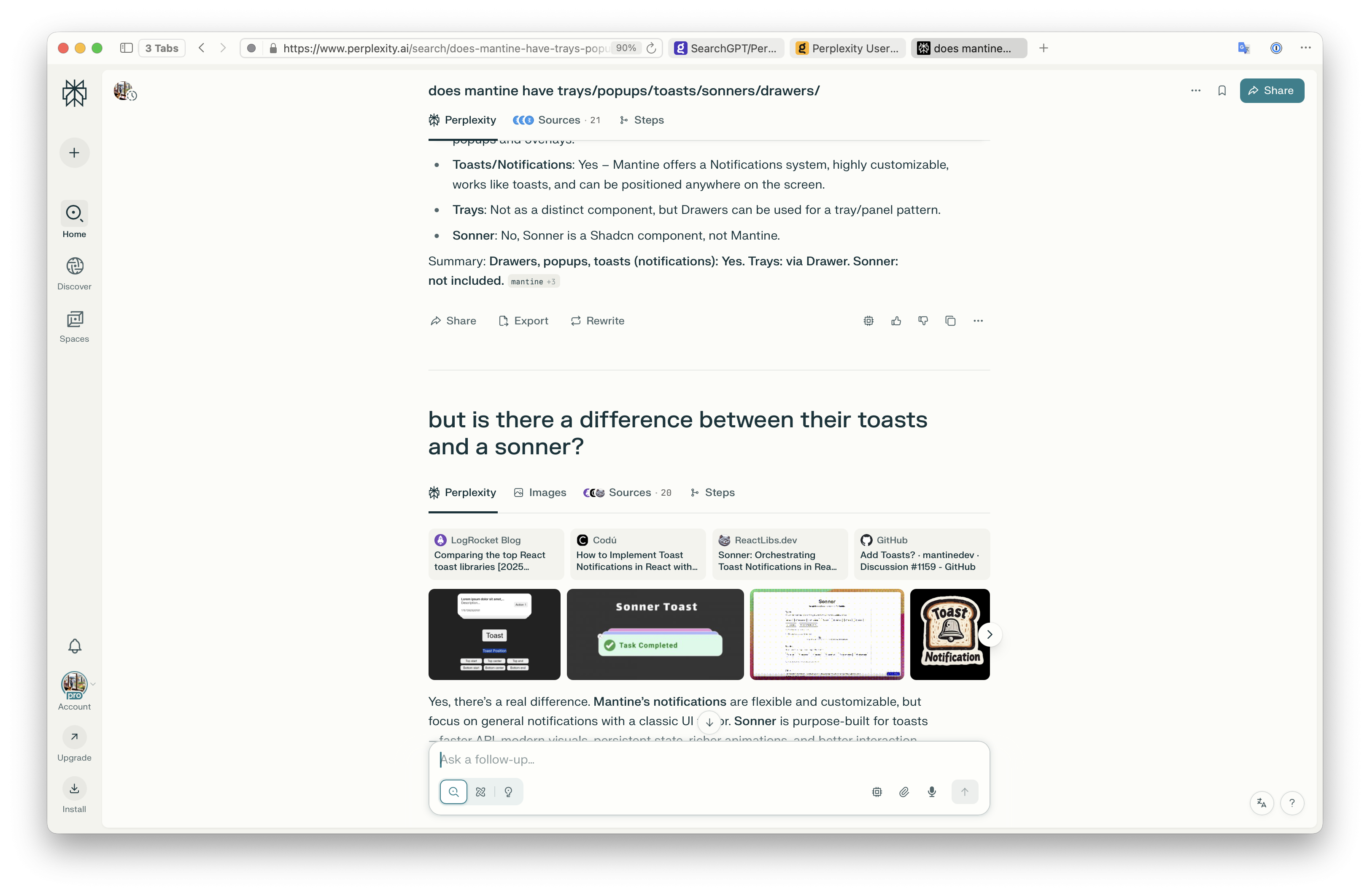
- Their UI has multiple tabs, presenting the user with a fairly standard serp functionality, augmented by the agent's analysis of the findings and intermixed with references, images, tables and other formatting.
- A tab exists for a list of actions taken, pages found and pages analyzed.
- The agent can take multiple actions if it decides to.
- Perplexity choses the "best model" for you, using their custom router, this allows them to use multiple models within the same conversation, and even whithin the same query/message. Similarly to what Cursor and Claude Code do.
- You are able to direct and filter the search scope, either through your words "check hackernews and smallweb", or by toggling 3 generic categories: web, academic, social.
- Spaces allow you to group searches into a common "folder", where each search thread is aware of any other, as well as any files uploaded to others within the folder, seemingly via a rag index. Which is ideal for project-specific productivity.
- Apart from the standard search mode, they also have a deep research and labs modes, which use thinking models
- You can save "skills", which are canned statements that you can use inside of the query, to make it perform a specific sort of research.
- They also expose an API and a MCP server, which became very popular with Claude Code and Cursor, as it allows these agents to use Perplexity's web search index in real time.
They still have their problems, for example not recognizing a query vs a question (which Dia does amazingly well), not displaying maps in their results, or the fact that they are very excited to "collect and sell crazy amounts of user data for hyper personalized ads"(CEO).
Now, while I am no expert, I can tell you my observations on how it seems to work. They have basically sat down, thought about how humans used Google, and had AI do the exact same sequence of actions for you:
- They analyze your question using a small extra fast model, to generate 1-3 google search queries (idk if they use google, i just find it easier to explain)
- They ask google those 1-3 searches in parallel and have the LLM filter them based on relevancy of the found snippets, into a list of 5-20 pages.
- The model then crafts an answer based on the 5-20 search results.
- Before the answer is accepted, it is validated again - perhaps the results have uncovered new information or better wording, or perhaps the question was vague, but now we know the technical term for what was asked - in such cases, a new search begins, with 1 new search query.
- At this point, we have everything we need to answer to the user.
- The agent will suggest 2-3 buttons with followup actions at the end of the result. User can either click them, or answer with "2" to trigger them.
- User can continue to ask followup questions. About the same topic, or even weaving other topics in the same conversation.
Important to remember is that:
- They use multiple models to do this, as speed and price is of the essence.
- The show you immediate search results at the top, while the agent works.
- They use parallel loading for separate parts of the ui - results, reasoning, answer, images, sources.
- They use tricks to not make you feel like you are waiting too long - displaying the current activity, preliminary answers etc.
- While the answer style can be personalized to make it more succinct (which I've immediately done), I've found them already significantly shorter than standard GPT, which is crucial, as nobody wants to read a novel instead of a serp page. The key is to balance the ux for speed the user percieves.
- You are able to easily search and filter past searches.
There is also the question of deeper integration. Not only does Kagi already have an amazing search mechanism, you also have the smallweb, and the maps, and an assistant that knows how to search, and a browser. You just need some UX...
Browser agents: Perplexity recently released Comet, which is their Dia competitor, which I've been testing for the past week to learn more about wtf the aim of these agentic browsers is. And while I still think its a gimmick, and rarely found any use for the browser agent, there were cases where it was helpful. Instead of copypasting a url into the search/chat, I'd ask it on the spot to clarify something. Perhaps the most useful examples were where explaining the question to google would have been impossible, but thanks to seeing the page, the agent could do followup web searches to find an answer:
Just last week i was on Rejsekort website (public transportation authority in Copenhagen), and saw (in danish) that they intend to phase out physical cards in 2026. The page specified that passengers should download an app. The app did not offer commuter passes, just one-off tickets. I was lost. Then I just asked the on-page agent "they are removing plastic, but the app they mention doesn't have commuter passes wtf" and it performed 3 searches, and found that there is a separate app (idiotic, i know) for commuter passes, and also found on reddit that nfc will also be available starting in february. Then i asked it why a separate app, and it found a news article with an interview that explains it. The article mentioned that they also need to replace the physical card check-in stations, so I asked it why, aren't the cards NFC, and it did another search to find a reddit page leading to a documentation page, explaining that it is similar but pre-NFC as they've been designed in 1996 and the standard did not exist yet.
Imagine doing that with google or kagi. It would take me 5 min just to make up my mind on how should I craft the queries.
Here are a couple of example screenshots from various searches in my history that I hope could be useful to illustrate...