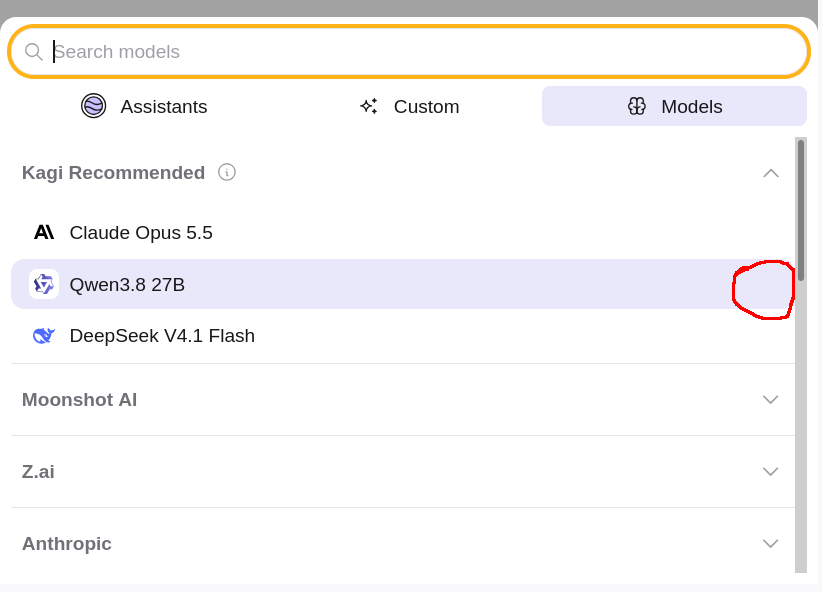
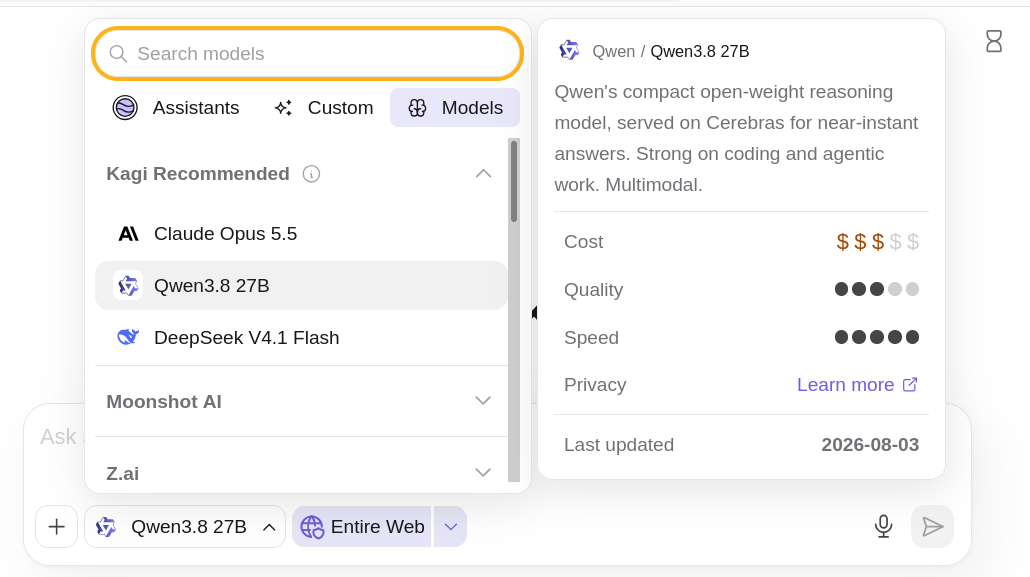
With a viewport width of at least 1024 pixels, the model picker shows a helpful on-hover box showing information about the model. The div class is "info-box-container".
The problem is the UI never surfaces this information on viewports under 1024 pixels. Nothing on click or hover.
(This is not limited to mobile devices: I often use tall, narrow viewports on desktop, via PaperWM. These windows get the 'mobile' layout.)
This may sound like a nitpick, but the result was that I missed out on helpful information (e.g. model last updated date) for a while.
Suggested fix: on narrow viewports, show a clickable info-circle on the right side of each selector row (i.e. model option). When clicked, it displays a pop-over with the same contents that wider viewports see on hover.