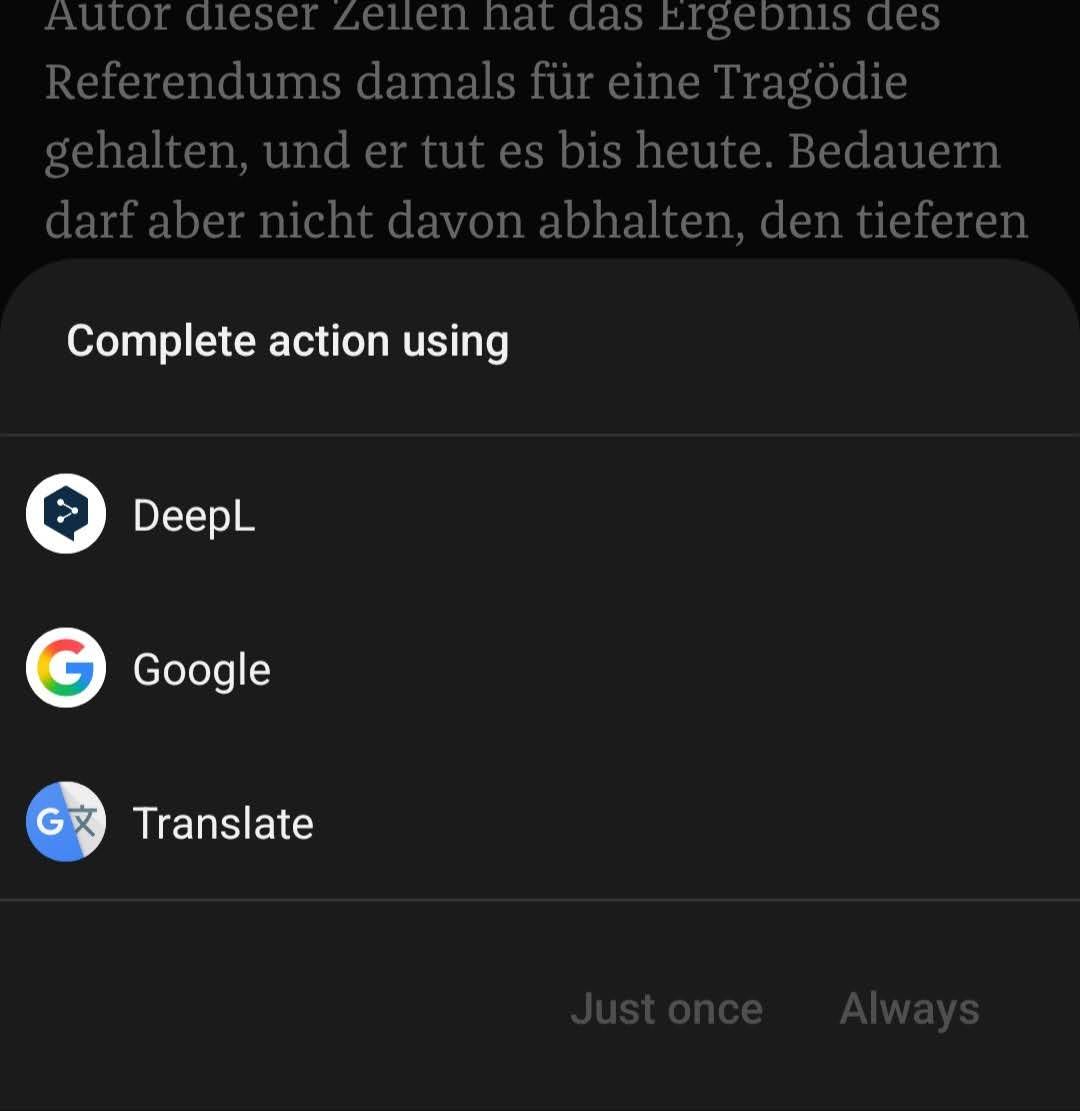
Not sure if this is a feature request or a bug report, but... On Android, long-pressing a word or selecting text shows a toolbar with a "Translate" button. Tapping it opens a "Complete action using" chooser listing apps that handle the system translate intent (on my device: DeepL, Google, Google Translate).
Kagi Translate unfortunately is not listed, so it can not be set as the default translator for selected text.
Kagi Translate currently only appears via the overflow menu, i.e. through the generic text-processing action. Please also register the app for the translate action that the selection toolbar's "Translate" button fires (android.intent.action.TRANSLATE, with the selected text passed as extra), so it shows up in that chooser and then can be set as "Always".
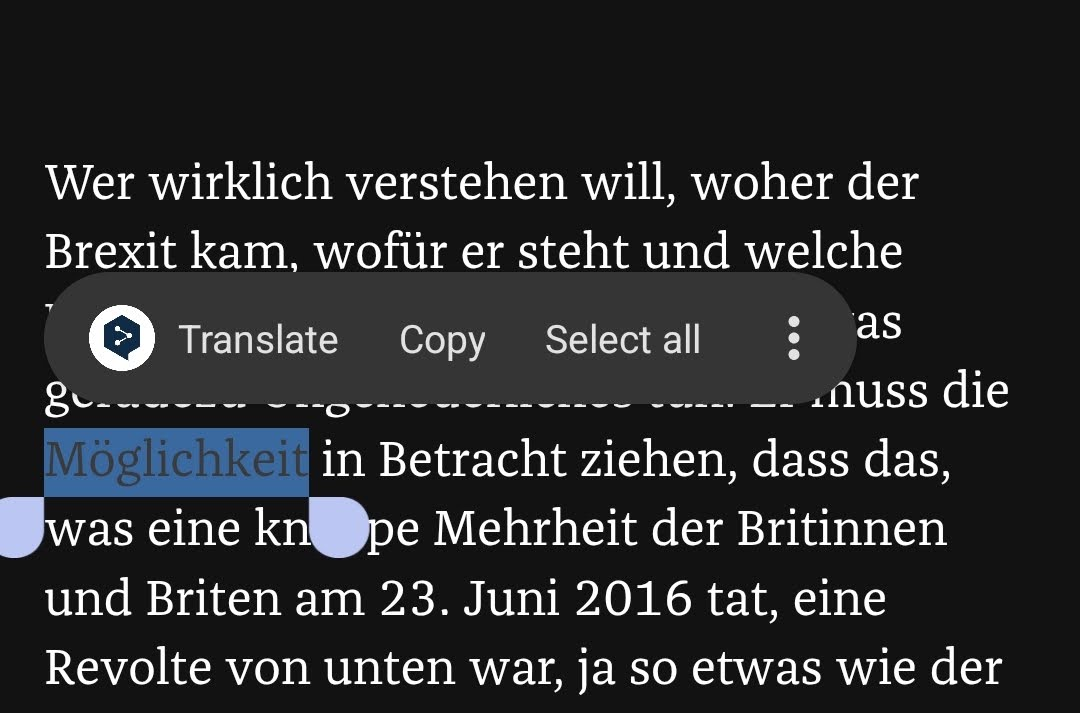
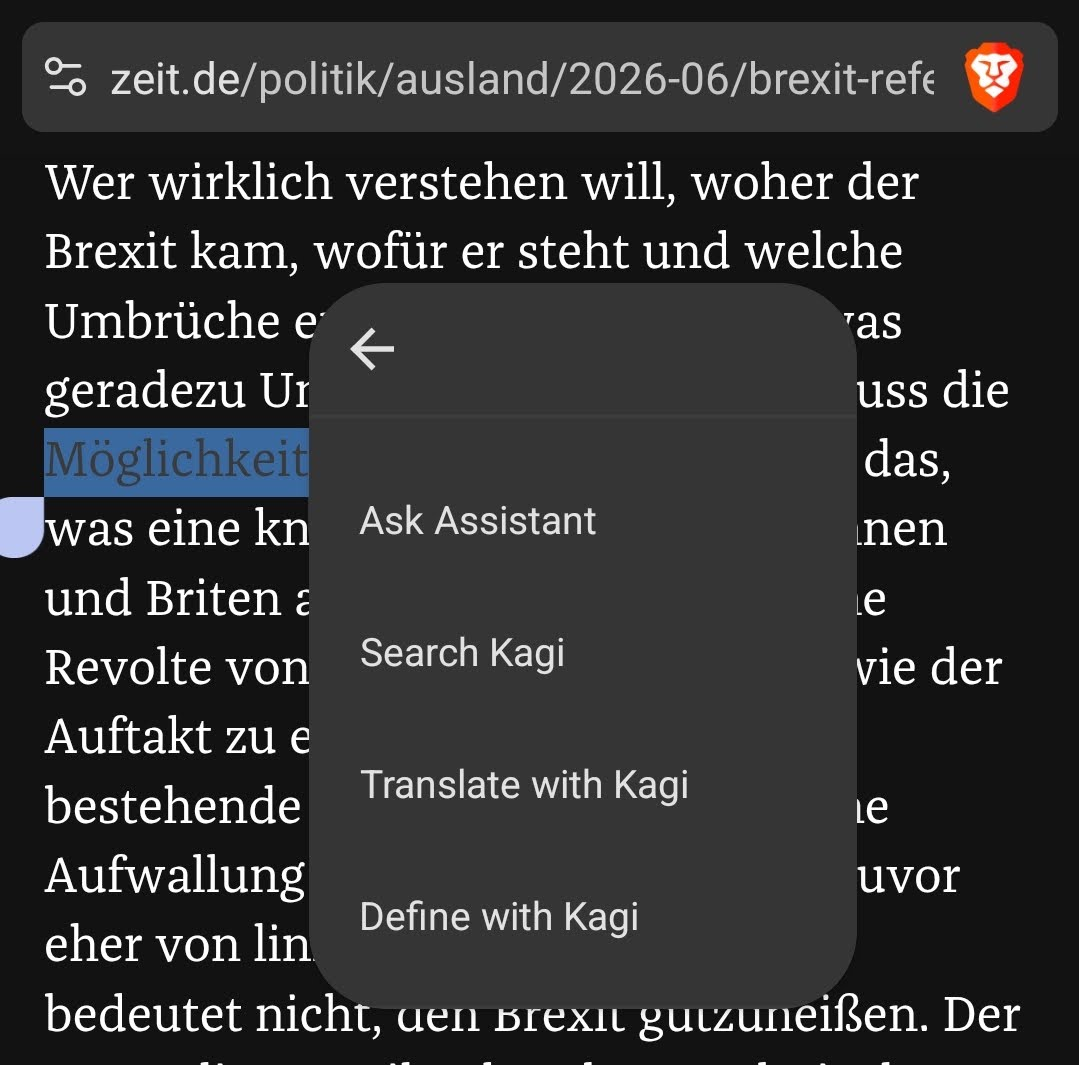
- Select text in any app (Brave, Chrome, a messaging app).
- Tap "Translate" in the selection toolbar.
- Choose Kagi Translate and tap "Always".
From then on, every "Translate" tap opens the selection directly in Kagi Translate, one tap instead of three, and no need to route through DeepL or Google.
DeepL and Google Translate both implement this, the attached screenshot shows the chooser without Kagi.