The widget for the Kagi search app recently changed, removing the Kagi Assistant button that previously occupied the second row.
The previous layout provided quick access to both search and Assistant within a single home screen widget. The separate Kagi Assistant app widget provides a different layout that does not fit my user workflows as effectively.
Restore the previous widget configuration with the Assistant button on the second row, or offer multiple layout options.
Restoring the Kagi Assistant shortcut button to the second row of the main Kagi search app widget. This layout allows users to access both search and Assistant from a single home screen widget without switching to a separate app or widget layout.
Unfortunately I don't have an image of the old look only the new look.
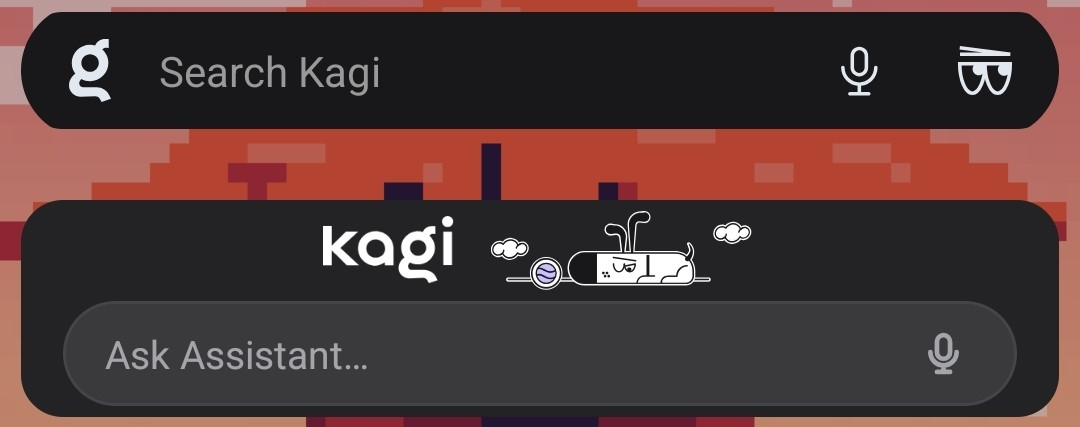
Users place the Kagi search widget on their mobile home screen. Tapping the search bar executes a web search, while tapping the second-row Assistant button opens the AI assistant directly. This integrates both primary tools into one interface.
