I am trying to log into the Kagi app on Android using Google SSO but it does not work as expected.
Steps:
- Press “Log in”
- Tap the Google logo
Expected result: standard Google pop up asking me to select my existing account and confirm.
Actual result: Google’s login page asking me enter my email and complete authentication.
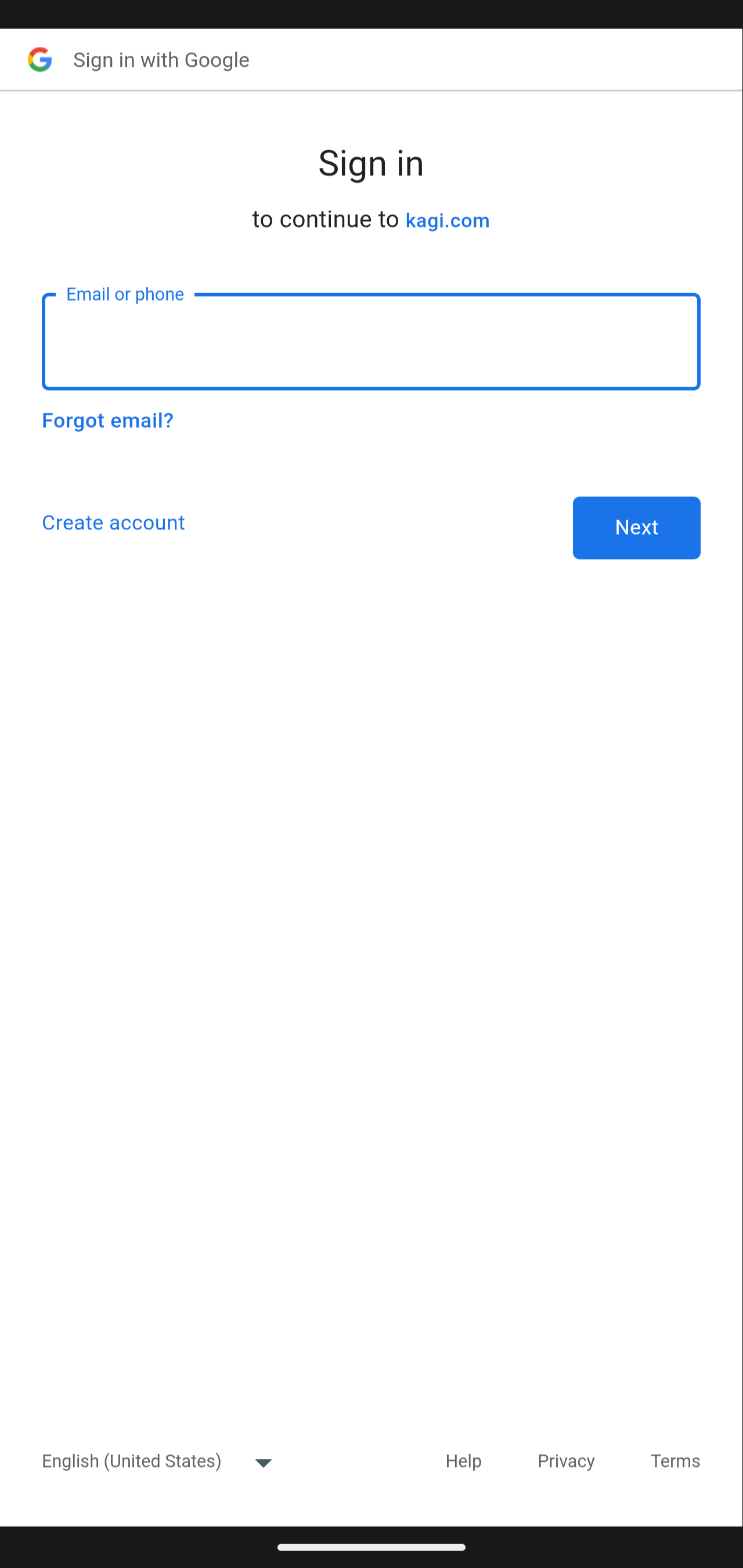
Naturally, I am already logged into my Google account, both in the Android system, and in Firefox (which is my default web browser / web view), so it appears that the app is using yet another web view integrated directly into it?
This is a major inconvenience, since signing into my Google account requires quite a bit of work (this being probably the single most sensitive account I have) and also this session will probably keep hanging as a separate “device” in my Google account. All (well, almost all) other apps work as expected.
The Google SSO login in the Kagi app should work the same as all other apps: just use my Google account from the Android system.
