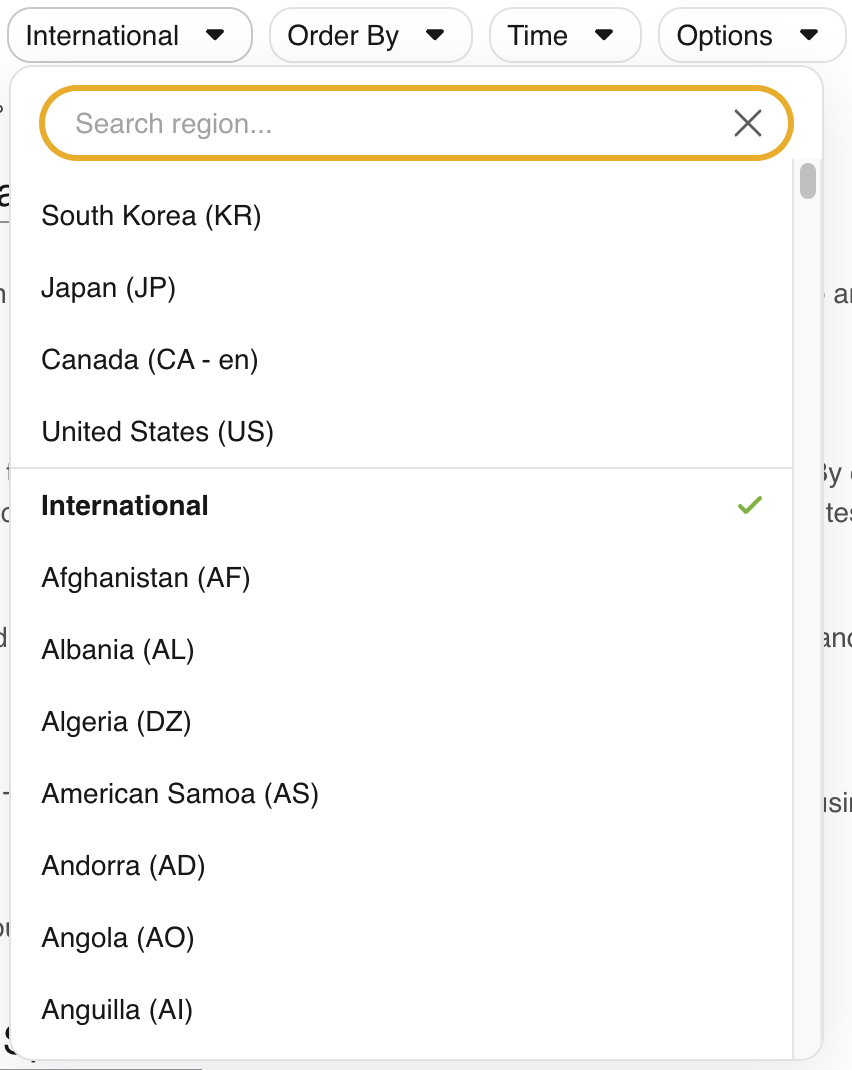
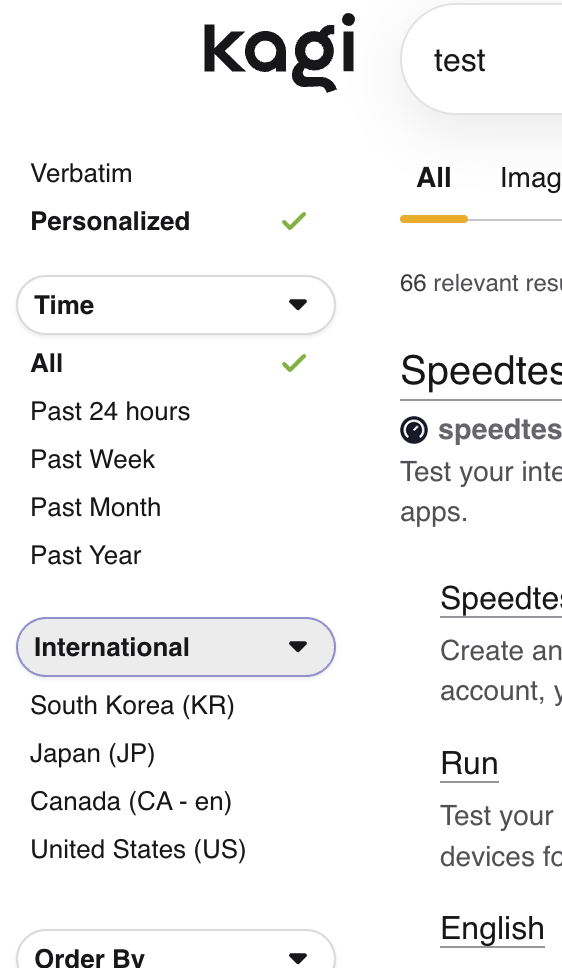
The region popup menu contains the four most recently used regions. It is not possible to control the items in this list in two specific ways:
- Cannot add
International to MRU list.
- Cannot delete items from MRU list.
Steps to replicate:
- Go to https://kagi.com/search
- Select 4 different regions to populate region MRU list
- Try to delete one of the items in the MRU list so there are only 3 items.
- Try to add
International as one of the MRU items
- I should be able to remove regions I just needed to use once.
- I should be able to add
International as one of the MRU regions.
The MRU region list works great as long as you never select more than 3 different regions. Then international is included as one of the MRU regions.
Context:
- I added a 4th region while testing/developing Kagi custom css for a sidebar
- The MRU list becomes more important because the regions exposed in the sidebar are the MRU regions.
- I would like to be able to pick which regions are in the MRU list.
- Perhaps the concept of "pinning" regions to the top would give users more control.