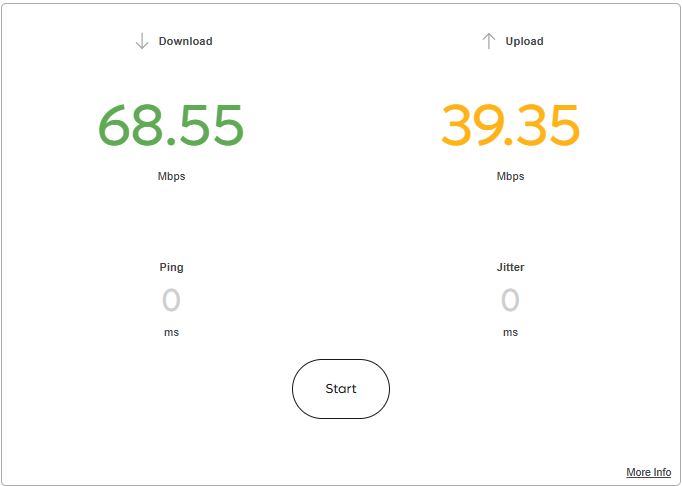
Steps to reproduce:
- Go to Speedtest Widget. https://kagi.com/search?q=speedtest
- Press "Start" to begin measurement.
- Press "Stop Test" while measuring the download speed.
- Wait a bit(for download and upload background tasks finished I suppose)
- Upload speed value appeared on widget
Debug info:
Google Chrome desktop on Windows 11
Also Safari on iPhone 13 pro iOS 26.3.1
Expected behavior:
Pressing "Stop test" button fully cancel test, including any file transfers and background measurements.