Hi! I use Kagi translate to translate full webpages and it's extremely helpful. However, I translate from left to right languages (English) to right to left (Hebrew, Arabic), and the punctuation and spacing is now incorrect!
Replication steps:
Go to cnn.com, and open the first article. Click on the Kagi Translate chrome extension and click translate page. Translate the page to hebrew or arabic. View the article.
The fix would be to flip the alignment when translating from LTR to RTL and vice-versa.
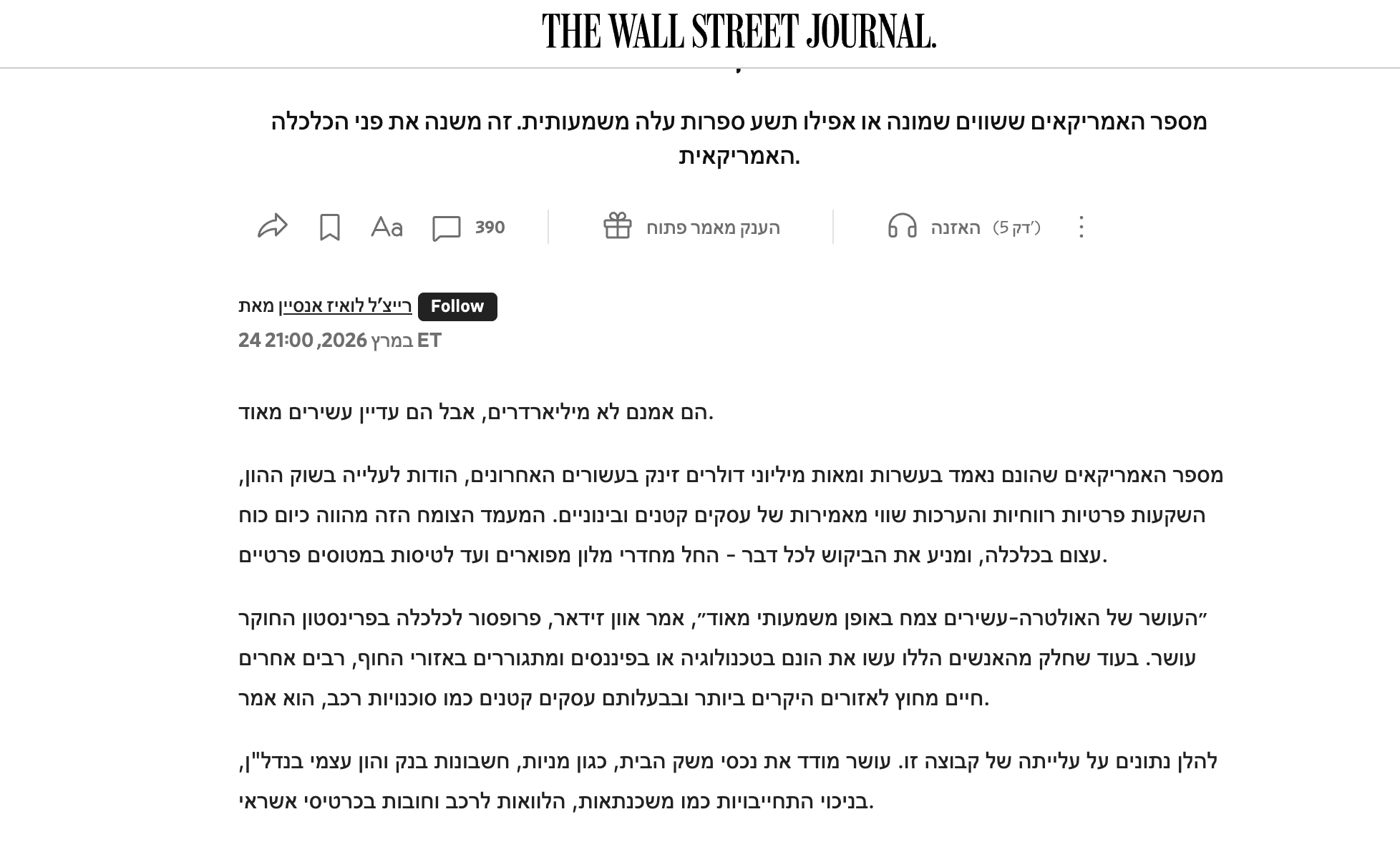
I expected the punctuation and spacing to flip to right to left, which would flip if the alignment is changed.
