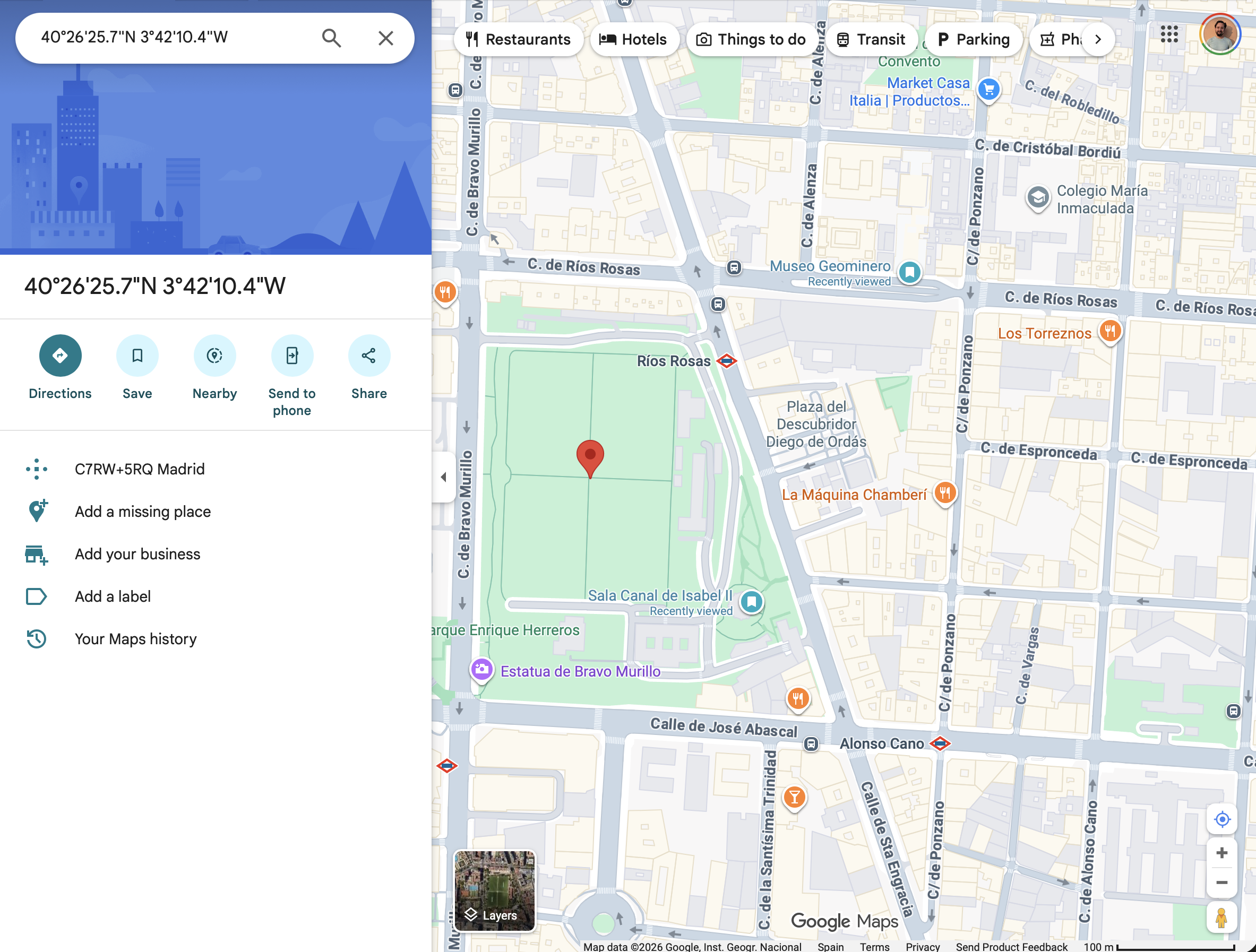
Hey folks, when I try to share a point from maps.kagi.com, it doesn't seem actually show the target point at all? 😅
I created the link like this:
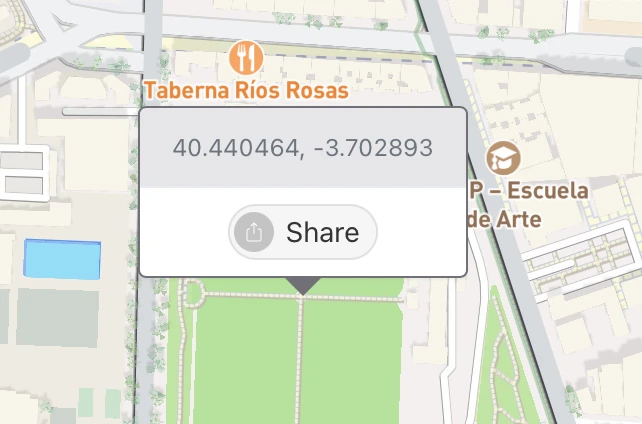
Then visited it in a new tab:
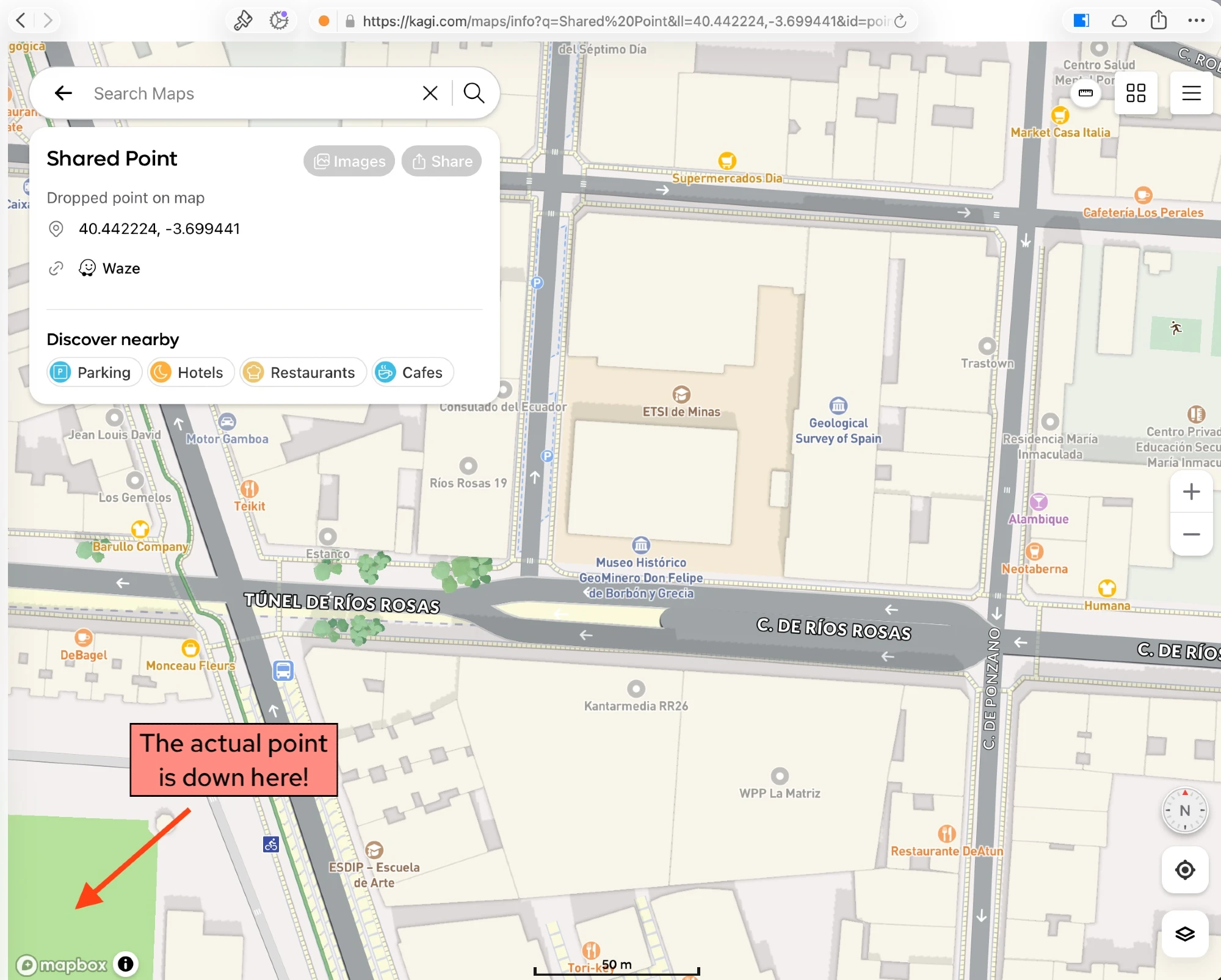
- there's no 'pin' on the map to show the target
- the target point isn't actually on the screen (this time, though other times it can be)
It seems like the URL (see below) has three copies of my lat/long (40.440464, -3.702893), but two of them are wrong 😅 (40.442224,-3.699441 instead)
https://kagi.com/maps/info?q=Shared%20Point&ll=40.442224,-3.699441&id=point_40.440464_-3.702893#15.408/40.442224/-3.699441
I'd like to see the produced URL to take the recipient to a map page that:
- A pin of some kind, clearly showing the referenced point
- That pin at the centre of the map
- (Ideally) a nice short URL, with only one copy of the lat/long in it (so I can make them myself 😉)
- (Ideally) an optional way of naming the pin — even if it's only be editing the URL, eg. "Meet here" or "Birthday Party here"
- (Ideally) a way to prevent any other overlays on the page, at least initially (Google has an overlay taking up half the screen that you can't dismiss without removing the point)