I'm seeing that the Firefox browser extension doesn't automatically log me in in Private Browsing sessions, despite it being installed and working fine in normal usage.
Looks like a few other people may have this problem: https://addons.mozilla.org/en-US/firefox/addon/kagi-search-for-firefox/reviews/
Long-standing issue for me on this laptop, but not my other similar laptop. 🤷♂️ Current versions:
macOS 26.3.1
Firefox 148.0.2
Kagi extension 0.7.6
Have just tried:
- Uninstall the extension and restart Firefox
- Set DuckDuckGo as default search engine
- Install the extension
- Approve prompt to change default search engine to Kagi
- Open extension settings:
- Approve "run in private windows"
- Approve "run on sites with restrictions" (doubt this matters here though)
- ⌘+⇧+P to open private window
- ⌘+K "test" ↵
- See "Welcome back" page with QR code and login form
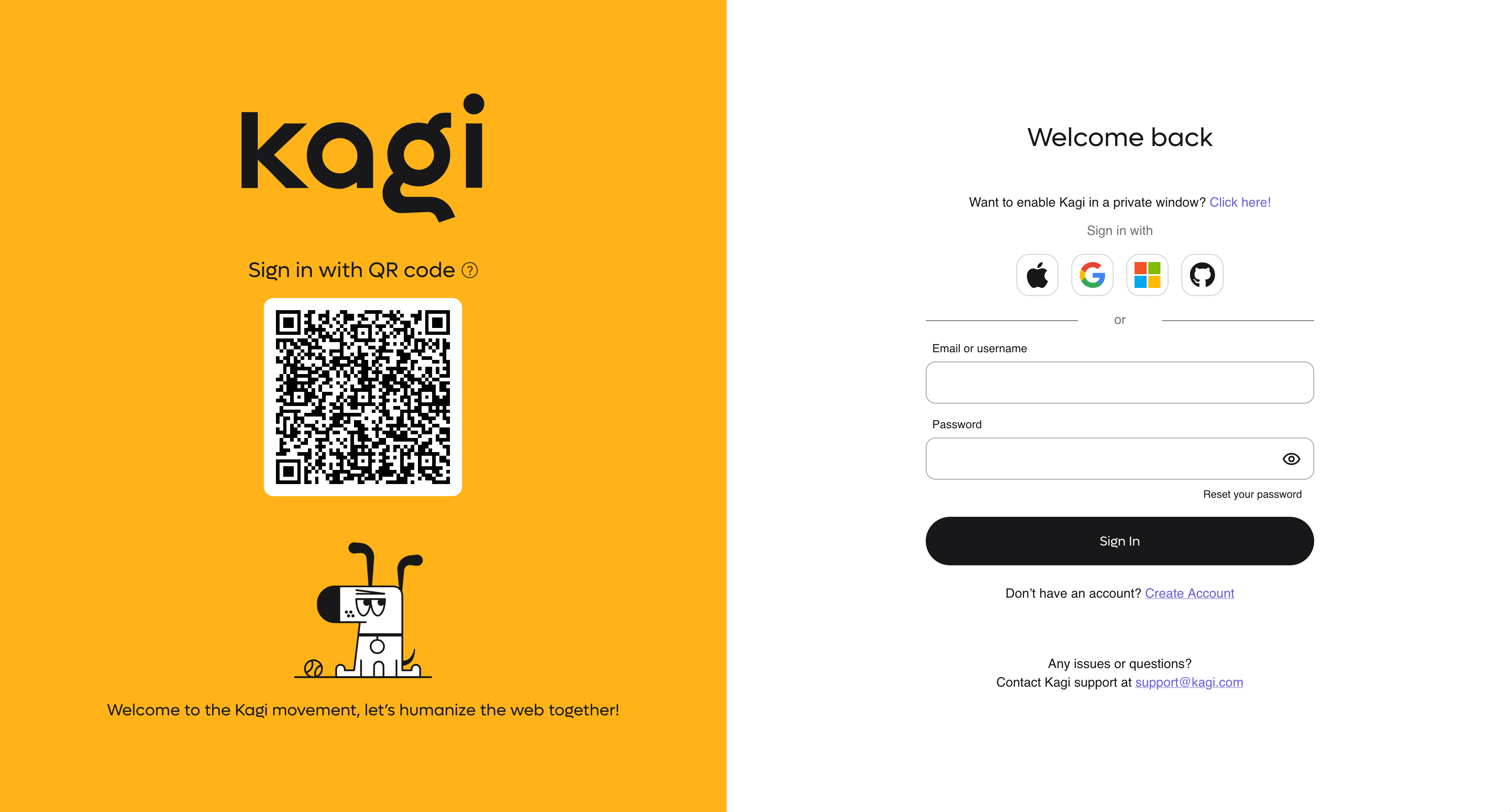
Search in a private window should do the search rather than presenting a login screen 🙂
