Currently, when uploading an image to Assistant, once sent there is no way to view/enlarge the image.
Over the course of my studies I use Assistant to OCR relevant text for my notes, or to ask a question regarding the text. Once a message with an image is sent, clicking on the image has no effect. I've verified this is the case on desktop (Firefox 148.0 aarch64), and mobile (iOS 26.3 Safari). This wouldn't have any negative effect to workflow as images are currently shown in the same 84x84 preview across all chats, no matter the initial size of the image. This would just allow for clicking/pressing the image to restore it to full size, improving usability.
Here is one example of an image I've recent uploaded: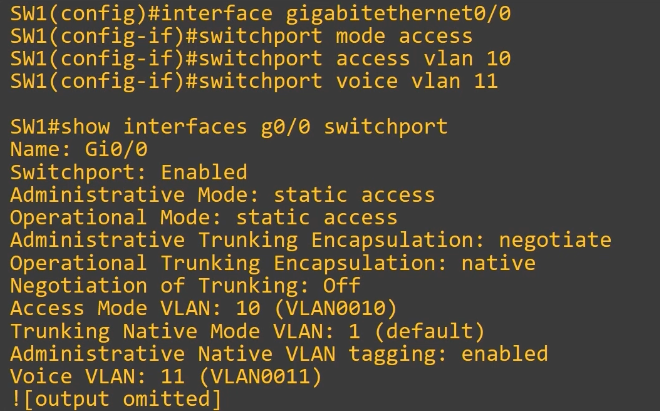
Being able zoom the image to refer to it at a later time is not only useful in general, but it's critical to be able to verify the OCR processed the text correctly.
